The engine, one piece at a time
Every example teaches exactly one thing and runs right here. Edit it and you see the result immediately; the editor knows the API of whichever version you pick, so it completes as you type and underlines mistakes before you run anything.
Sprites and 2D
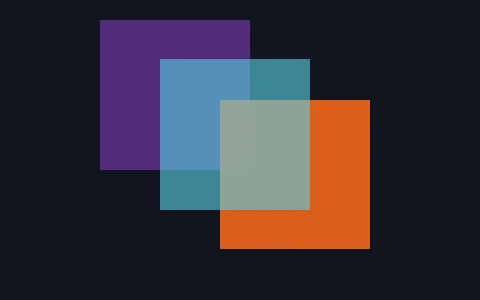 Layering and alphaThere is no depth buffer in 2D, so draw order is layering. Sprites carry a zIndex and the renderer sorts by it every frame.
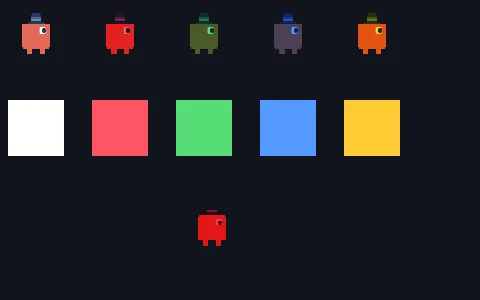 Tint and colourA sprite's tint is multiplied into its picture every frame: the basis for hit flashes and fades.
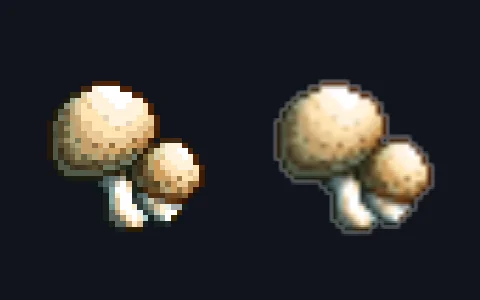 Pixel artThe smooth option picks crisp or linear filtering: hard pixels when a retro sprite is scaled up.
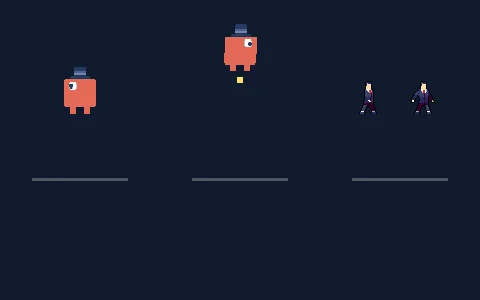 Sprite featuresflipX mirrors it, anchor moves the pivot, and an atlas shows only part of the picture.
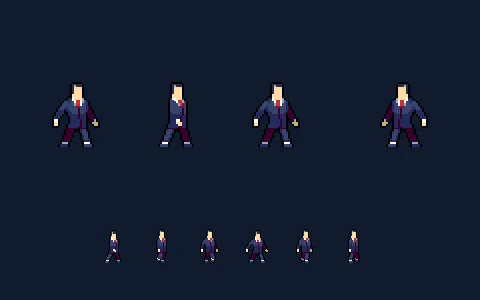 Sprite animationFrame animation from an atlas, as a grid or as named rectangles, with looping and one-shot clips.
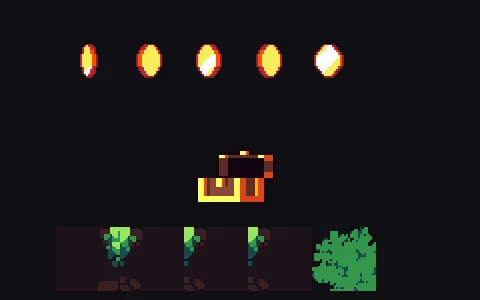 Atlas as a fileAn atlas authored as an .atlas file: the texture, how it is sliced and its named sequences, in one resource.
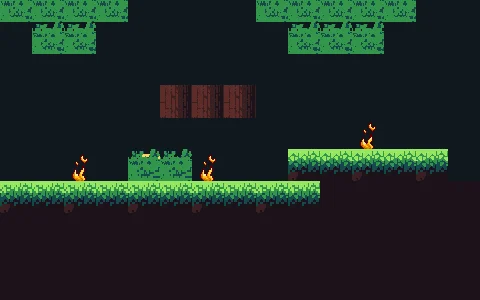 TilemapA whole level from one .tilemap file: layers either side of the characters, one draw call each, tiles that cycle and tiles that break.
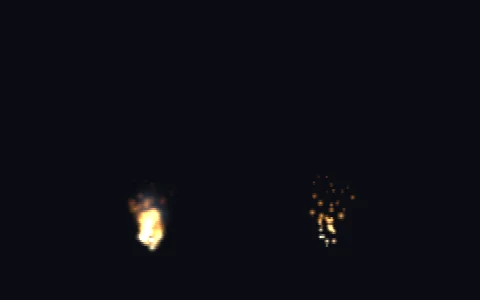 ParticlesA particle pool simulated on the CPU and drawn at once per emitter: fire, smoke and a burst on every click.
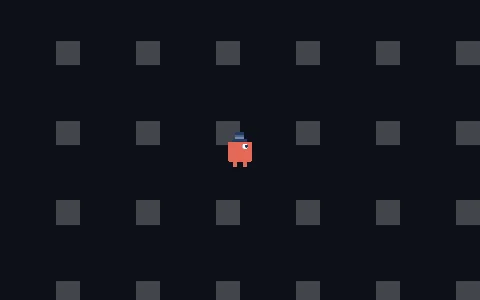 Camera followA 2D camera tracking a moving target by moving its position every frame.
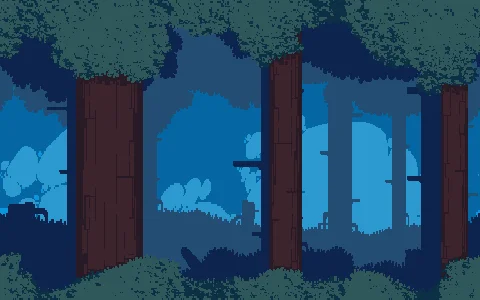 ParallaxFive forest layers, each at its own speed: the 16-bit depth illusion.
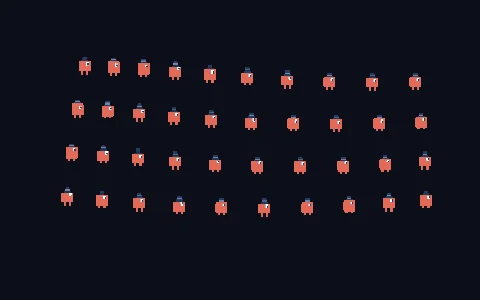 FormationForty sprites sharing one texture, placed and animated as one group.
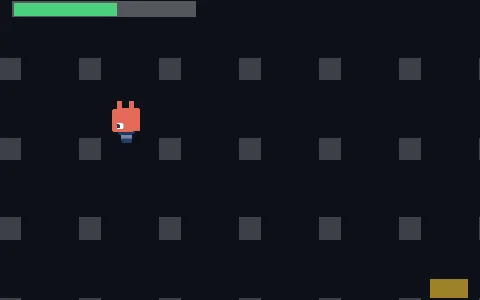 Camera and HUDA 2D camera scrolls the world while useScreenSpace nails the HUD to the screen: one scene, two spaces.
 Tweens and easinguseTween carries a value from one place to another through a curve, with delay, repeat and yoyo.
 Tween controlStarting a tween hands back its controls: pause it, resume it, cancel it or send it to the end.
 Hello worldThe smallest possible game: a canvas, a background colour and the loop running.
 SpritesEvery sprite is drawn as a textured quad; one with no texture is drawn as a plain coloured quad.
 BunnymarkThe classic stress test: hundreds of sprites bouncing at once to gauge how much the 2D path can take.
 Texture loadinguseLoadTexture hands the texture back at once and fills it in when the image arrives: sprites pop in as they land.
 TransformPosition, rotation and scale on the sprite's transform. Rotation and scale pivot on its centre, so it spins where it stands.
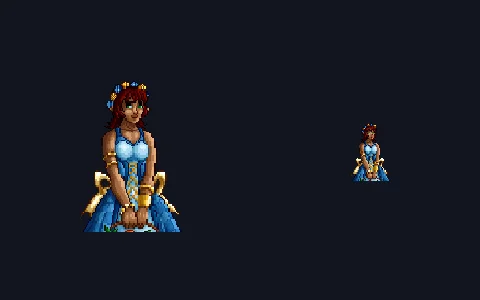 Auto sizeWith no width or height, a sprite takes its texture’s natural size as soon as it loads.
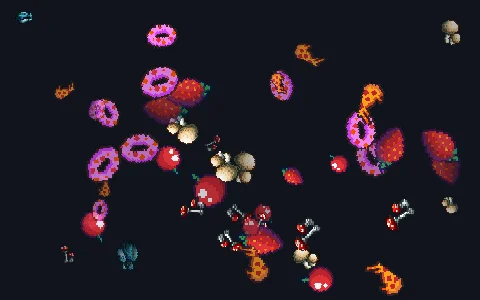 Random scatteruseRandom is the game's seeded generator: with the same seed, the same scatter on every run.
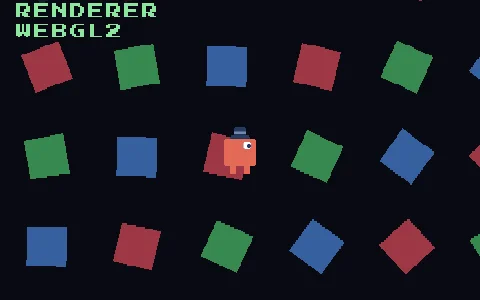 RenderersThe engine ships WebGPU and WebGL2, and the game never learns which one draws. Switch RENDERER and everything comes out the same.
Meshes and 3D
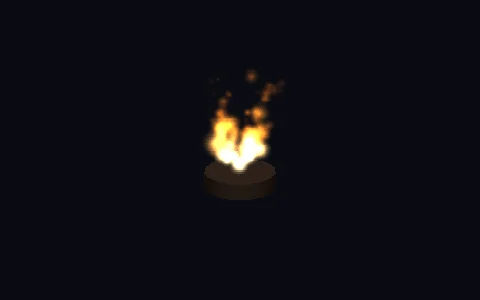 Particles 3DThe same particle pool, drawn as squares that face the camera, in world units.
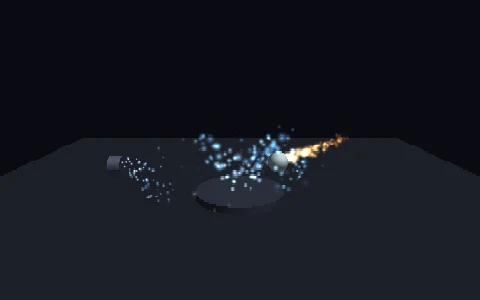 Particles in spaceA geyser and dust from their own files, one bent by the box it hangs from, and an orb whose aura travels with it while its trail is left behind.
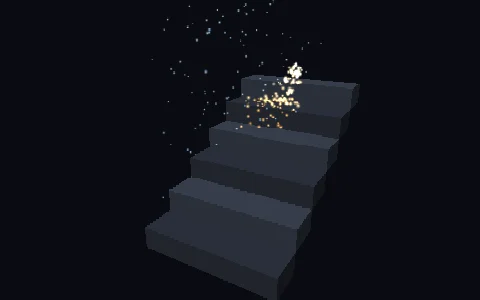 Particles on stairsSparks bounce down a staircase and rain ends on it: each step carries a particle collider.
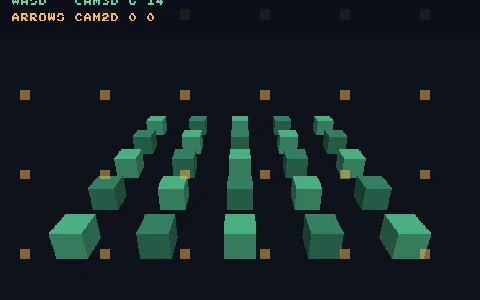 Two camerasThe 2D and 3D layers look through different cameras: WASD moves one, the arrows the other, and neither disturbs the other layer.
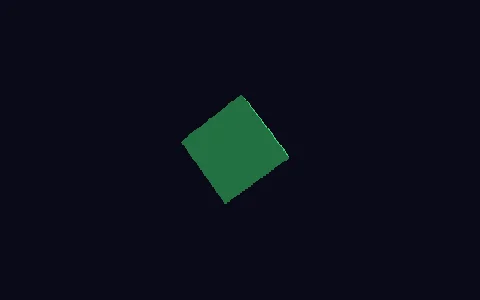 A cubeA model is a shape, a place and a surface. The light is worked out at the corners and smeared across each face, as the consoles of the era did.
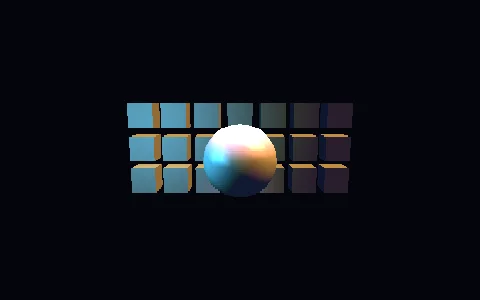 LightingThree kinds of light: a sun with a direction and no place, a lamp that fades with distance, and a torch narrowed to a cone.
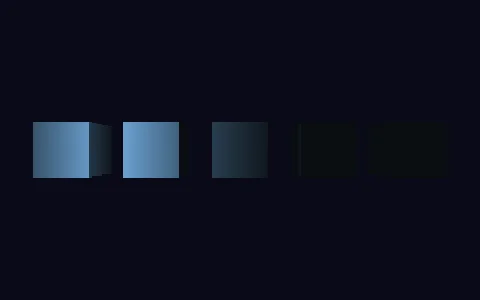 Point lightusePointLight is a bulb: it has a place and fades with distance. Sweeping past a row of cubes, each one brightens and dims.
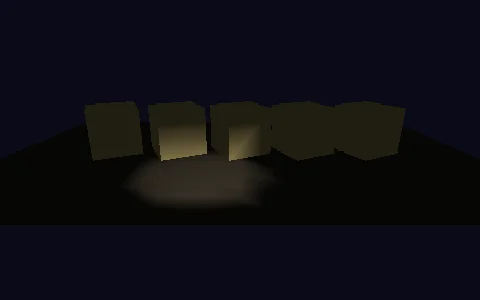 Spot lightuseSpotLight is a point light narrowed to a cone, sweeping a row of cubes on a floor.
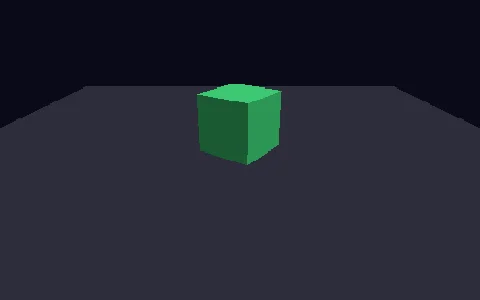 3D floorusePlaneGeometry as a ground plane under a cube, with the camera raised and pitched down so the plane is visible.
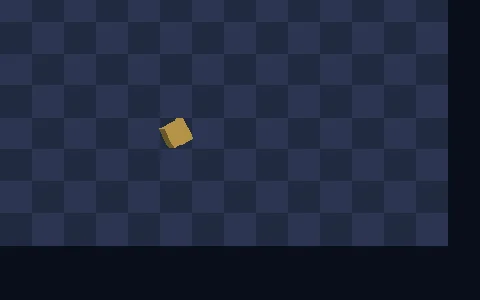 Pixels and piecesAn orthographic 3D camera measures in the same pixels a sprite does, so a 3D piece can stand on a 2D tile.
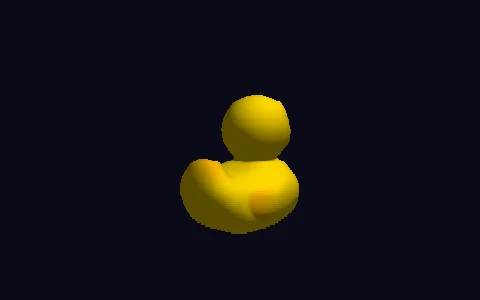 glTF modeluseLoadGltf hands the model back at once, still loading, and createModel puts it in the scene: it appears by itself when the file arrives.
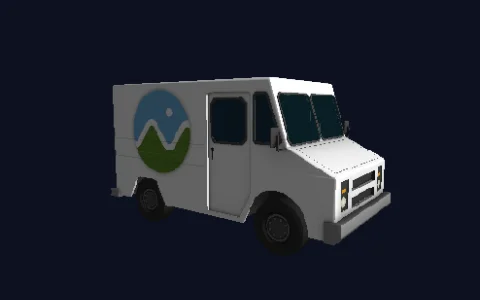 A model and its partsThis truck is five parts: a wheel on each side and a body that is paint, glass and trim. One placement moves them all.
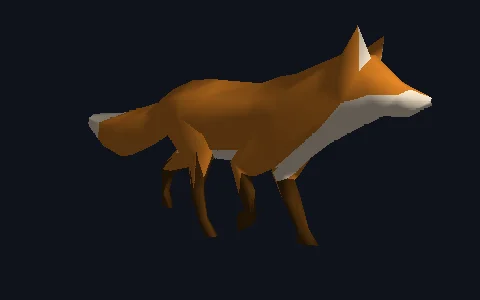 BonesA rigged model is a skin over bones: a fox that surveys, walks and runs, easing between movements at the joints.
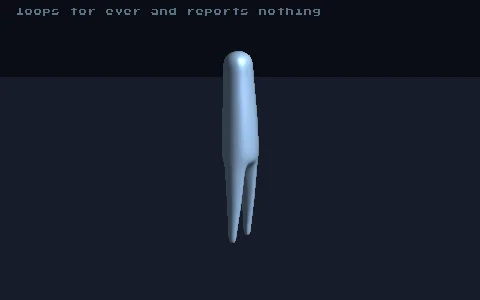 FlatwoodA creature animated by hand in one .glb with eleven bones and four movements. Three loop; the fourth ends, and onEnd is told when it gets there.
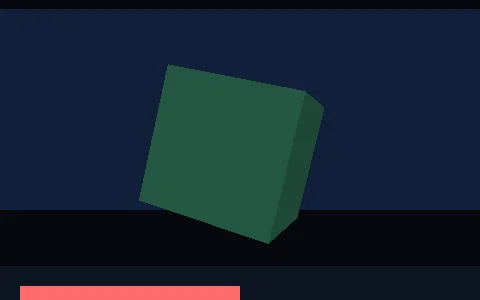 2D and 3DBoth halves in one scene, sorted by the same zIndex: a sprite behind the model and a panel in front.
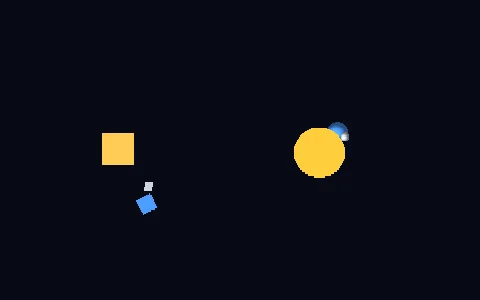 HierarchyThe same three levels in flat pixels and in three dimensions: the moon only knows how far it is from its planet.
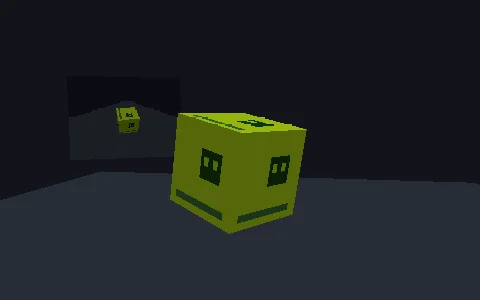 2D inside 3DcreateSpriteTexture draws a whole component into a picture every frame and a model shows it: the screen of a handheld.
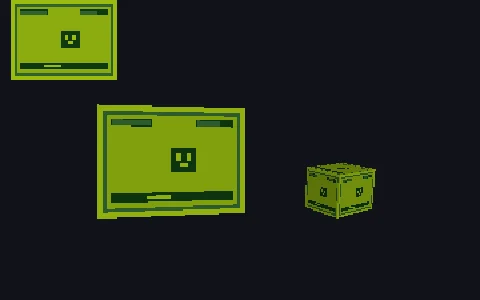 A 2D game on a 3D screenA mini 2D game written as ordinary components, knowing nothing about where it is shown, drawn on a panel's screen and a box's skin.
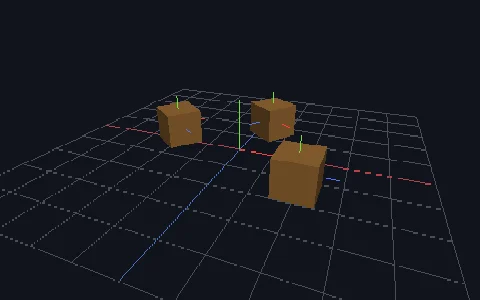 Debug lines and pickingA grid, the axes and a gizmo on each crate, and the pointer turned into a ray that places a cross on the floor and picks crates.
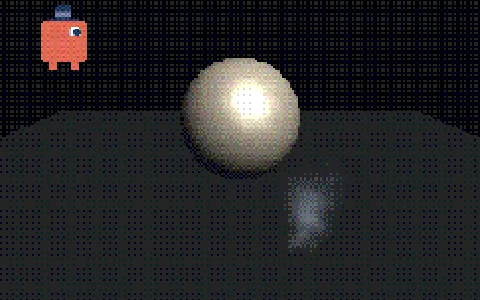 WebGPU vs WebGL2The same scene, two games, two renderers, side by side. The scene never learns which one draws it.
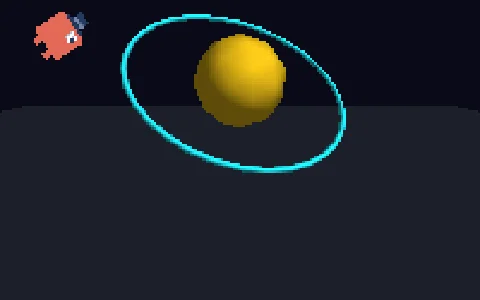 Pixel ratioThe same scene at pixelRatio 1, 2 and the screen's own: finer 3D edges on dense screens, and a sprite showing why pixel art stays at 1.
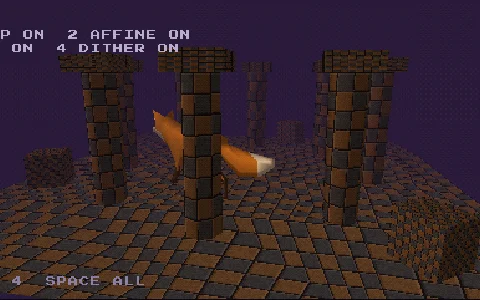 1997Every PlayStation trait at once: shivering vertices, affine textures, fog and dithering. Switch them off to see the same scene today.
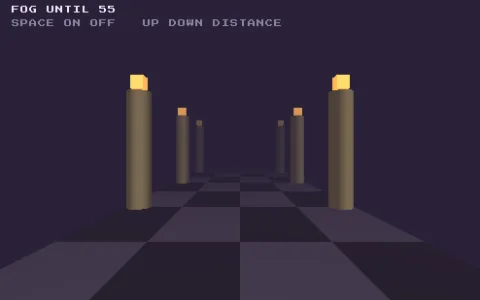 FoguseFog: models fade into a colour as they get further from the camera, the Nintendo 64's signature and the classic way to hide where the world ends.
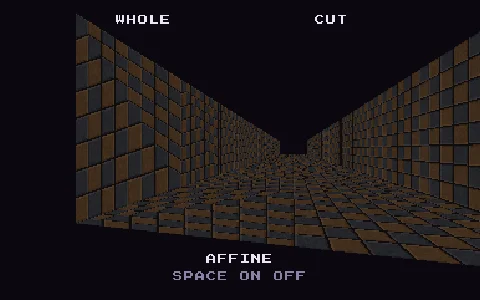 Affine texturesThe PlayStation's swimming textures: with affine, the picture is stretched straight across the screen without correcting for depth.
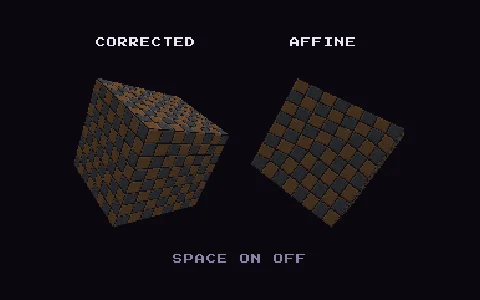 Affine cubeTwo cubes turning with the same picture: the right one is affine, and its picture bends and swims like on a PlayStation.
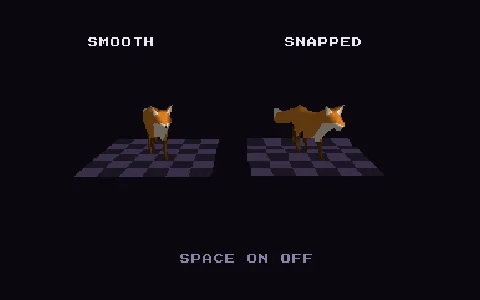 Vertex snappingThe PlayStation shiver: with vertexSnap, corners land on a coarse grid of the screen and models jump as they move.
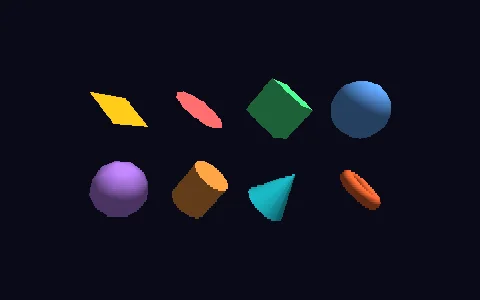 PrimitivesEight shapes built in code rather than loaded: Blender's Add Mesh set minus the monkey.
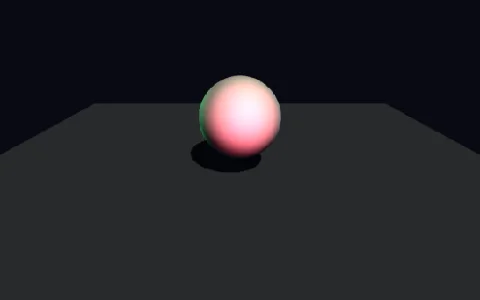 Many lightsUp to eight lights at once, the era's ceiling. Only one casts a shadow, and the others keep lighting inside it.
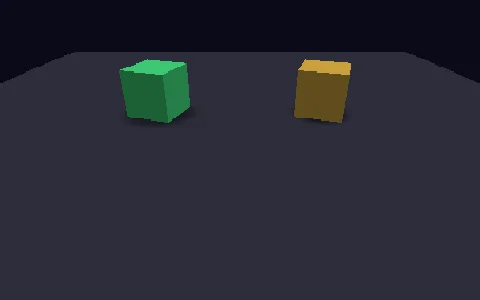 Blob shadowuseBlobShadow puts a soft dark disc under something: the cheap shadow the era’s consoles actually used.
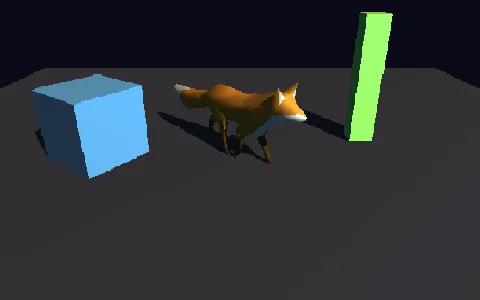 Cast shadowsA light with castShadow throws the shape of things onto what is behind them; the fox casts the pose it is in.
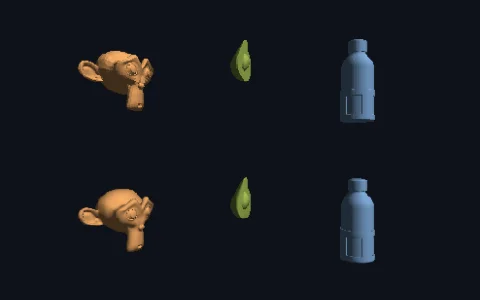 Flat vs smooth shadingHow a model’s surface faces decides whether it reads as carved or moulded: flat on top, smooth below.
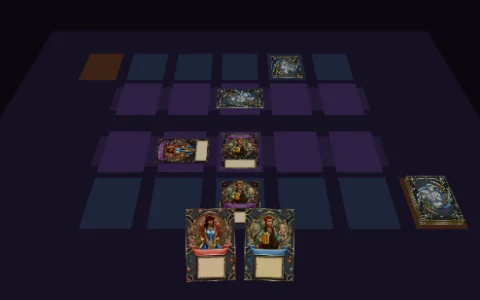 Card duelCard-game style 3D cards: drawn, summoned face up, set face down and sideways, and flipped.
Input
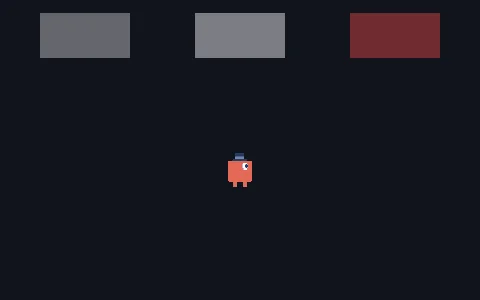 Keyboard and pointeruseKeyboard to move a sprite, and three ways to give a sprite its pointer events.
- GamepadA pad tester: every button, trigger and stick at once, plus rumble. Needs a controller.
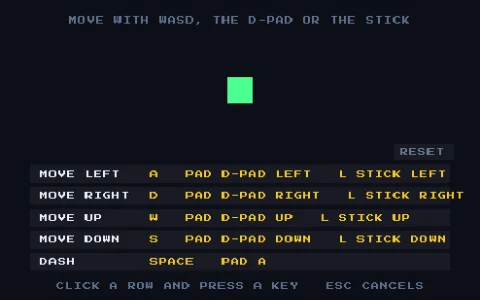 Input mapNamed actions bound to keys, pad buttons and stick directions at once, declared in project.json, with a controls screen to rebind them.
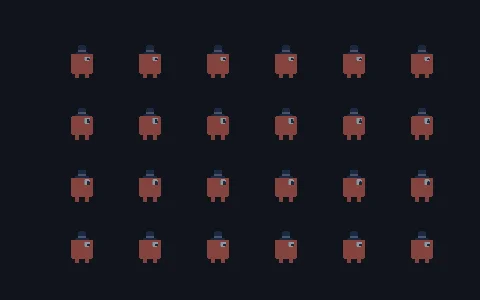 Pointer pickingusePointer is one input for the whole scene, and every event says what is under the pointer.
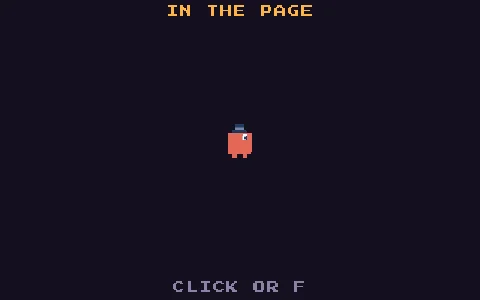 Full screenThe game asks for full screen with a click or a key, and scales to whole multiples with bars in its own colour.
Physics
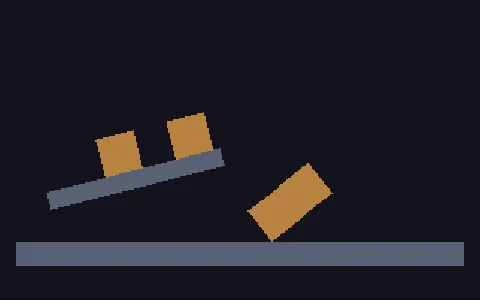 Falling cratesA room whose floor, ledge and four crates are a JSON document, colliders and gravity included. The engine keeps the format but cannot move it: one installPhysics2d() is what makes it fall.
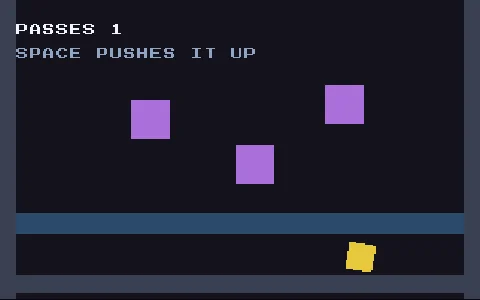 BumpersThe same physics written by hand: usePhysicsWorld2d and usePhysicsBody2d say what each object is made of, and the adapter does what the format cannot say.
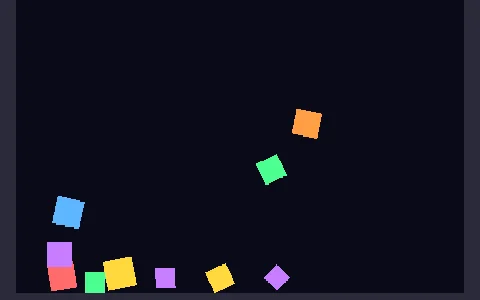 2D physics with RapierThe 2D physics starting point: boxes rain down and pile up against static walls. In pixels, with y pointing down.
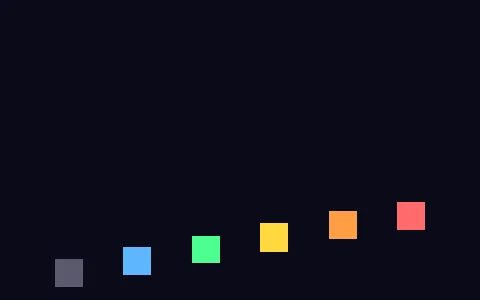 Restitution ladderSix identical balls dropped from one height, differing only in restitution from 0 to 0.95.
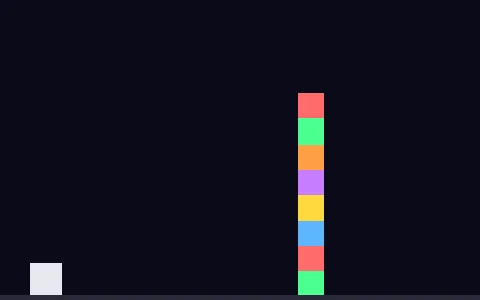 Box stack and wrecking ballAn eight-box tower that has to stay standing. Click to fire a heavy ball through it.
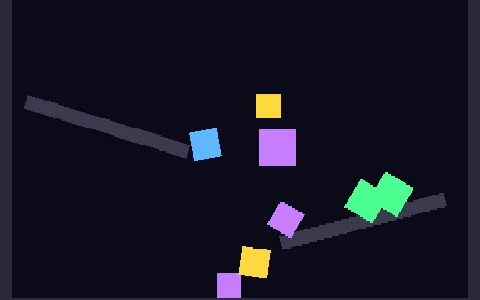 Convex polygonsTriangles, diamonds, pentagons and hexagons tumbling down static ramps. Corners are written around the object's centre.
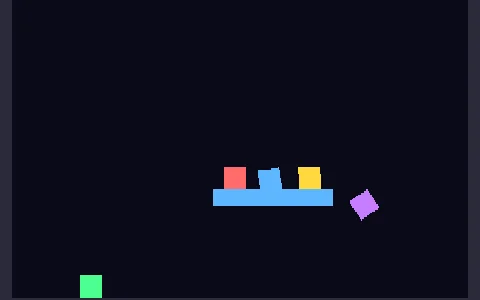 Kinematic platformThe third body type: a platform that carries and shoves crates, but that nothing can push back.
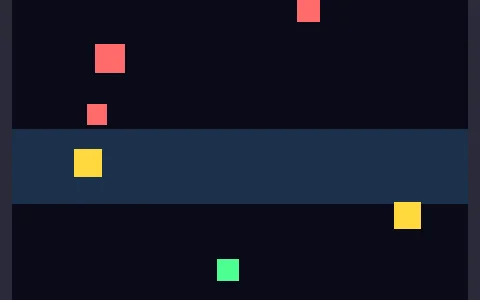 Triggers and contactsCrates cross a sensor band and recolour themselves with onEnter and onExit, knowing which object they met.
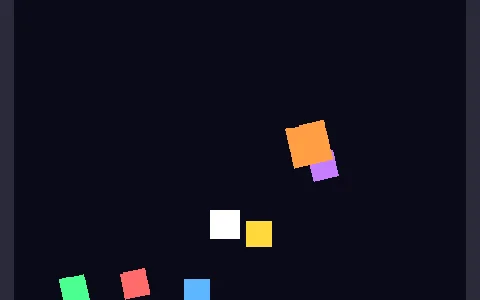 Physics from a documentThe same crates, written as data: a scene document run through sceneFromDoc, with installPhysics2d() supplying the simulation.
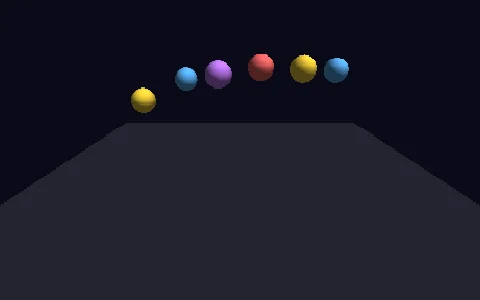 Bouncing ballsSpheres that keep their energy across many bounces. Restitution belongs to the pair, so the floor asks for it too.
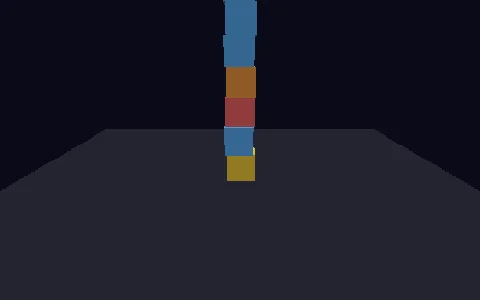 Box stackEight boxes stacked into a tower that holds still. Click to topple it with a sideways impulse.
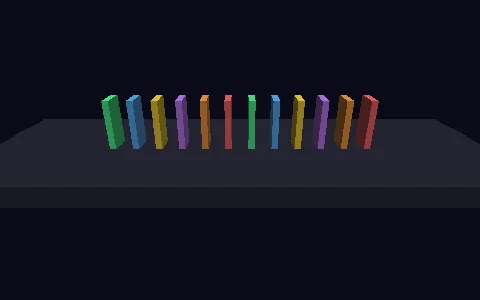 DominoesA chain reaction nobody scripts: it falls out of contact and gravity. Click to push the first domino.
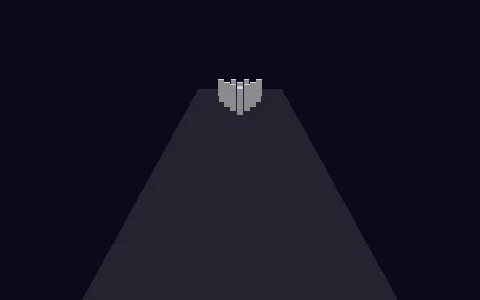 BowlingA dense sphere and one applyImpulse into ten light pins: the strike is momentum transfer. Click to bowl.
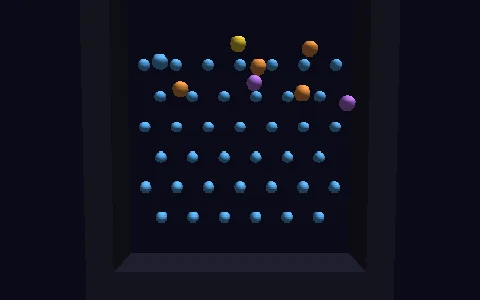 PachinkoDynamic balls falling through static pegs: the same collider with another body type. Click to send them up.
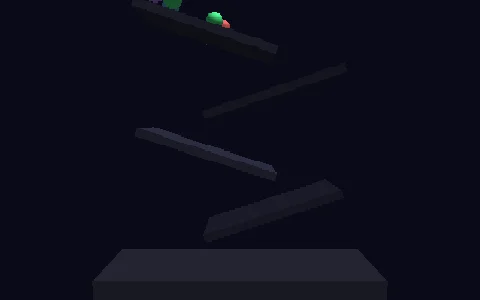 Ramp cascadeMarbles roll down a zigzag of tilted ramps. The turn orients the collider, not just the mesh.
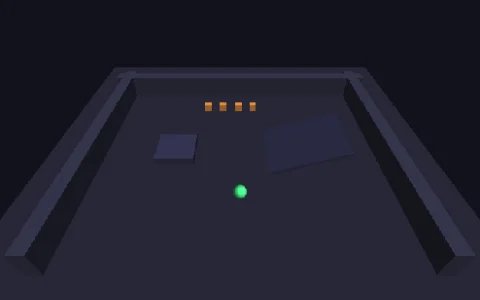 Character walkA character, not a body: a capsule moved by queries against the world instead of by forces. WASD to walk, Space to jump.
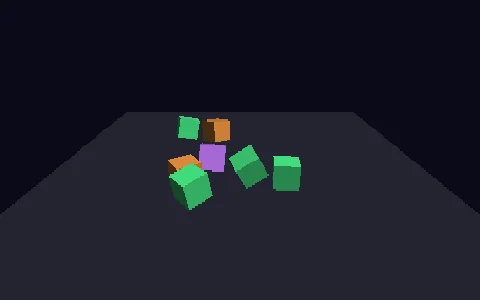 Falling cubesThe intro to 3D physics with the opt-in nacatamalon/physics3d adapter (Box3D in WASM). Click to kick the cubes.
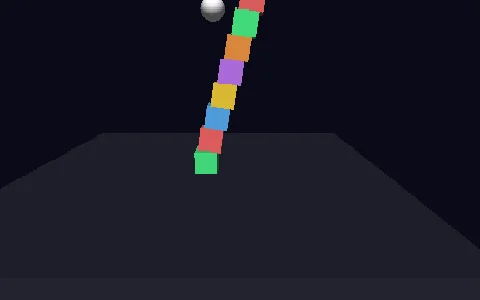 Tower from a documentThe same physics written as data: a scene document handed to sceneFromDoc. The tower falls because the document says so.
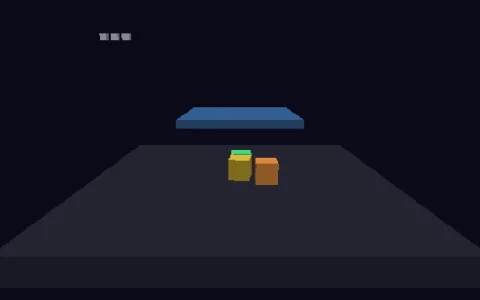 Sensor gateA sensor is saved with the scene; hearing it is the adapter’s job. The gate marks each crate that falls through it, stopping none.
Shaders and post
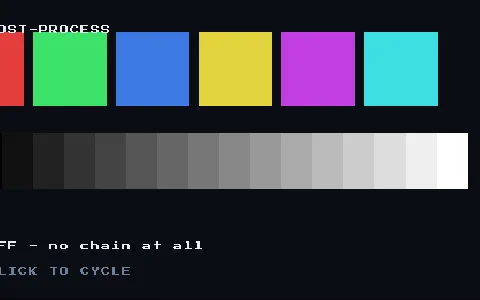 Post-processingA shader over the whole frame: scanlines and colour quantisation, switched on and off live.
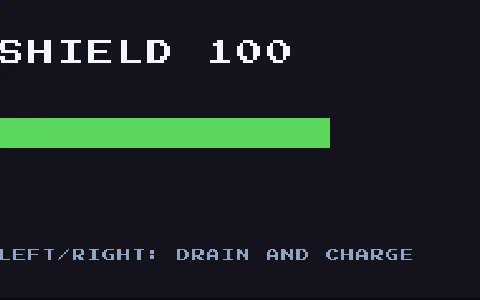
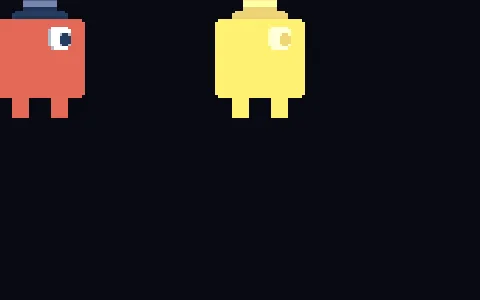 Energy chargeA uniform driven by the game: the object you hand to createMaterial is the one the renderer reads, so writing a number into it reaches the next frame.
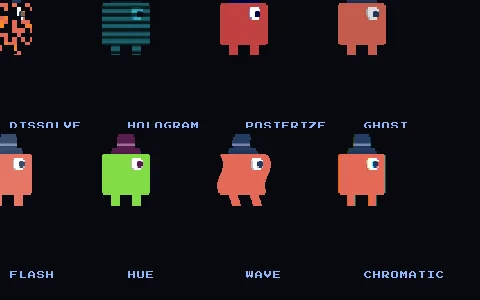 Shader effectsA gallery of materials: dissolve, hologram, posterize, ghost, flash, hue, wave and chromatic aberration, each a single function.
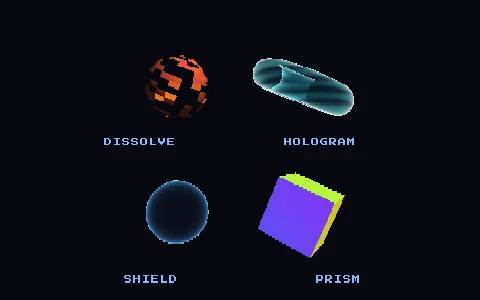 3D effectsSurface shaders on meshes: dissolve, fresnel hologram, force field and angle-based iridescence.
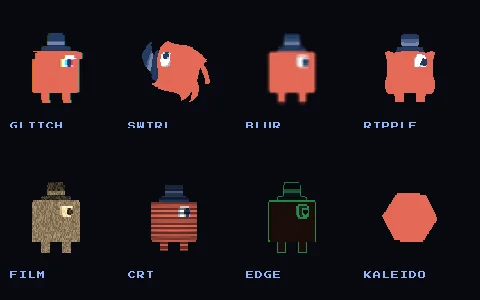 Shader effects IIA second batch on sampleTexture(uv): glitch, swirl, blur, ripples, CRT warp, edges, old film and kaleidoscope.
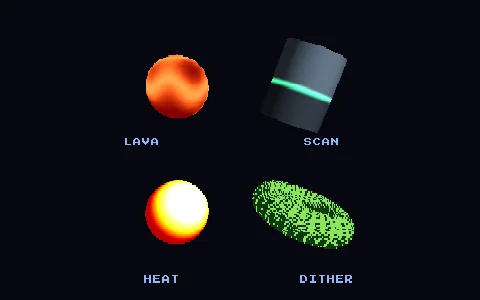 3D effects IIAnother surface batch: procedural lava, a scan band, a thermal palette and a 1-bit Bayer dither.
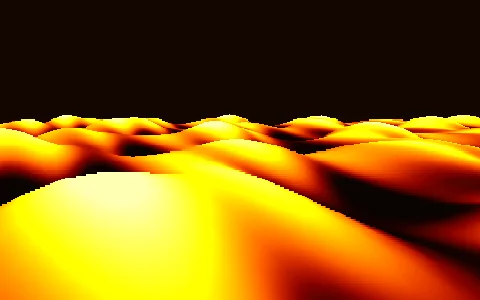 Lava seaA Wave Race style rolling ocean, made of lava: one material using both mesh hooks, vertex and effect.
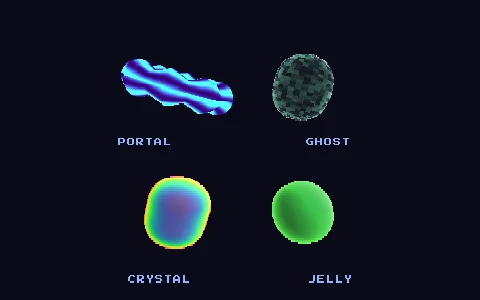 Combined FXFour materials using both hooks at once: a portal, a ghost, a crystal and a jelly.
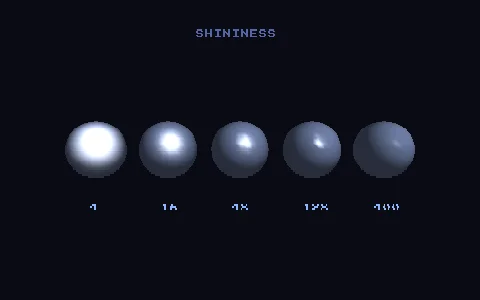 SpecularThe Blinn-Phong highlight in the lighting model: a row of spheres from matte to glossy, changing only shininess.
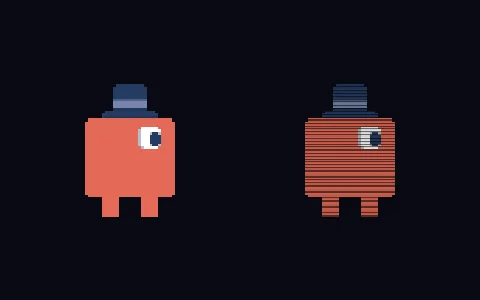 Shader graphA shader written as typed values instead of WGSL: compileShader writes the fn effect createMaterial takes, in both languages.
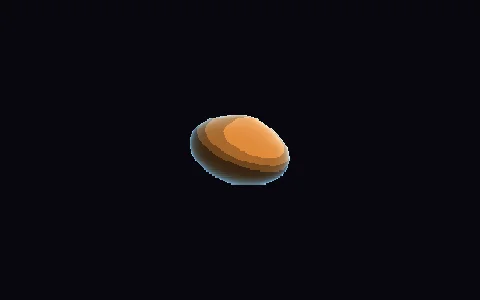 Shader graph 3DOne graph driving both stages of a model's material: colour and position.
 Portable by constructionThe same cel and rim look composed as a graph, with no WGSL or GLSL, drawn by both renderers at once.
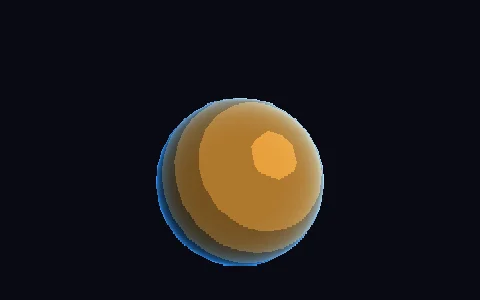 Portable shadersWebGL2 cannot compile WGSL and the engine will not pretend to translate it: a material may carry a second half in GLSL.
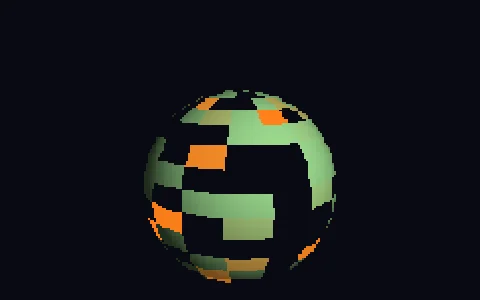 When a shader is WebGPU onlyThe degradation, shown on purpose: with only its WGSL half, on WebGL2 the object draws through the built-in shader with a warning in the console.
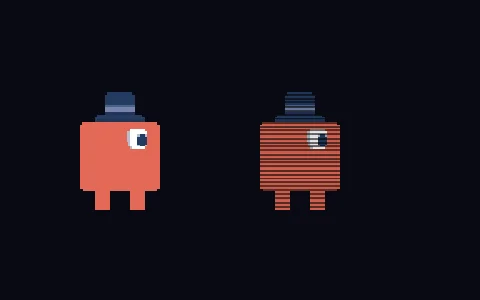 ScanlinesThe first custom-shader material: createMaterial takes one function, and the engine hands it the picture already read and tinted.
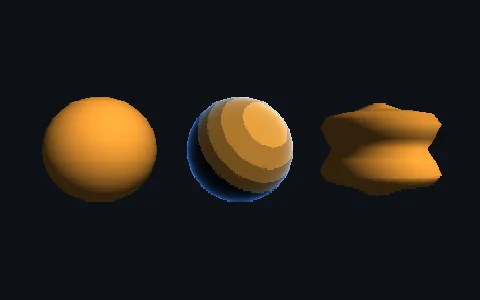 Toon shadingA model's material has two hooks: a colour one that cuts the light into bands and a vertex one that ripples the surface.
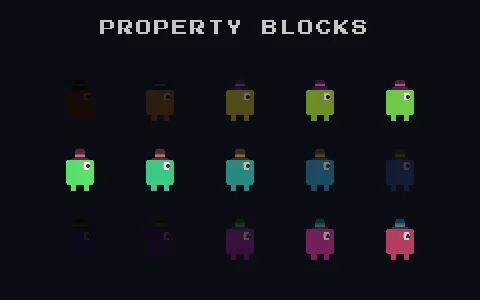 Per-sprite uniformsOne material shared by fifteen sprites: the shader compiles once and each sprite sets its own uniforms.
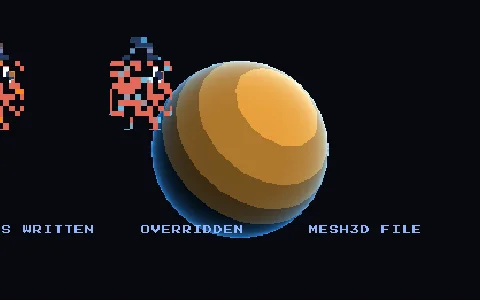 Shader fileAn effect in its own file: the scene keeps the key and never the source, so it can be shared between scenes.
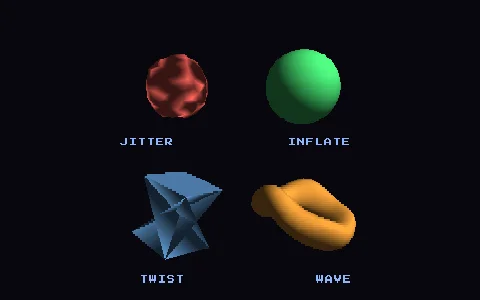 Vertex effectsThe vertex half of a mesh material: PS1-style jitter, inflate, twist and wave, with lighting untouched.
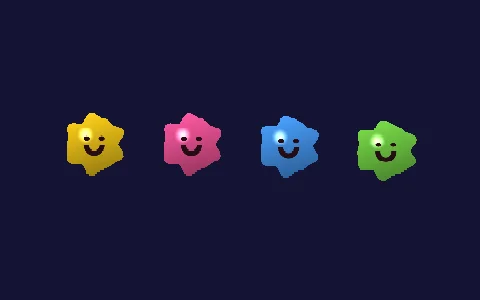 2D jellyLocoRoco style blobs: the vertex hook wobbles the rim and the fragment paints colour, gloss and a face.
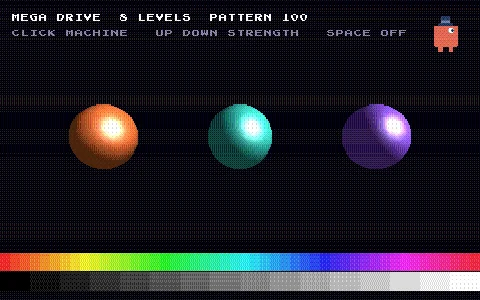 Ditherdither() cuts each channel to a few steps and hides the bands with an ordered pattern, the way consoles of the era did.
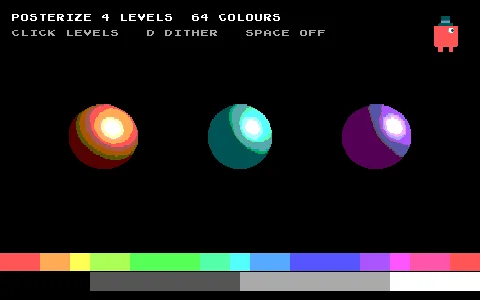 Posterizeposterize() moves every colour to the nearest of a few steps: a gradient turns into flat bands.
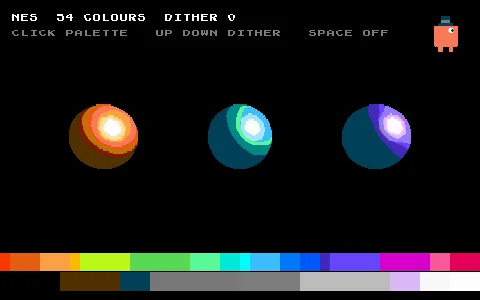 A console palettepaletteMatch() swaps every colour for the nearest in a palette: a NES with 54 colours or a Game Boy with four greens.
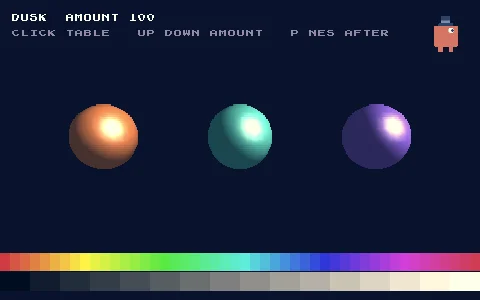 LUT gradinglutGrade() looks every colour up in a grading table: dusk, night or sepia, and how much to apply.
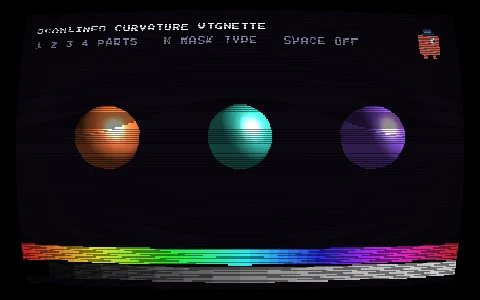 CRT screencrt() puts the frame on a tube television: scanlines, phosphor mask, curvature and vignette.
Audio
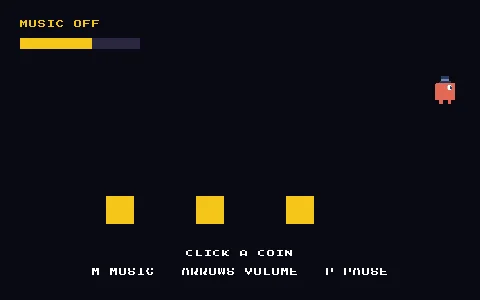 Sound and spatial audiouseLoadAudio loads a clip like a texture and useSound plays it: overlapping effects, music on its own channel and a sound crossing the screen with the bird.
- Spatial audio 3DThe ears are in the perspective camera and face where it looks: a sound moving round it is heard all the way round.
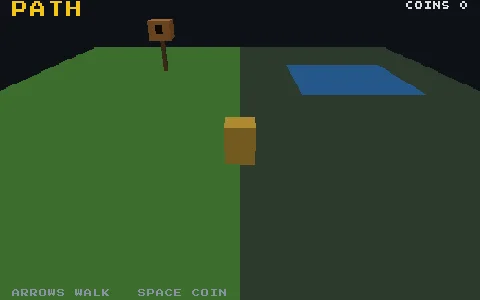 Sound stageA level in four layers of sound: two-layer music, a zone ambience, a birdhouse with a cone and a coin. The ears are on the player.
Scenes
 First sceneA scene with a sprite and a useUpdate, spread over three files: the anatomy of every scene.
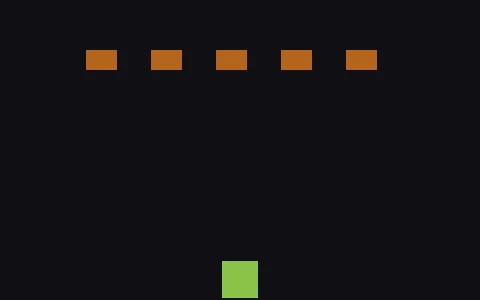 Spawn and destroyObjects that come and go while the game runs: a tank fires bullets with useSpawn and each bullet ends its own life with destroy.
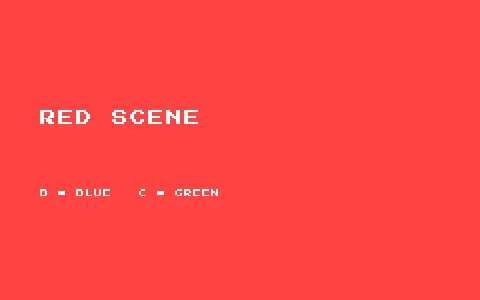 Multiple scenesThree scenes registered when the game is created: only the first starts, and you change between them by name.
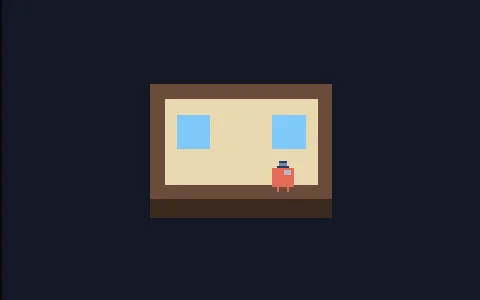 A scene inside a sceneA scene is an object: the one the scene system runs is the one drawn, and with useSpawn it is one more part of another.
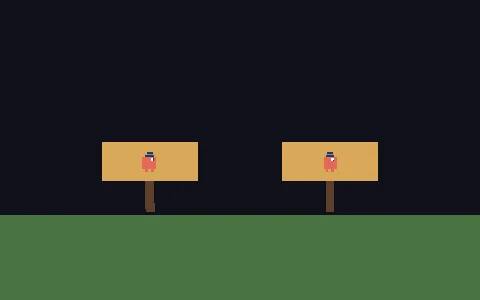 Using a packA pack loaded like any asset (useLoadPack) and placed twice (createPack), each copy with its own place and settings.
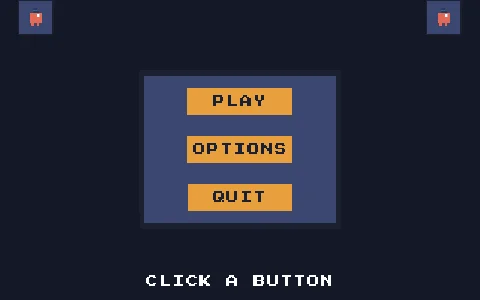 Pack: a UI kitA pack offering several pieces (a panel, a button, a badge): three copies of one button, each with its own label, telling the game through an event.
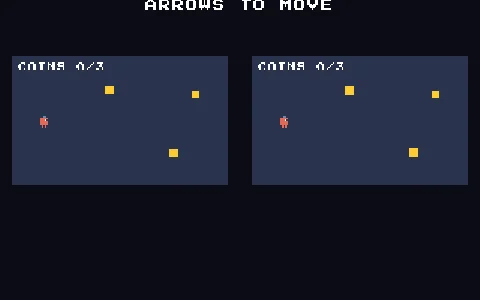 Pack: logic and scenesA pack offering a scene with its logic: a room to walk and pick up coins, placed twice inside another scene.
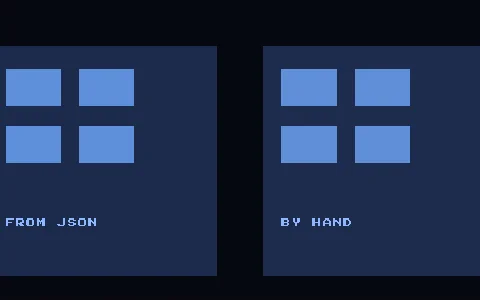 Scene from a documentThe same room from JSON and by hand, side by side: sceneFromDoc gives back an ordinary scene function.
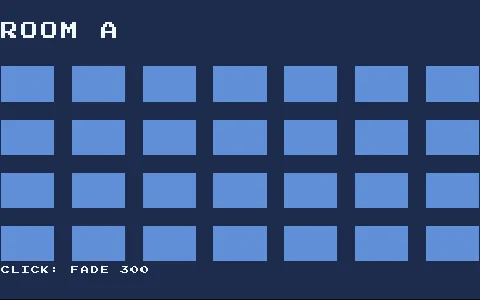 Scene transitionsfade, wipe, iris and pixelate on scene.change: the shader is the easy half, the lifecycle is the rest.
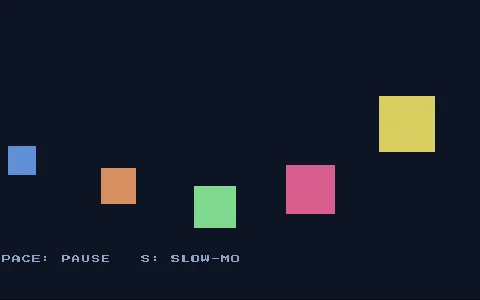 Pause menuLaunch a menu and pause the world: a paused scene keeps drawing, which is what makes this possible. Plus slow motion.
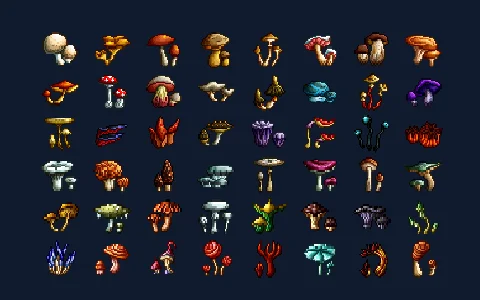 Preload barA loading scene asks for 78 images and tracks them with useLoader, then hands off to a level that uses a few by key.
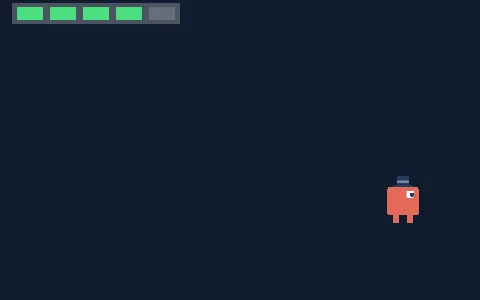 HUD with launchuseScene().launch runs a HUD scene alongside the gameplay one, in parallel, instead of replacing it.
 Scene changeuseScene().change replaces the current scene with another: title and play swap on a timer.
State and scripts
 Attach a scriptA behaviour with a name, written once and attached to three objects with different settings.
 Scripts that composeThree behaviours on one object, in three files, with no imports between them: spin publishes how to stop it and toggle reaches it by name.
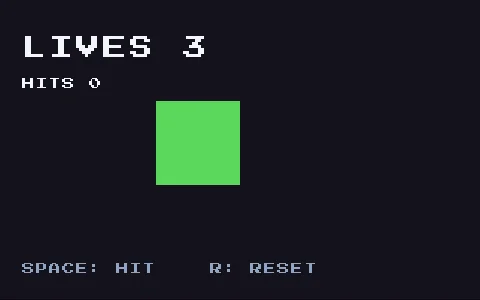 Data and watchuseData is state a piece of the scene owns, read as lives.value; useWatch runs when it changes and once on the first frame.
 Shared dataOne useData handed to three parts of the scene: a HUD, a bar and the generator that changes it. Each watches it on its own.
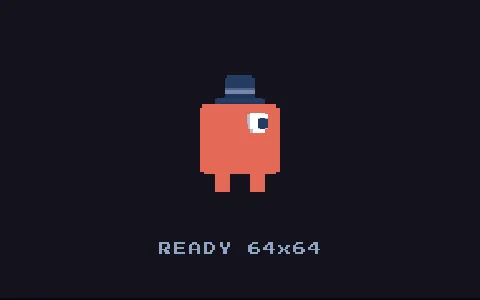 Watch a loaduseWatch over an asset: the texture announces itself when it lands, so the placeholder is swapped by a callback that runs twice.
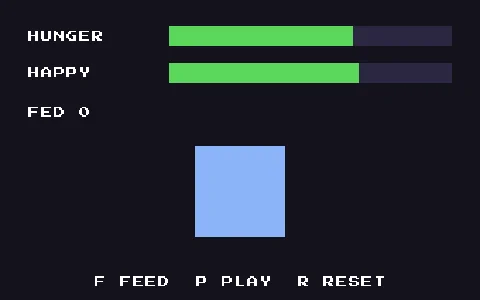 Store and persistencecreateGameStore split across files (state and actions), saved to localStorage so the pet survives a reload.
 SignalsA Godot style event channel: a button emits with createGameSignal and a far-apart screen reacts with useSignal, with no reference between them.
Text and UI
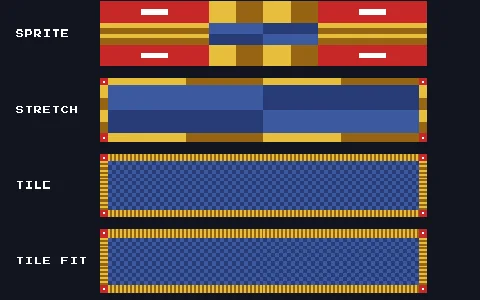 Nine-sliceOne frame picture at any size without deforming its corners: a stretched sprite beside createNineSlice stretching, tiling and fitting.
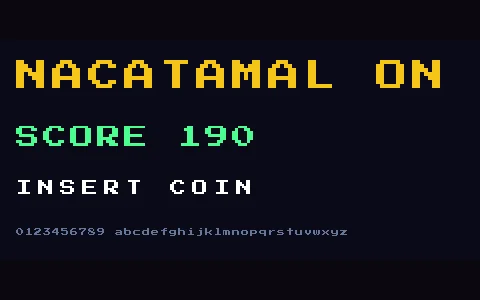 Bitmap textuseLoadFont loads a bitmap font and createText writes with it, live score counter included.
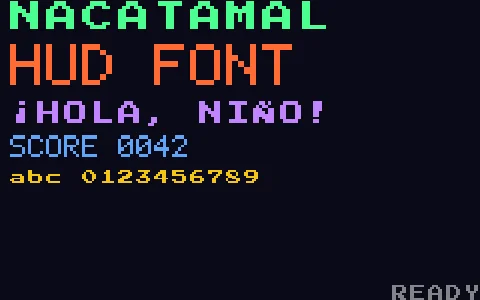 Font galleryTwo free bitmap fonts at different sizes and tints, and a scrolling ticker.
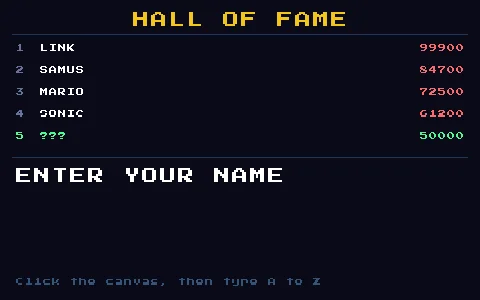 Arcade high scoresThe classic high-score table, with name entry from the keyboard.
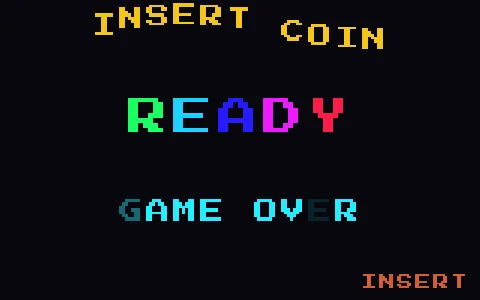 Dancing fontsA per-letter wave, a rainbow cascade, a CRT glitch and a scrolling ticker: every character animated on its own.
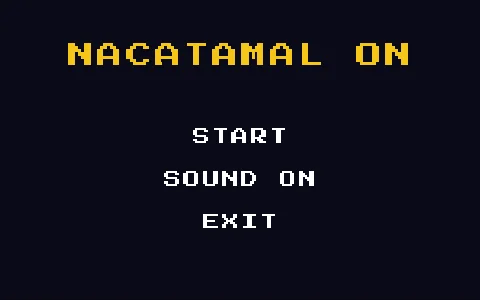 Text menuTexts take the same pointer events as sprites: a menu that lights up on hover and changes scene.
Experiments
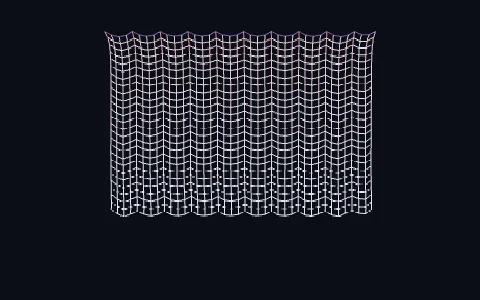 ClothThe classic cloth: 1,040 points joined by springs. The mouse pokes it, dragging grabs and tears it, and shift cuts it.
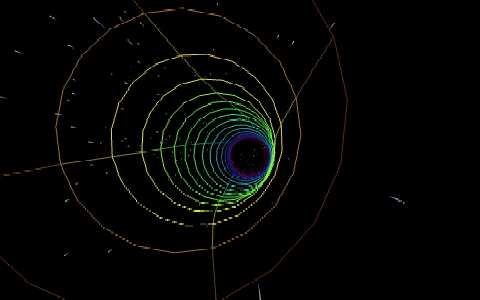 Warp tunnelThe demoscene classic: a wireframe tube that bends and cycles through the rainbow, and 700 stars that stretch into streaks at warp speed.
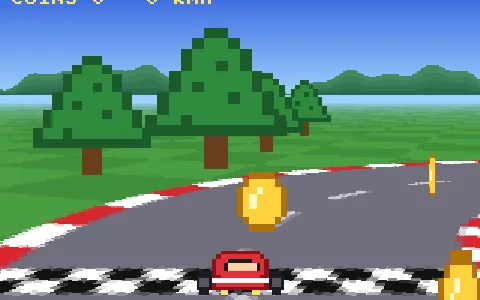 Mode 7The floor of F-Zero and Super Mario Kart at the SNES's own 320×224: one flat track picture, turned and stretched per pixel by a material.
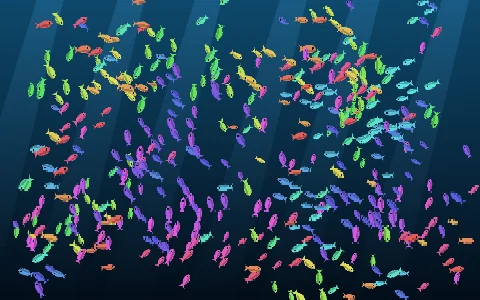 BoidsA shoal of 450 fish with no leader, following three rules. The mouse is a predator and a click drops food.
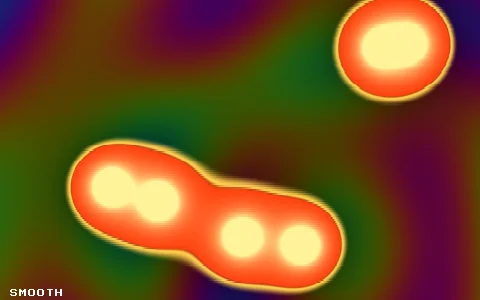 Plasma and metaballsTwo demoscene classics on one material: a palette-cycling plasma and six blobs of lava that melt together, one of them following the mouse.
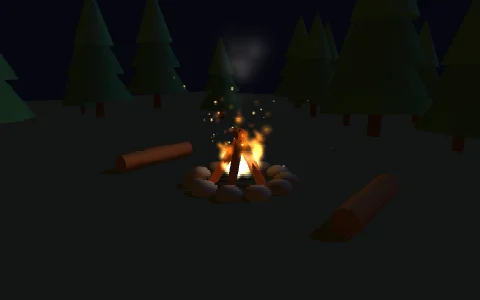 CampfireA fire in a clearing at night: flames, sparks that bounce off the ground and smoke, a flickering light, and the moon throwing shadows.
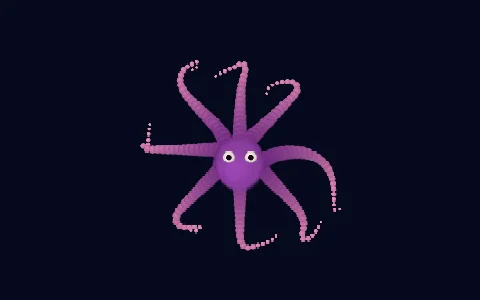 TentaclesA creature with eight arms of 24 joints, solved by inverse kinematics: they reach for the mouse, and a click sends it swimming.
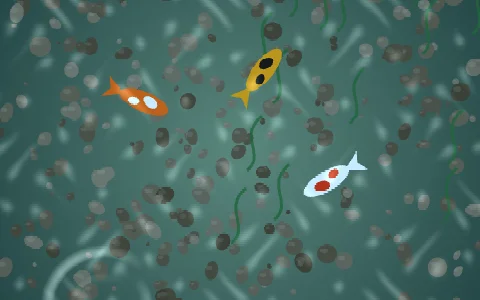 RipplesA pond seen from above: every drop sends out a ring that refracts the bottom and catches the light.
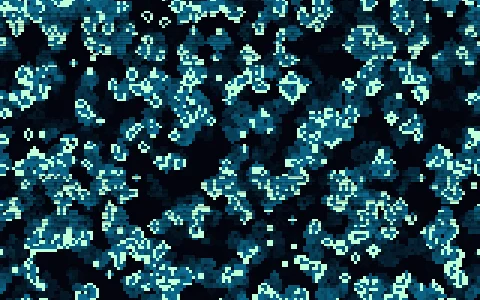 Game of LifeConway's Game of Life on 17,000 cells, run entirely on the graphics card by two textures taking turns.
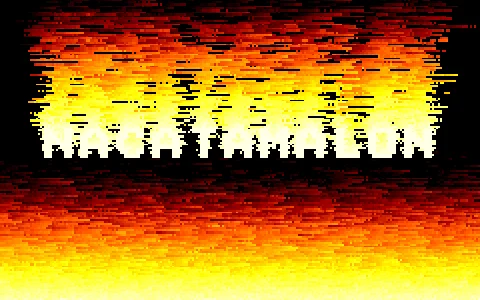 Doom fireThe fire of Doom on the PlayStation and the Nintendo 64, with a word burning in it, computed on the graphics card.
 FireworksRockets that burst into palms of sparks that crackle as they die: three .particles files setting each other off.
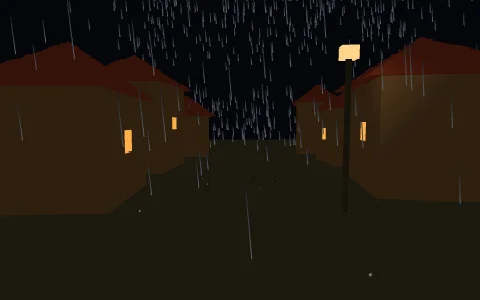 StormA village in the rain: a click on the ground calls down a bolt that lights everything, and the thunder arrives later the further away it struck.
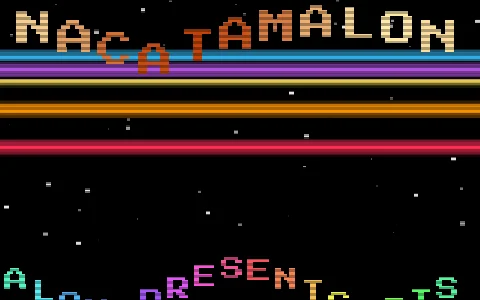 CracktroAn Amiga cracktro at 320×256: copper bars, a logo that bounces letter by letter, three layers of stars, a sine scroller and a chiptune.