The engine, one piece at a time
Every example teaches exactly one thing and runs right here. Edit it and you see the result immediately; the editor knows the API of whichever version you pick, so it completes as you type and underlines mistakes before you run anything.
Every example as Markdown, for AIs →Sprites and 2D
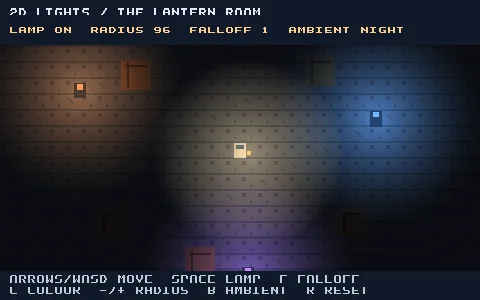 2D lightingA light follows the character and illuminates the world sprites. Move the explorer with the arrow keys and compare both renderers.
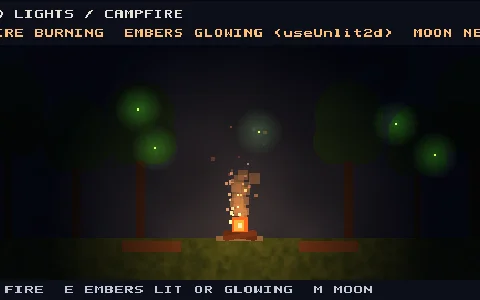 2D campfireWarm lights, particles and a forest lit around a campfire.
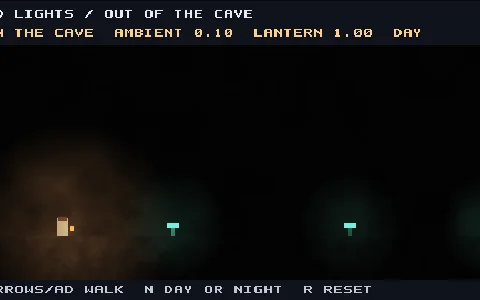 A lit caveA dark cave lit with 2D lights. Settings and components live in separate files.
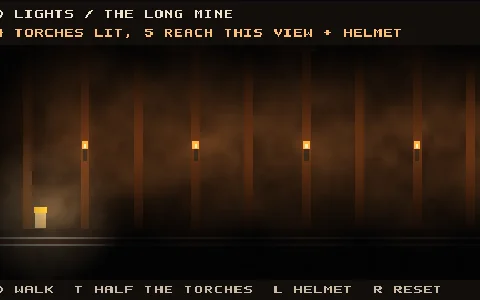 Mine lightsExplore a mine with local lights that colour its walls and objects.
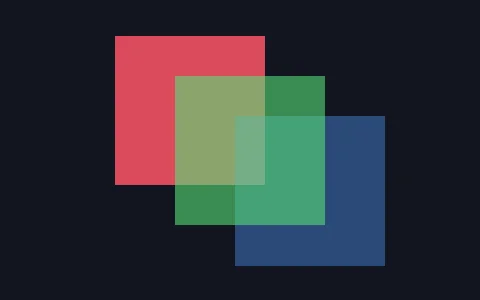 Layering and alphaThere is no depth buffer in 2D, so draw order is layering. Sprites carry a zIndex and the renderer sorts by it every frame.
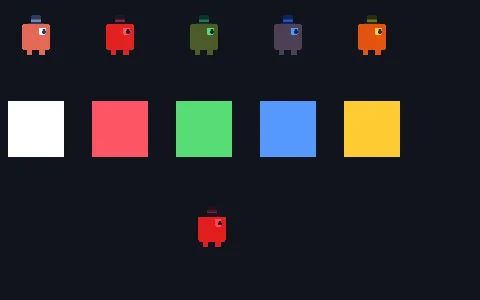 Tint and colourA sprite's tint is multiplied into its picture every frame: the basis for hit flashes and fades.
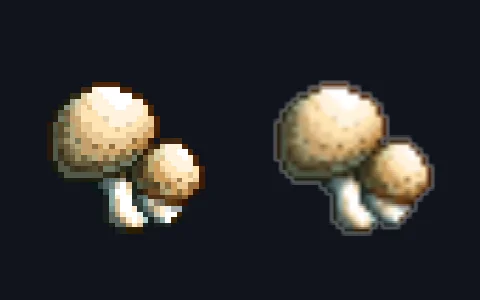 Pixel artThe smooth option picks crisp or linear filtering: hard pixels when a retro sprite is scaled up.
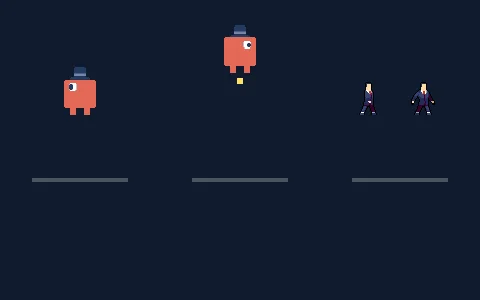 Sprite featuresflipX mirrors it, anchor moves the pivot, and an atlas shows only part of the picture.
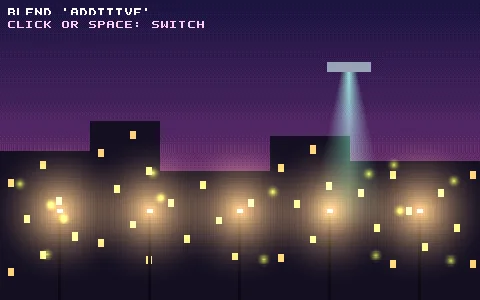 Glowing spritesblend: 'additive' adds a sprite’s colour to what is behind it: lamp halos, a saucer’s beam and fireflies, compared live with ordinary blending.
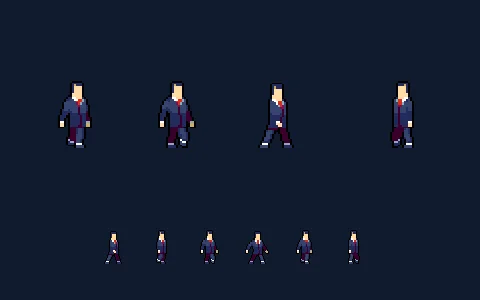 Sprite animationFrame animation from an atlas, as a grid or as named rectangles, with looping and one-shot clips.
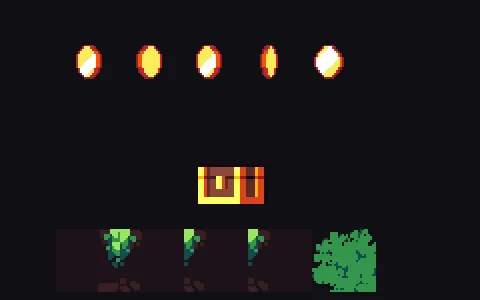 Atlas as a fileAn atlas authored as an .atlas file: the texture, how it is sliced and its named sequences, in one resource.
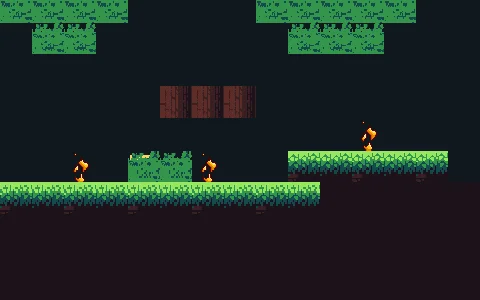 TilemapA whole level from one .tilemap file: layers either side of the characters, one draw call each, tiles that cycle and tiles that break.
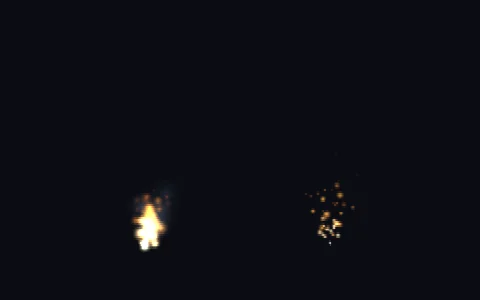 ParticlesA particle pool simulated on the CPU and drawn at once per emitter: fire, smoke and a burst on every click.
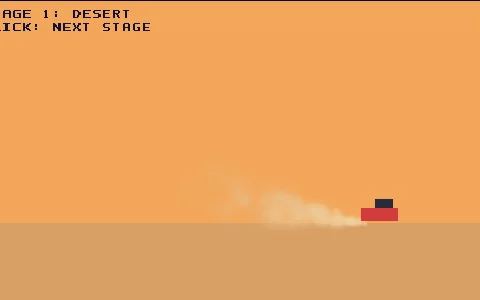 Particles written in codecreateParticles takes the effect written in code, with the fields of a .particles file: dust the colour of the ground, built per stage with lerpColor.
 Camera followA 2D camera tracking a moving target by moving its position every frame.
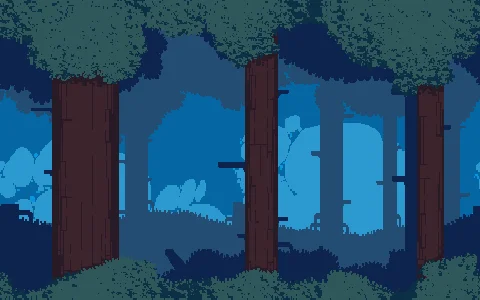 ParallaxFive forest layers, each at its own speed: the 16-bit depth illusion.
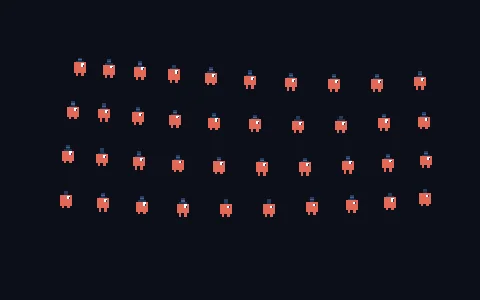 FormationForty sprites sharing one texture, placed and animated as one group.
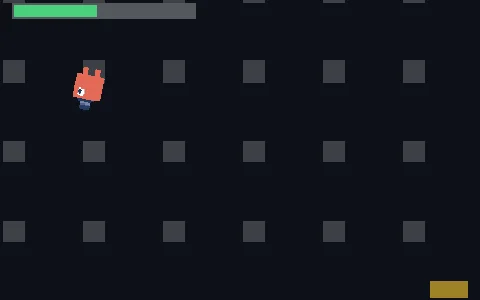 Camera and HUDA 2D camera scrolls the world while useScreenSpace nails the HUD to the screen: one scene, two spaces.
 Tweens and easinguseTween carries a value from one place to another through a curve, with delay, repeat and yoyo.
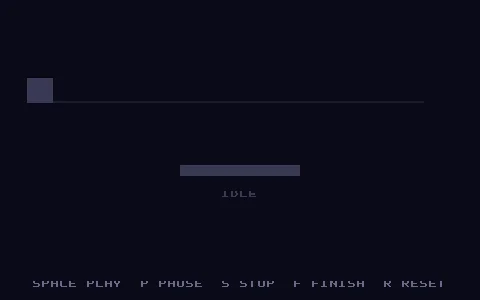 Tween controlA tween is declared once and played as many times as you like: play it, pause it, stop it, send it to the end or back to the start.
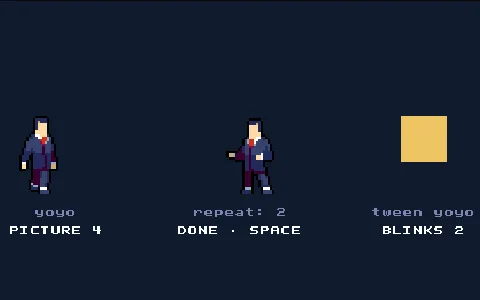 Repeat and yoyoA sprite’s run and a tween go round a number of times, or there and back, in the same words: repeat, yoyo and onRepeat.
 Tween grouptween.all joins several tweens into one, which says so when the last of them ends and plays again as often as you like.
 Tween chaintween.chain plays tweens one after another and tween.all at the same time, one inside the other, declared once and played again from the start.
 Hello worldThe smallest possible game: a canvas, a background colour and the loop running.
 SpritesEvery sprite is drawn as a textured quad; one with no texture is drawn as a plain coloured quad.
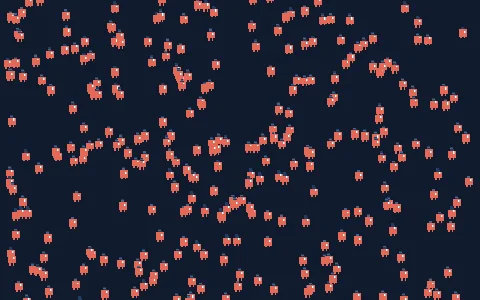 BunnymarkThe classic stress test: hundreds of sprites bouncing at once to gauge how much the 2D path can take.
 Texture loadinguseLoadTexture hands the texture back at once and fills it in when the image arrives: sprites pop in as they land.
 TransformPosition, rotation and scale on the sprite's transform. Rotation and scale pivot on its centre, so it spins where it stands.
 Auto sizeWith no width or height, a sprite takes its texture’s natural size as soon as it loads.
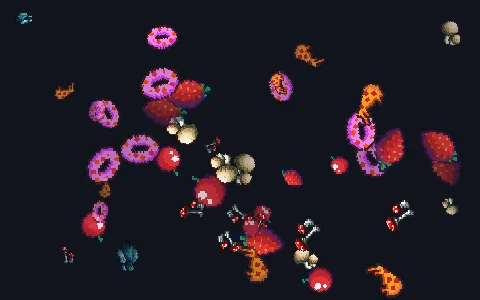 Random scatteruseRandom is the game's seeded generator: with the same seed, the same scatter on every run.
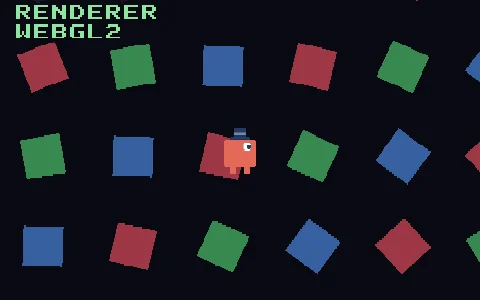 RenderersThe engine ships WebGPU and WebGL2, and the game never learns which one draws. Switch RENDERER and everything comes out the same.
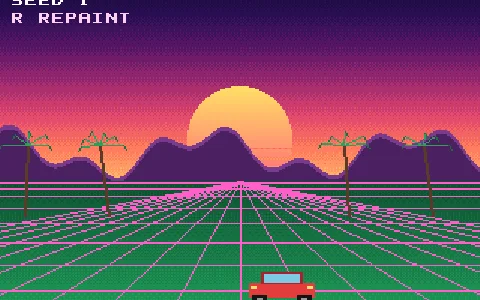 Procedural pixel artProcedural art: a sky, hills and palms generated in code from a seed, with no image files and no canvas, and regenerated live.
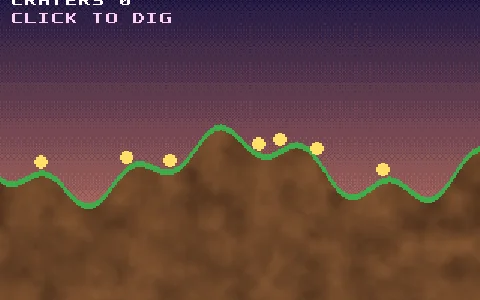 Living textureGround you can blow holes in: a click cuts a crater, only that rectangle is sent again, and the same picture is the collision.
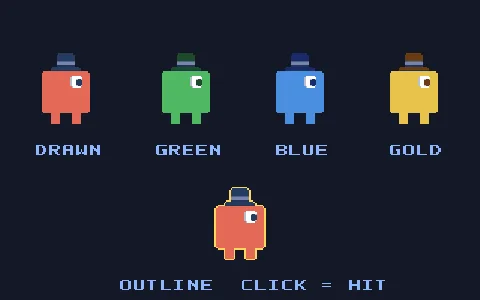 Palette swapOne drawn sprite, processed in code into other colours, an outline and a hit flash, with useLoadPixels and no extra picture drawn.
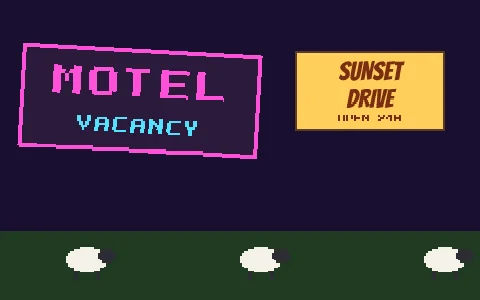 Pixel signsdrawText writes into a picture painted in code: a motel sign in the engine’s own font, another in a .ttf, and sheep made of fillEllipse.
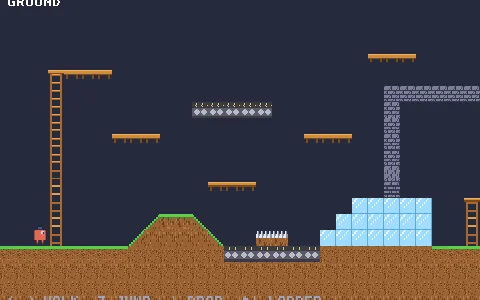 Platformer on tilesA character walking the map with no physics engine, the classic way: ledges to jump up through, a hill, ladders, belts that carry you, spikes that hurt and ice.
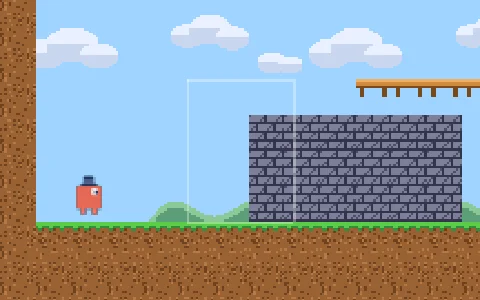 Platformer camera and parallaxA camera that follows the hero the way the consoles did, with a dead zone, the edges of the map and a shake, and clouds and hills behind the level that move slower than it.
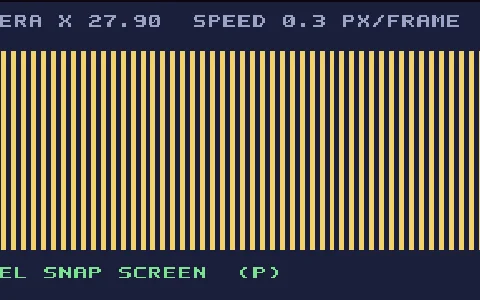 Pixel snap cameraA camera moved by hand a fraction of a pixel a frame over stripes one pixel wide: with pixelSnap they keep their width. P goes through screen, game and off.
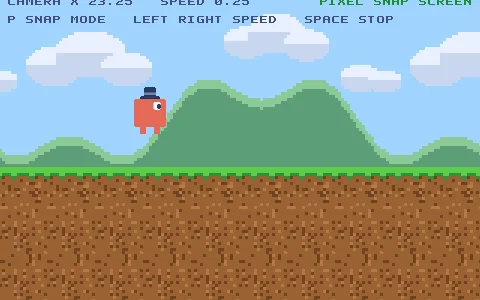 Pixel snap scrollA platformer level scrolled slowly at zoom 3: on the screen's pixels even the far clouds glide, on the game's they step three at once, and between pixels the tiles ripple.
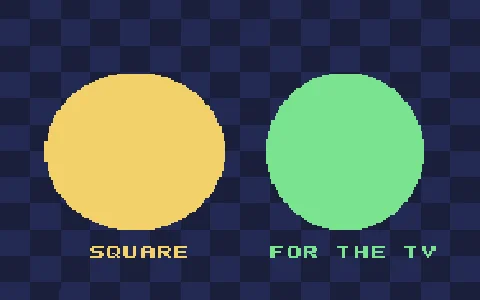 Console screensSCREEN.CONSOLES.snes: 256 × 224 with pixels 8:7, as a television showed them. A disc drawn for the TV is round only with the TV's pixels.
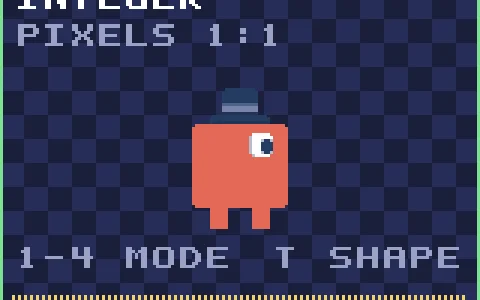 Scaling modesThe same 160 × 120 game fitted to the page four ways while it runs, with useGame().setScaling: integer, contain, fill and none.
 Canvas placementWhere the game sits in its page: where align says, if the game says; otherwise where the page asks with flex or grid, or in the middle.
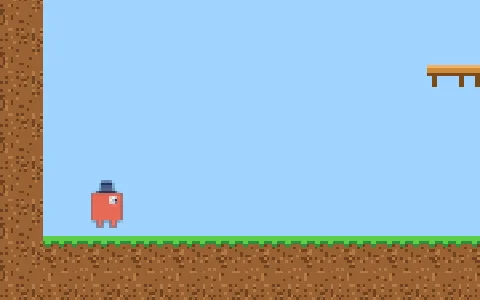 Camera roomsA level seen room by room, as the action games of the consoles were: the camera stays in the hero’s room and scrolls across to the next when the hero walks out of it.
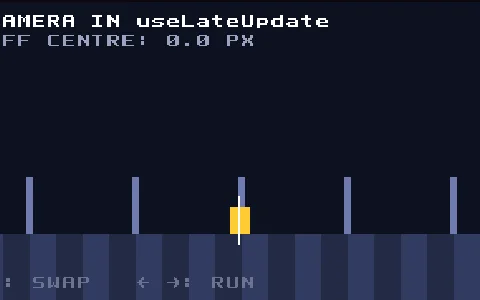 Camera with useLateUpdateA camera that follows the player from where it belongs, after every update of the scene, so the two never shake against each other.
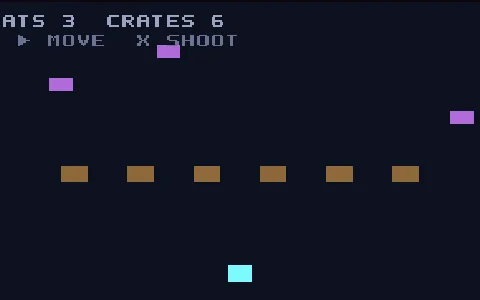 Collisions and tagsA shot that says itself what it hits: bats by their component, with their api typed, and crates by a tag. A HUD that counts the enemies left by their tag, and a rule of the scene for the ship.
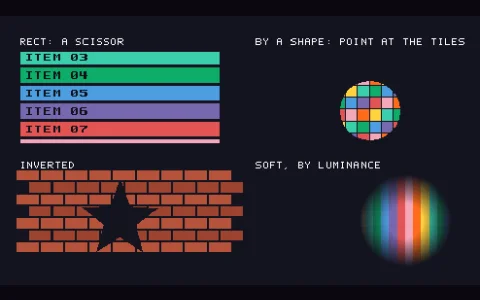 MasksuseMask keeps where something is drawn to a rectangle or to the shape of another object, hard, inverted or soft.
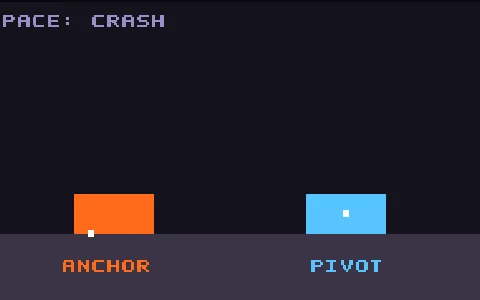 Pivotpivot: the point a sprite turns and grows about, when it is not where it is anchored.
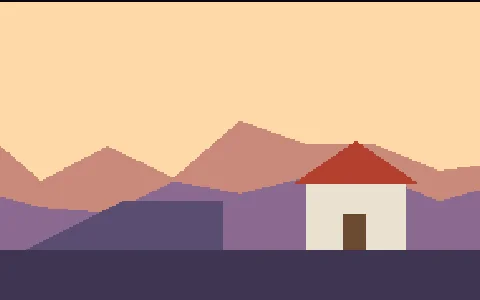 Polygons in pixelsfillPolygon paints a filled polygon into a picture made in code: hills, a ramp, a roof.
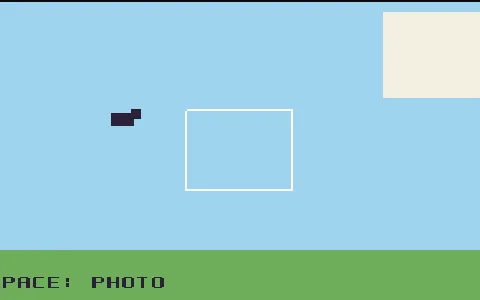 Photo captureuseCapture photographs a part of the screen without the HUD, and says what came out in it and how much.
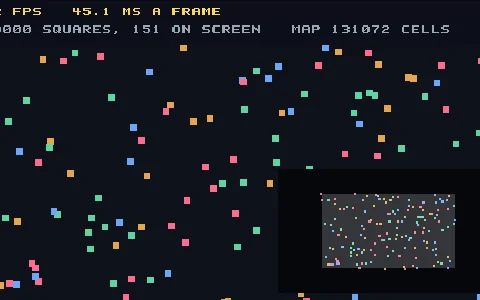 What the 2D camera skipsWhat the camera cannot see is left out as the frame is collected, and a map draws only the cells on screen.
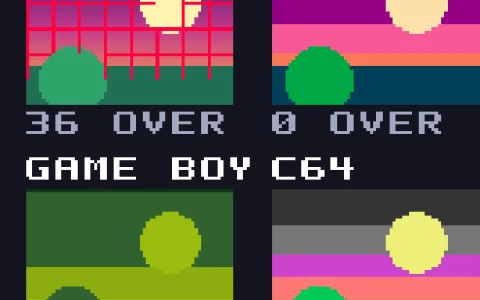 Console palettesOne picture held to the colours of three machines with snapToPalette, the cells over the limit marked by checkColorLimit.
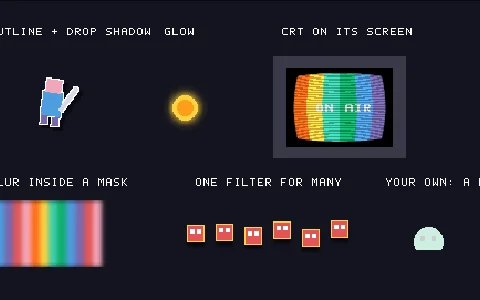 FiltersuseFilter runs effects over what one object draws: an outline, a glow, a drop shadow, a crt on a screen, and a hit flash written by hand.
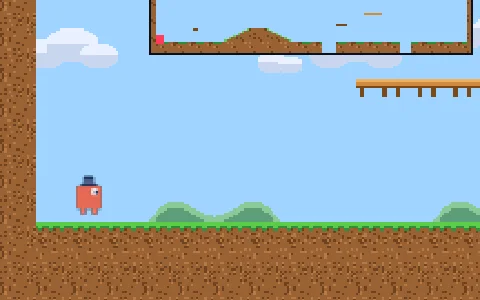 MinimapThe same level drawn again, whole and small, in the corner: a view of the world with a camera of its own. Click it and the hero goes there.
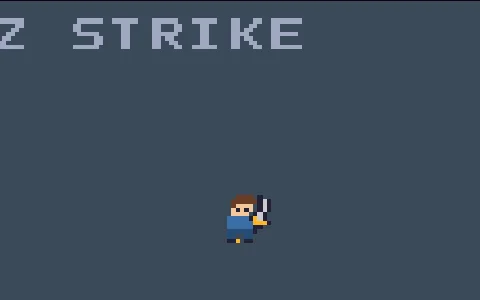 Named pointsA sword that hangs from the hand in every frame: each frame of the sheet says where the hand is, and pointOf gives that place in the world.
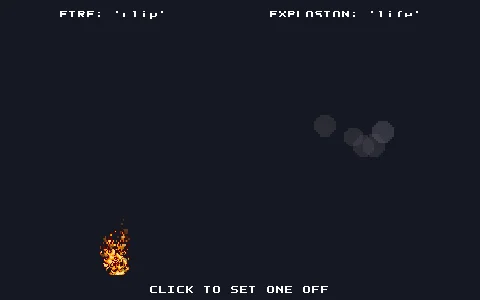 Particles from a sheetParticles that take their picture from a sprite sheet: a fire playing its run at its own pace, and an explosion that goes from a flash to smoke.
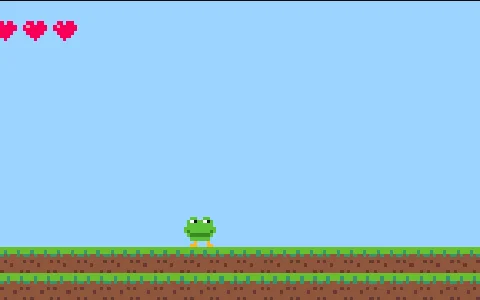 Pixel art in rowsPixel art written as rows of characters and a palette: a frog in four frames by name, hearts, and a tile stamped along the ground.
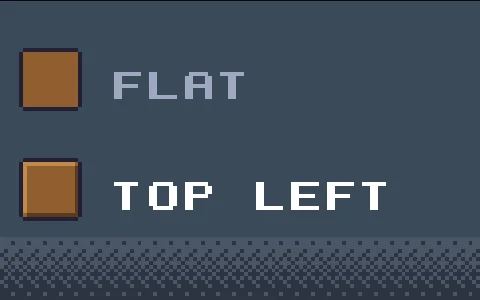 Shading with rampsFlat pictures given a lit side and a shadowed one with shadeWithRamp, a light that moves round, and a floor of fillDither.
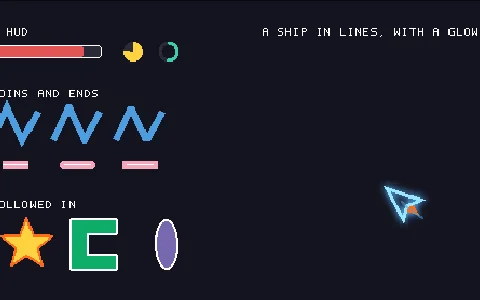 ShapescreateShapes draws a list of shapes each frame: a HUD with a rounded bar, a cooldown pie and a ring, joins and caps, a star, and a ship in lines with a glow.
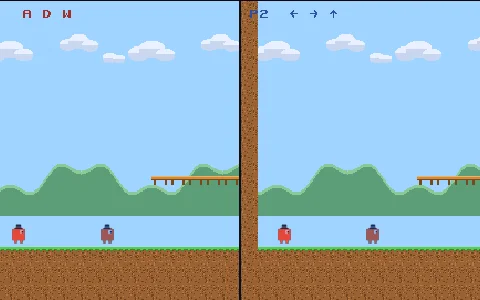 Split screenOne level, two players, each with half of the screen: two views of the world, each following its player with its own parallax.
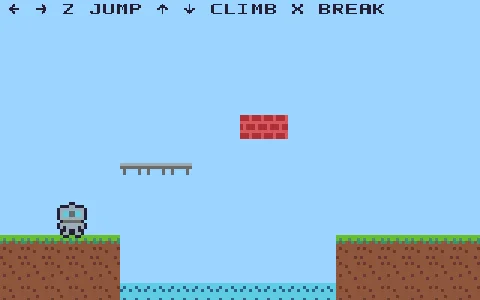 A level made in codeA level with no file: tiles and cells generated in code, walked on with useTileBody2d, with ledges, a ladder and bricks that break.
Meshes and 3D
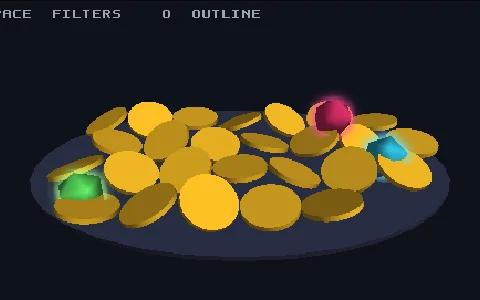 Filters on modelsOutline and glow on 3D models, respecting depth. Space toggles filters; O toggles the outline.
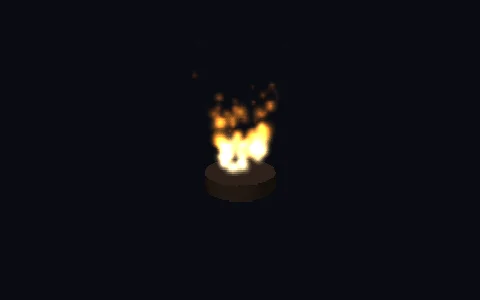 Particles 3DThe same particle pool, drawn as squares that face the camera, in world units.
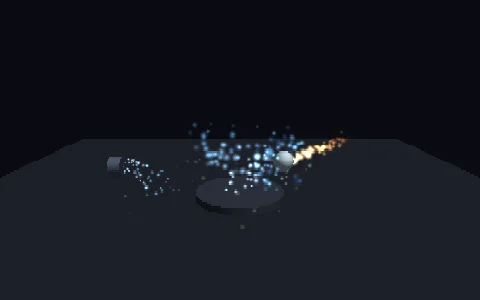 Particles in spaceA geyser and dust from their own files, one bent by the box it hangs from, and an orb whose aura travels with it while its trail is left behind.
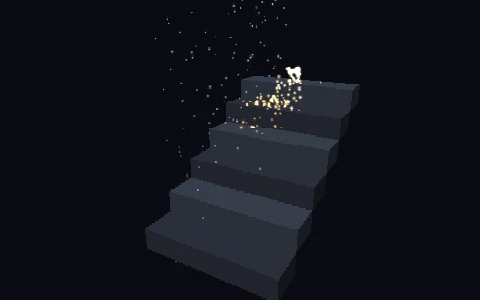 Particles on stairsSparks bounce down a staircase and rain ends on it: each step carries a particle collider.
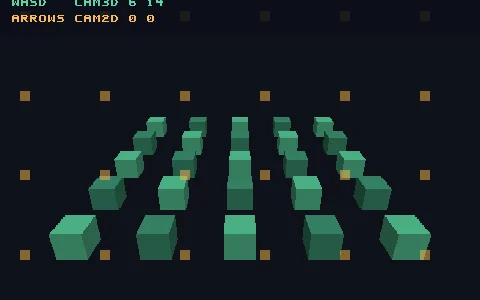 Two camerasThe 2D and 3D layers look through different cameras: WASD moves one, the arrows the other, and neither disturbs the other layer.
 A cubeA model is a shape, a place and a surface. The light is worked out at the corners and smeared across each face, as the consoles of the era did.
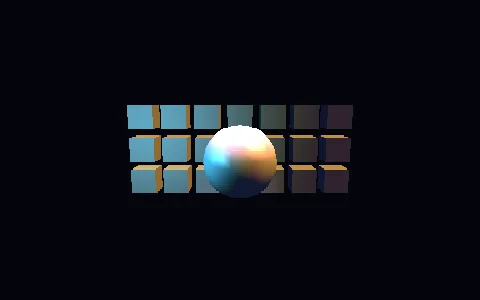 LightingThree kinds of light: a sun with a direction and no place, a lamp that fades with distance, and a torch narrowed to a cone.
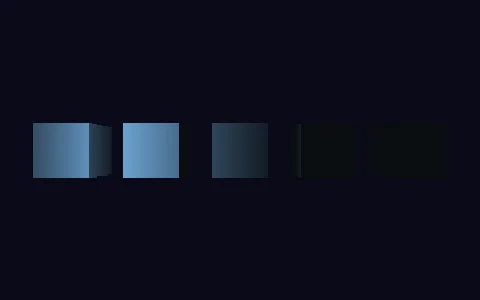 Point lightusePointLight is a bulb: it has a place and fades with distance. Sweeping past a row of cubes, each one brightens and dims.
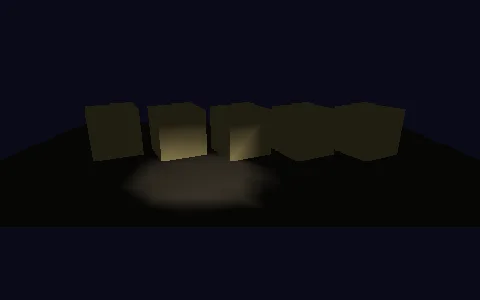 Spot lightuseSpotLight is a point light narrowed to a cone, sweeping a row of cubes on a floor.
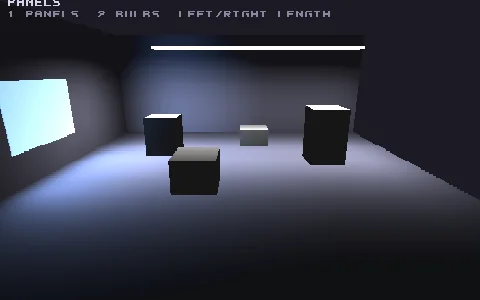 Panel lightuseRectLight is a lamp shaped like a rectangle that shines from its front only: a strip in the ceiling and a window, beside bulbs to compare.
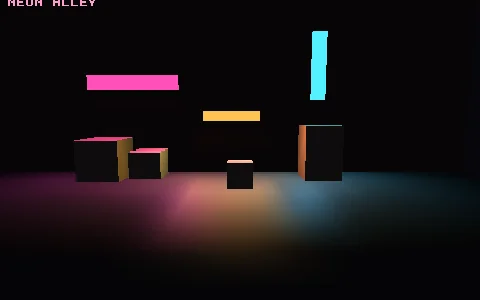 Neon signsThree neon signs as panel lights in an alley at night, one of them failing.
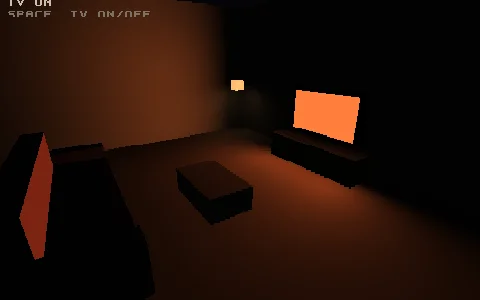 TV glowA television screen as a panel light whose colour and brightness change with every cut, lighting the room around it.
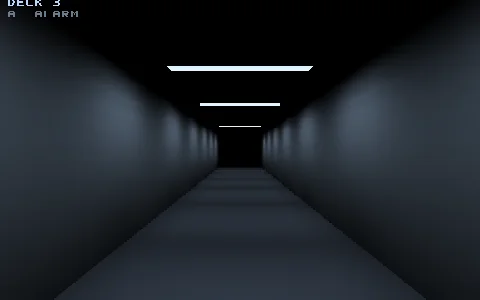 Ship corridorEight ceiling strips down an endless corridor, the one left behind moved to the front; A sounds the alarm.
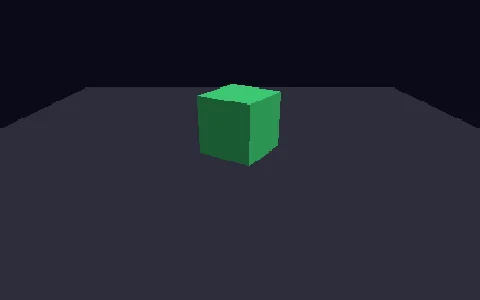 3D floorusePlaneGeometry as a ground plane under a cube, with the camera raised and pitched down so the plane is visible.
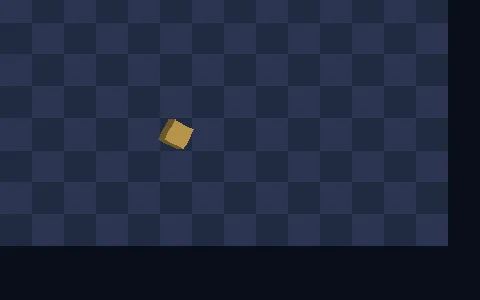 Pixels and piecesAn orthographic 3D camera measures in the same pixels a sprite does, so a 3D piece can stand on a 2D tile.
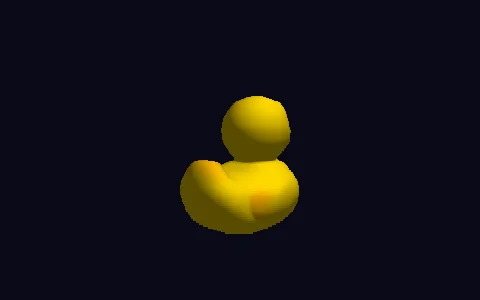 glTF modeluseLoadModel hands the model back at once, still loading, and createModel puts it in the scene: it appears by itself when the file arrives.
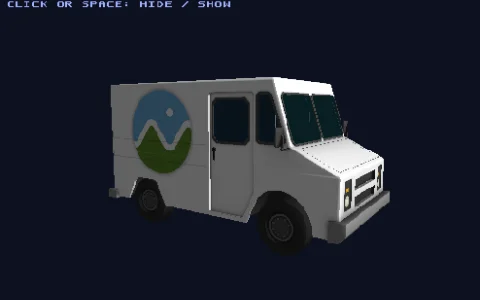 A model and its partsThis truck is five parts: a wheel on each side and a body that is paint, glass and trim. One placement moves them all.
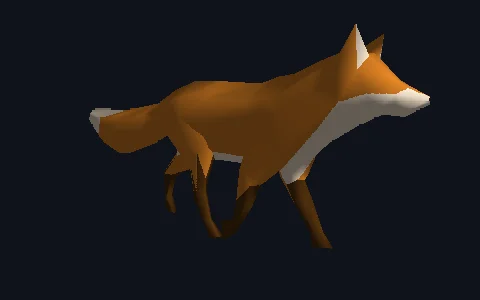 BonesA rigged model is a skin over bones: a fox that surveys, walks and runs, easing between movements at the joints.
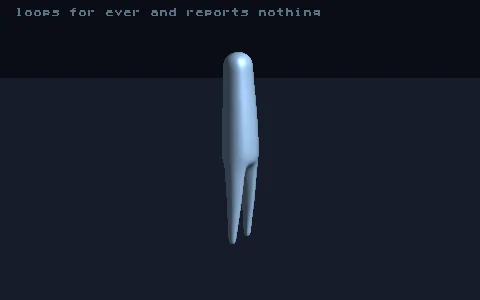 FlatwoodA creature animated by hand in one .glb with eleven bones and four movements. Three loop; the fourth ends, and onEnd is told when it gets there.
 2D and 3DBoth halves in one scene, sorted by the same zIndex: a sprite behind the model and a panel in front.
 HierarchyThe same three levels in flat pixels and in three dimensions: the moon only knows how far it is from its planet.
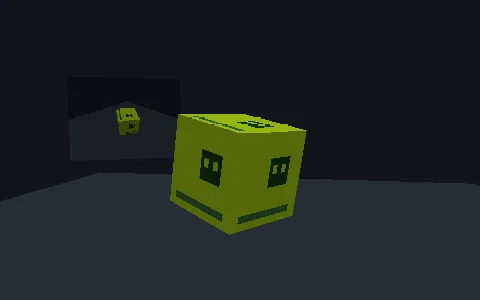 2D inside 3DcreateSpriteTexture draws a whole component into a picture every frame and a model shows it: the screen of a handheld.
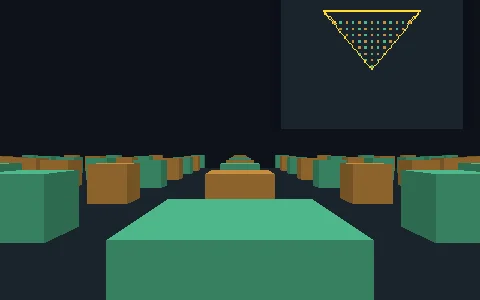 What the camera skipsA model wholly outside what a camera sees is not drawn at all. A camera above, told to skip by the eye, shows what the eye leaves out.
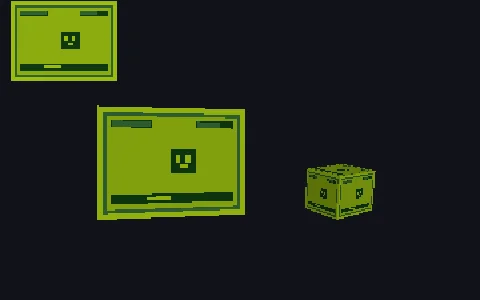 A 2D game on a 3D screenA mini 2D game written as ordinary components, knowing nothing about where it is shown, drawn on a panel's screen and a box's skin.
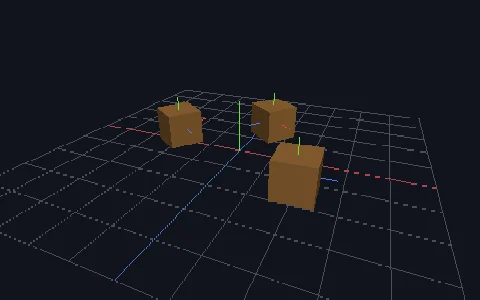 Debug lines and pickingA grid, the axes and a gizmo on each crate, and the pointer turned into a ray that places a cross on the floor and picks crates.
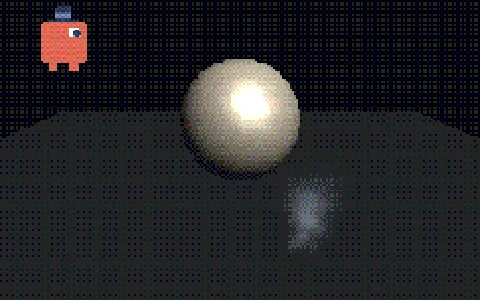 WebGPU vs WebGL2The same scene, two games, two renderers, side by side. The scene never learns which one draws it.
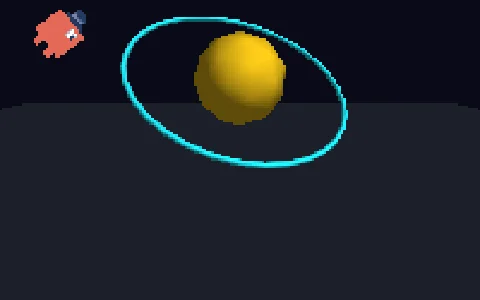 Pixel ratioThe same scene at pixelRatio 1, 2 and the screen's own: finer 3D edges on dense screens, and a sprite showing why pixel art stays at 1.
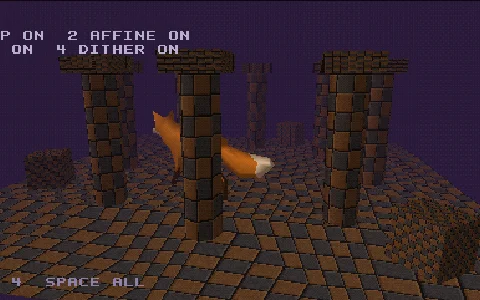 1997Every PlayStation trait at once: shivering vertices, affine textures, fog and dithering. Switch them off to see the same scene today.
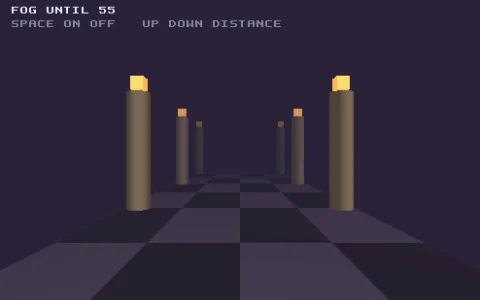 FoguseFog: models fade into a colour as they get further from the camera, the Nintendo 64's signature and the classic way to hide where the world ends.
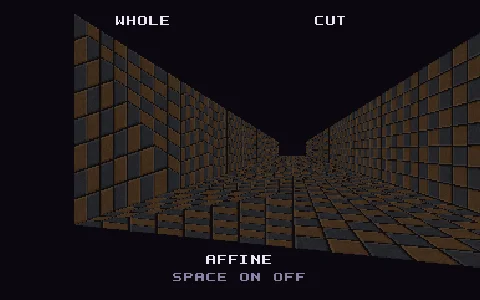 Affine texturesThe PlayStation's swimming textures: with affine, the picture is stretched straight across the screen without correcting for depth.
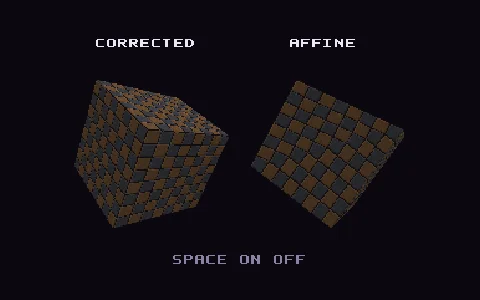 Affine cubeTwo cubes turning with the same picture: the right one is affine, and its picture bends and swims like on a PlayStation.
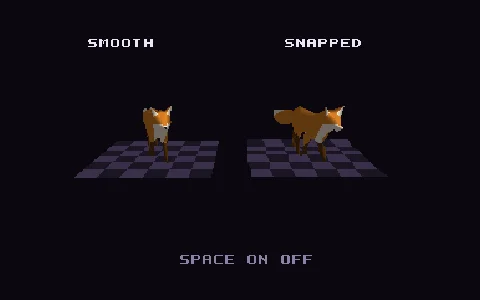 Vertex snappingThe PlayStation shiver: with vertexSnap, corners land on a coarse grid of the screen and models jump as they move.
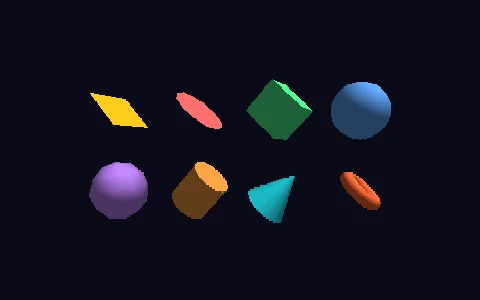 PrimitivesEight shapes built in code rather than loaded: Blender's Add Mesh set minus the monkey.
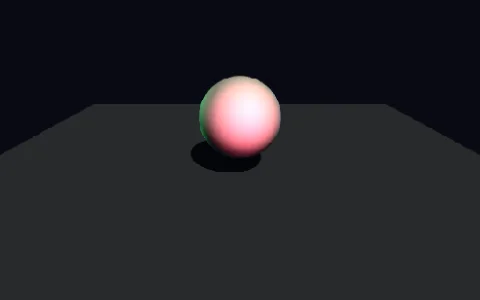 Many lightsThirty-two lights a scene and eight a model, the era's ceiling. Only one casts a shadow, and the others keep lighting inside it.
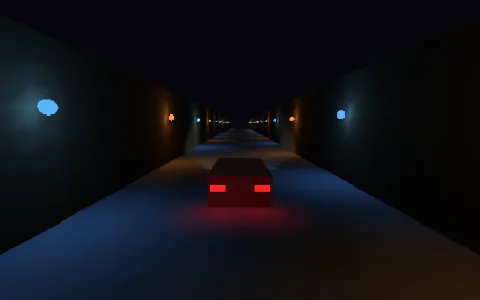 Torch corridorThirty-two lights a scene, eight a model: a corridor of torches lit all along, and a car with four lights of its own.
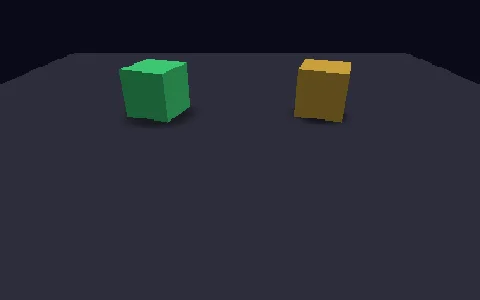 Blob shadowuseBlobShadow puts a soft dark disc under something: the cheap shadow the era’s consoles actually used.
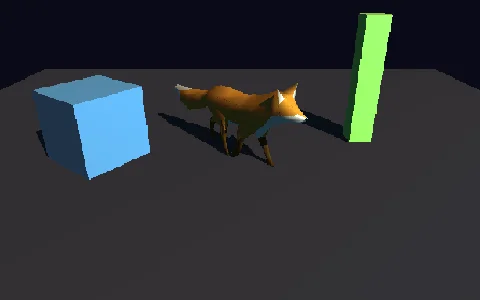 Cast shadowsA light with castShadow throws the shape of things onto what is behind them; the fox casts the pose it is in.
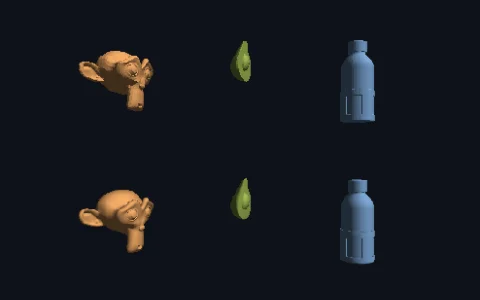 Flat vs smooth shadingHow a model’s surface faces decides whether it reads as carved or moulded: flat on top, smooth below.
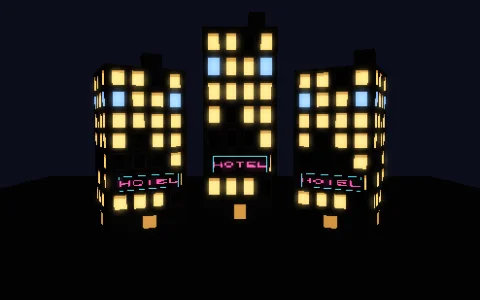 Glow mapsA second picture in the model file lights its windows and its sign: the sun goes down, the glow stays.
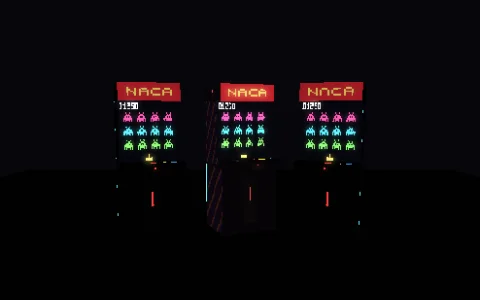 Glow maps: arcadeScreens, marquees and buttons lit by the model’s glow map. Switch the room’s light off and they stay lit.
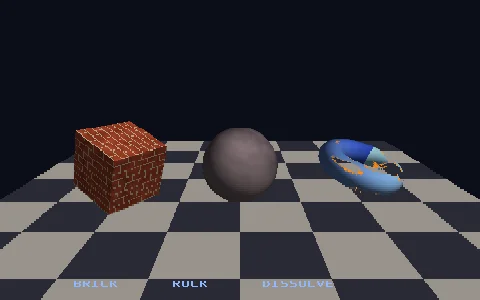 Procedural 3D texturesCheckerboard, brick and rock painted in code for models, and a noise picture a shader reads as a dissolve map.
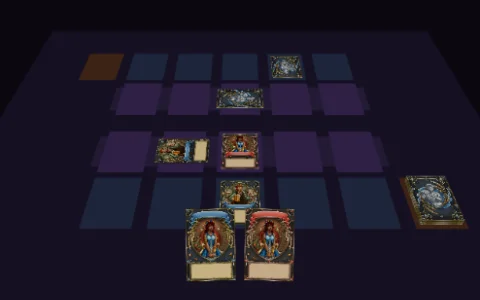 Card duelCard-game style 3D cards: drawn, summoned face up, set face down and sideways, and flipped.
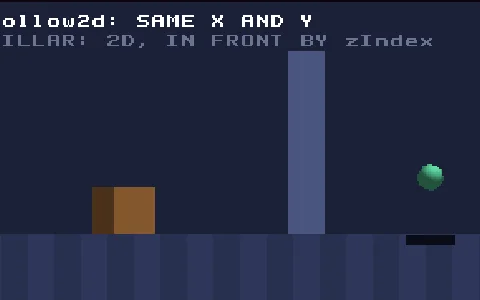 Models in a 2D sceneModels sitting exactly where sprites are: the 3D camera measures in the game’s pixels, and models and sprites are sorted in one list.
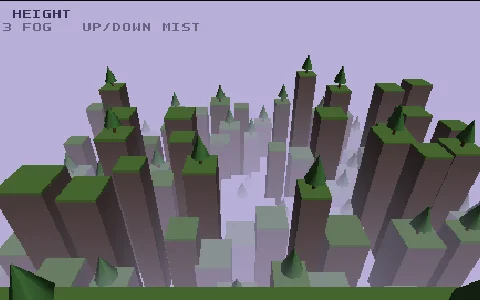 Fog by heightuseFog({ height: { top, bottom } }): the low pillars of a valley sink into a sea of mist, however near.
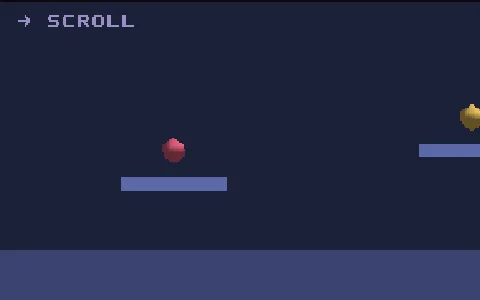 Models that follow the 2D camerafollow2d on an orthographic 3D camera: models placed in the 2D world like sprites, moved by the 2D camera.
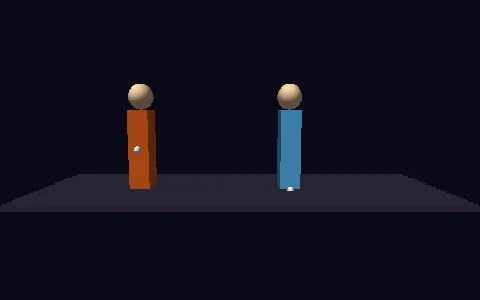 Pivot in 3Dtransform.pivot: the point a model turns and grows about, a runner that stumbles over its feet.
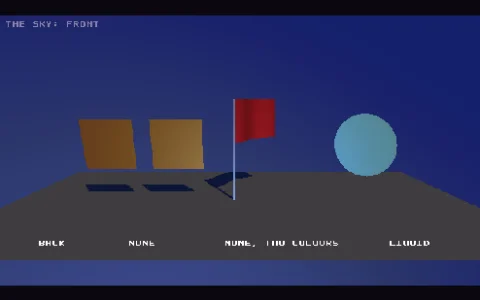 Sides of a modelcull on a material picks which side of its triangles is thrown away: 'back' seen from outside, 'none' both sides, 'front' seen from inside.
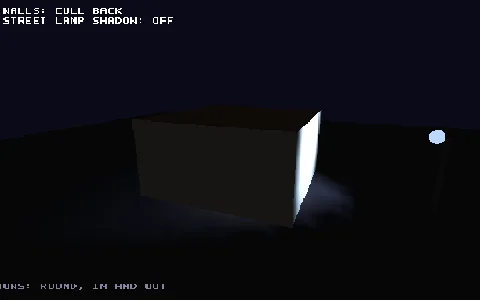 Light through wallsA house of single sheets: from inside, cull 'none' keeps its walls, and only a street lamp that casts a shadow stops its light at the wall.
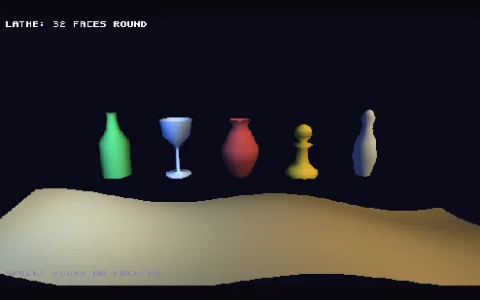 Shapes of your ownuseLatheGeometry turns half an outline into a round solid, and createGeometry builds a shape corner by corner, changed every frame with updateGeometry.
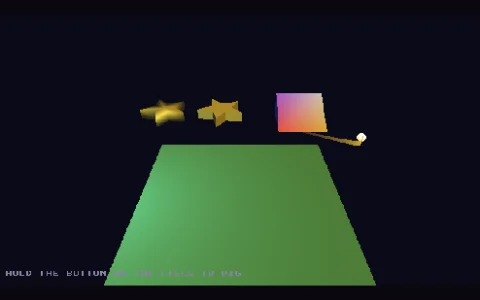 Meshes by handcreateGeometry corner by corner: a star smooth and flat, a ramp painted at its corners, a field to dig and a comet's growing trail, changed with updateGeometry.
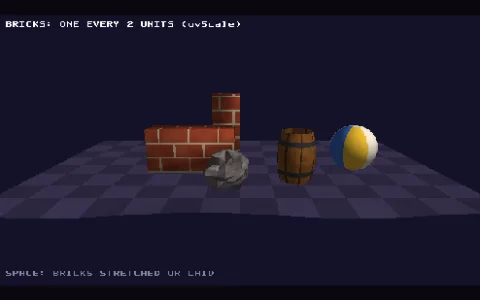 Pictures on shapescreateGeometry with its uvs worked out by name: a building and a rock as a box, a barrel as a cylinder, a ball as a sphere and a floor from above, laid by the shape's own units with uvScale.
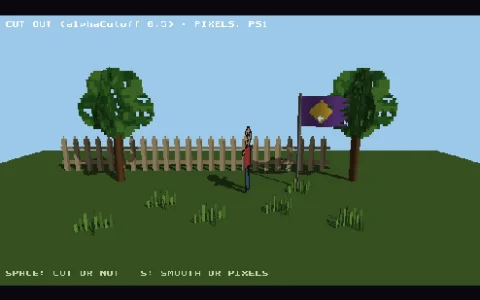 Cut-outsalphaCutoff cuts a picture out of its card: a fence, trees of crossed cards, grass, a paper figure and a torn banner, solid, unsorted and casting the shadow of their shapes.
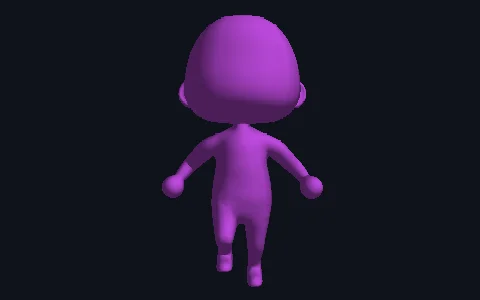 Part of the bodyThe legs keep running while the arms wave: a second animator on the same model, told which bones are its own with only.
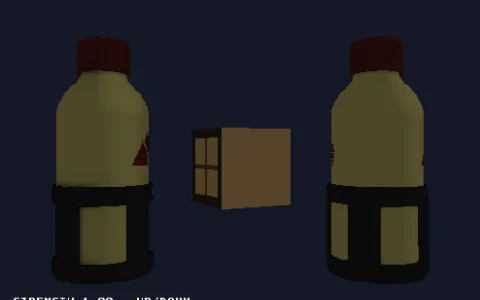 OcclusionA model's creases darker, as its author saw them: a glTF's occlusion read by itself, and occlusion on createMesh painted in pixels.
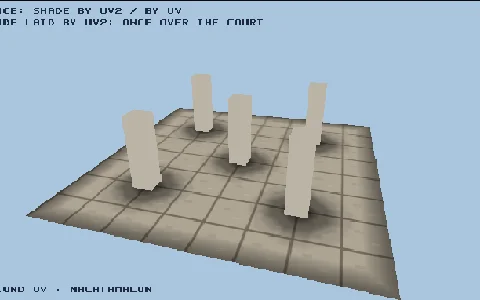 Second UVA courtyard made with createGeometry whose tile repeats by uvs while its baked shade is laid once by uv2.
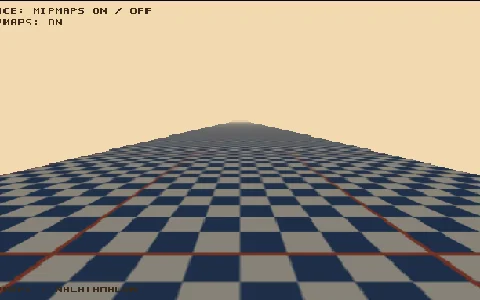 MipmapsA road of tiles into the distance, with and without mipmaps: without them the far road shimmers and crawls.
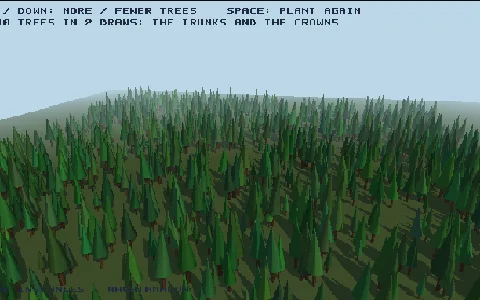 Mesh instancesA wood of 1,500 pines in two draws: createMeshInstances draws one shape many times, each instance with its own place, size, colour and numbers.
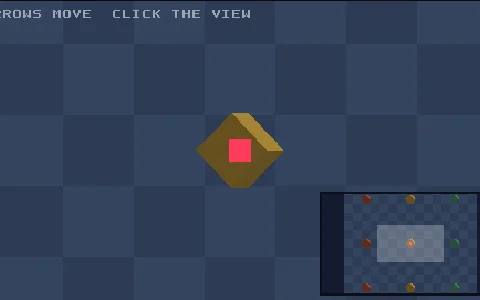 A view of 2D and 3DSprites and turning models in one world, and a view in the corner that sees both through its own 2D camera and a 3D one following it.
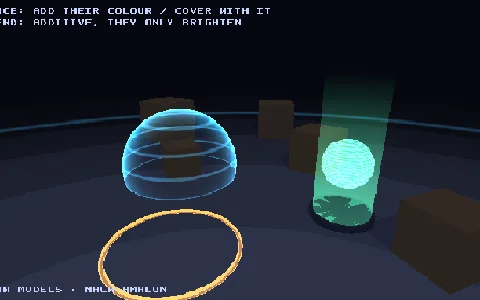 Glow modelsA shield, a hologram and a magic circle with blend: 'additive': they add their colour to what is behind them, cast no shadow and fade into the fog.
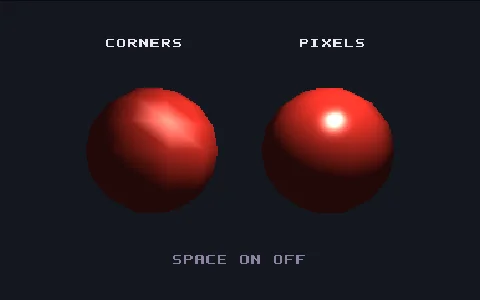 Per-pixel lightTwo glossy balls with few triangles: the right one has perPixel, so its shine is a round spot that slides across it instead of being lost between corners.
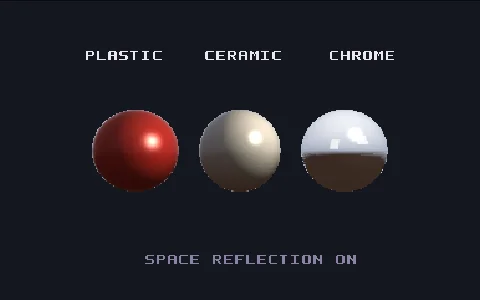 ReflectionPlastic, ceramic and chrome under one studio: reflection lays a round picture of the surroundings over each, by how much it reflects in front and at the edge.
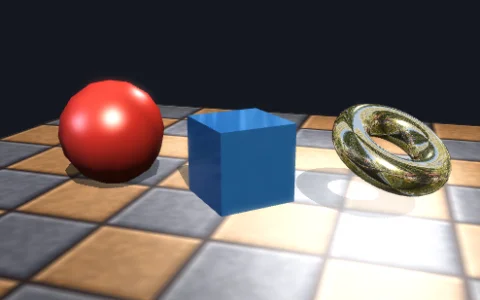 Render stylesA showroom in the CGI style with useStudio, switched to the PlayStation style while it runs: one call changes how every material is drawn, the effects over it and the resolution.
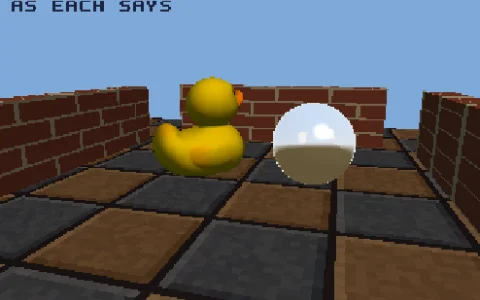 Style galleryOne courtyard in every render style, from the NES and the Game Boy to the N64, the Dreamcast and CGI, one key apart.
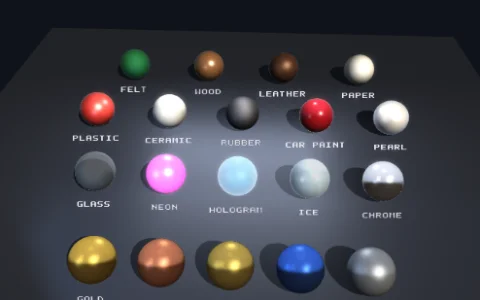 Material catalogEvery material recipe on one shelf under useStudio, in the CGI style: gold, copper, brass, anodized and steel; glass, neon, hologram and ice; chrome, plastic, ceramic, rubber, car paint and pearl; felt, wood, leather and paper.
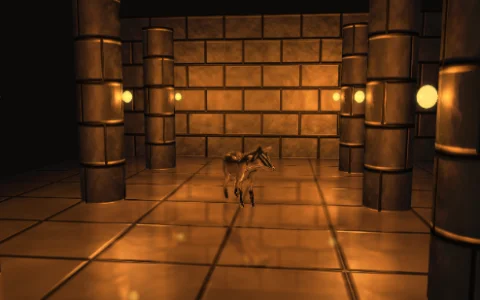 Chrome hallA stone hall of the era's pre-rendered graphics: a polished floor mirroring it all with useMirror, columns carved with normal maps, flickering torches and a figure of chrome reflecting the hall live with useEnvironment.
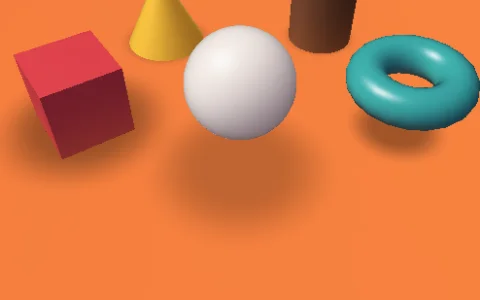 MatcapA diorama with no lamp: each model is coloured by matcap(), a picture of a ball already lit painted with paintMatcap(), and the floor's orange comes up onto them with groundBounce().
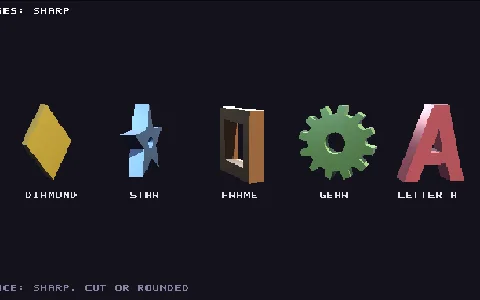 Extruded shapesuseExtrudeGeometry pushes a diamond, a star with a hole, a frame, a gear and a letter out into solids, their edges sharp, cut at 45° or rounded.
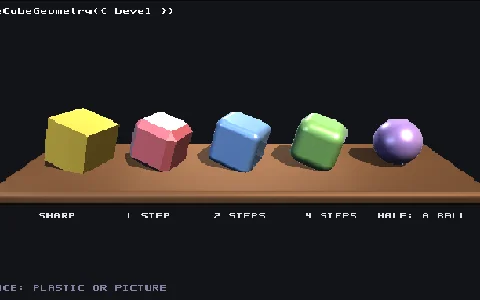 Rounded boxesuseCubeGeometry({ bevel }): one box with its edges sharp, cut straight, rounded in steps and rounded into a ball, on a table with a rounded edge.
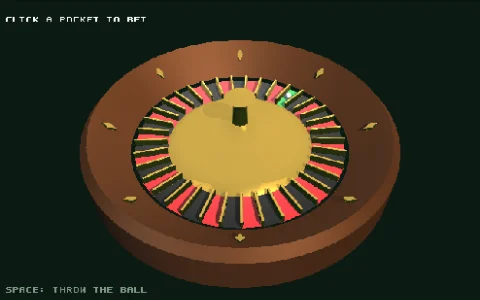 A roulette wheelPockets as lathe slices merged in their colours, rounded separators, extruded diamonds; click a pocket to bet, with castRay on the turning wheel.
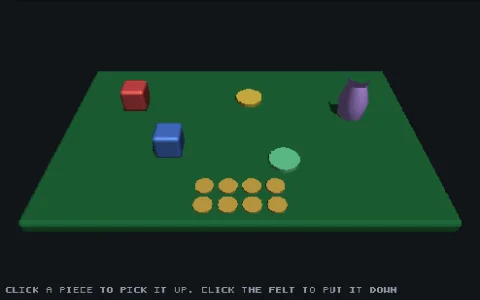 Click what you seecastRay meets the pieces on a table as they are drawn, coins as instances included; rayOnPlane finds the felt under the pointer to put them down.
Input
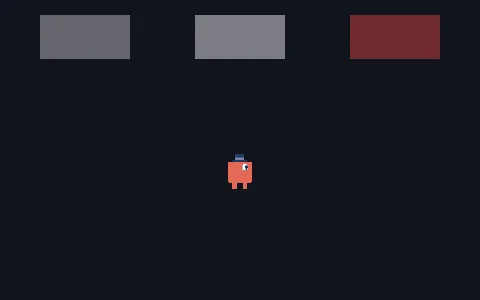 Keyboard and pointeruseKeyboard to move a sprite, and three ways to give a sprite its pointer events.
- GamepadA pad tester: every button, trigger and stick at once, plus rumble. Needs a controller.
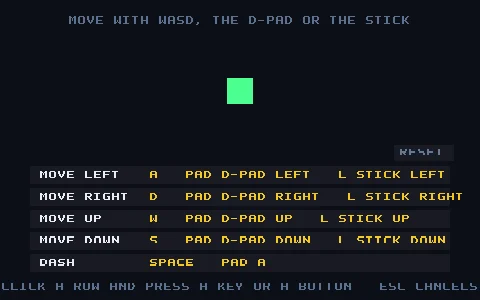 Input mapNamed actions bound to keys, pad buttons and stick directions at once, declared in project.json, with a controls screen to rebind them.
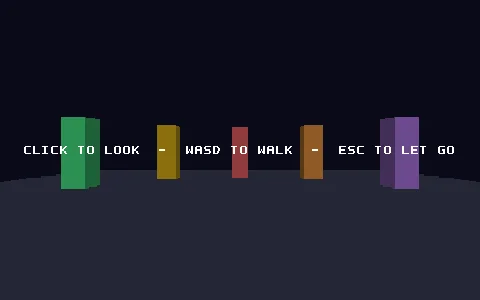 Mouse lookA first-person camera: click to capture the mouse with usePointer().lock(), turn with movementX and movementY.
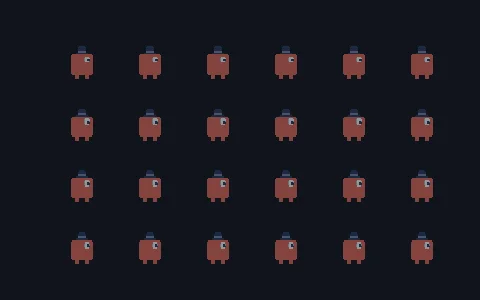 Pointer pickingusePointer is one input for the whole scene, and every event says what is under the pointer.
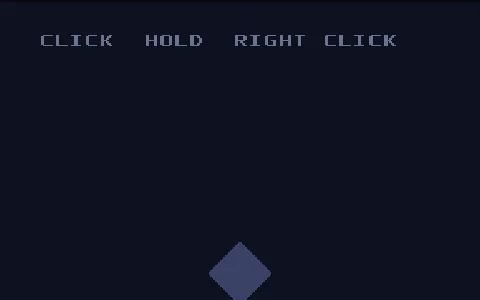 Pointer pressed, held, releasedThe pointer asked like the keyboard, from an update: a click fires once, holding charges, letting go of a full charge fires a big shot, and the right button changes colour.
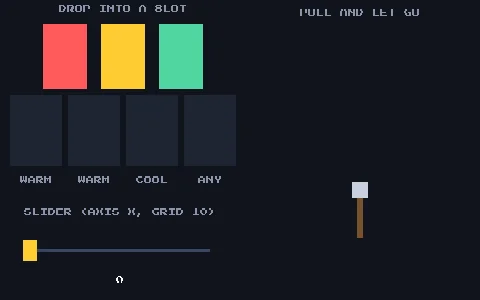 Drag & DropCards dropped into slots and a slider with useDraggable, and a slingshot made with the drag events alone: a drag is never a click, and what it is let go over is the target.
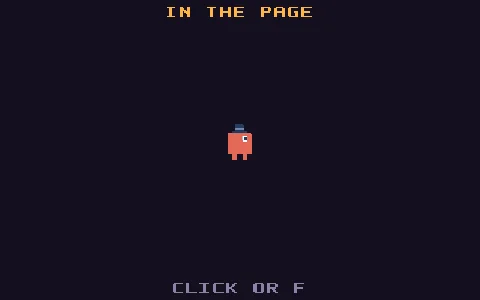 Full screenThe game asks for full screen with a click or a key, and scales to whole multiples with bars in its own colour.
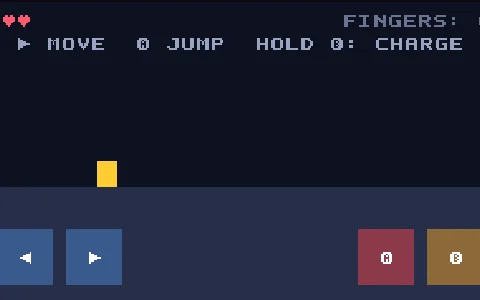 Touch padAn on-screen pad for phones, drawn by the engine and read through actions: a thumb sliding between buttons, two thumbs at once, and a shot charged by holding.
Physics
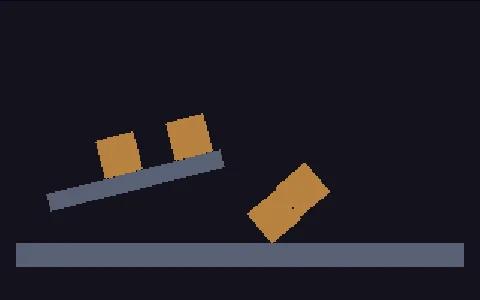 Falling cratesA room whose floor, ledge and four crates are a JSON document, colliders and gravity included. The engine keeps the format but cannot move it: one installPhysics2d() is what makes it fall.
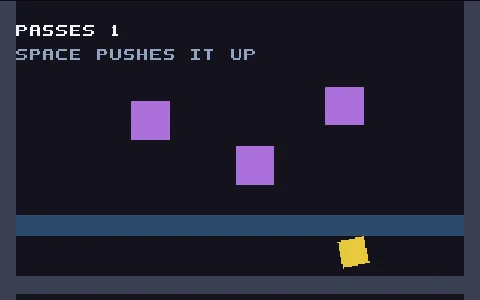 BumpersThe same physics written by hand: usePhysicsWorld2d and usePhysicsBody2d say what each object is made of, and the adapter does what the format cannot say.
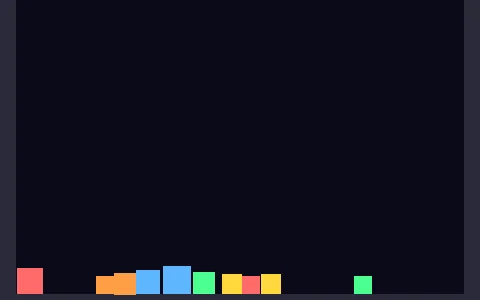 2D physicsThe 2D physics starting point: boxes rain down and pile up against static walls. In pixels, with y pointing down.
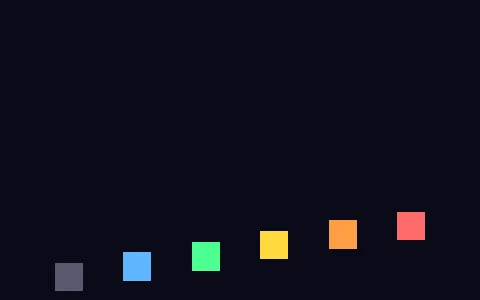 Restitution ladderSix identical balls dropped from one height, differing only in bounce from 0 to 0.95.
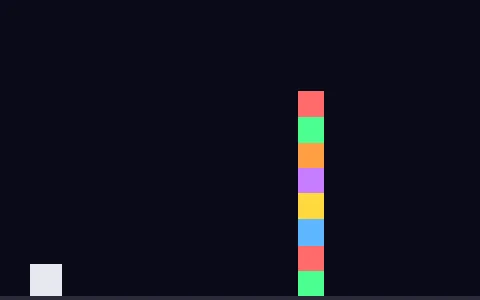 Box stack and wrecking ballAn eight-box tower that has to stay standing. Click to fire a heavy ball through it.
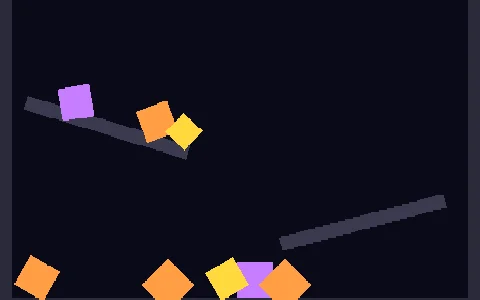 Convex polygonsTriangles, diamonds, pentagons and hexagons tumbling down static ramps. Corners are written around the object's centre.
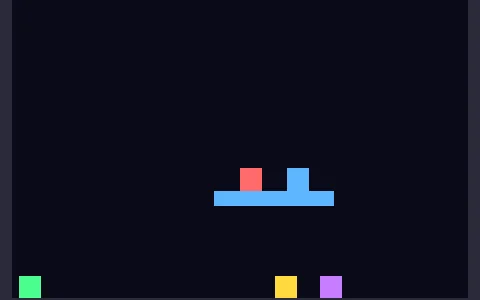 Kinematic platformThe third body type: a platform that carries and shoves crates, but that nothing can push back.
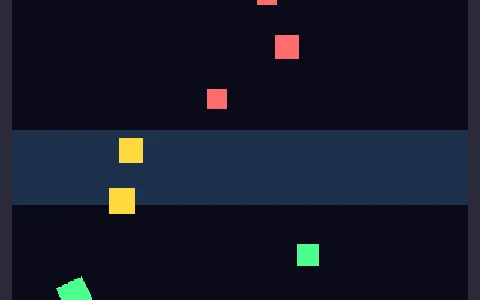 Triggers and contactsCrates cross a sensor band and recolour themselves with onEnter and onExit, knowing which object they met.
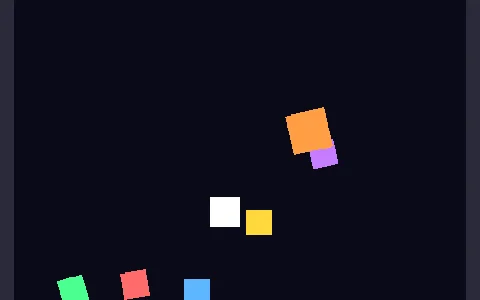 Physics from a documentThe same crates, written as data: a scene document run through sceneFromDoc, with installPhysics2d() supplying the simulation.
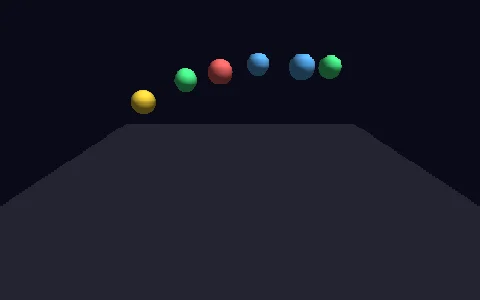 Bouncing ballsSpheres that keep their energy across many bounces. Restitution belongs to the pair, so the floor asks for it too.
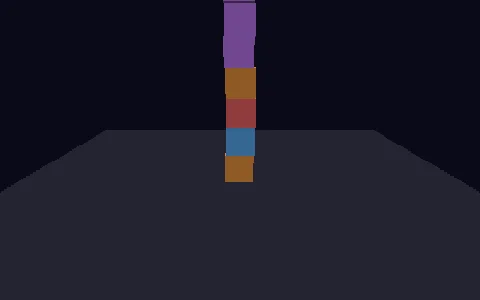 Box stackEight boxes stacked into a tower that holds still. Click to topple it with a sideways impulse.
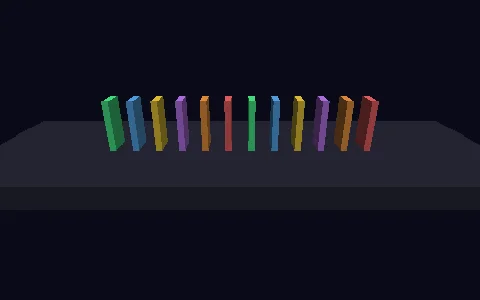 DominoesA chain reaction nobody scripts: it falls out of contact and gravity. Click to push the first domino.
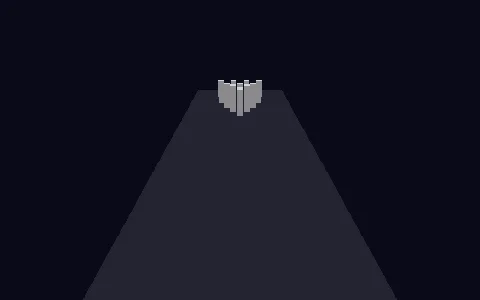 BowlingA dense sphere and one applyImpulse into ten light pins: the strike is momentum transfer. Click to bowl.
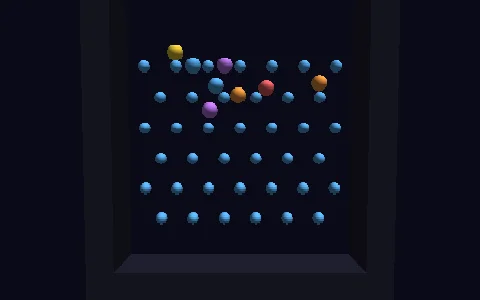 PachinkoDynamic balls falling through static pegs: the same collider with another body type. Click to send them up.
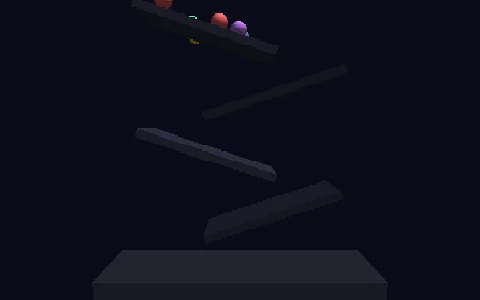 Ramp cascadeMarbles roll down a zigzag of tilted ramps. The turn orients the collider, not just the mesh.
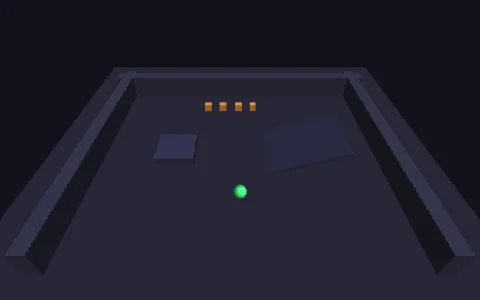 Character walkA character, not a body: a capsule moved by queries against the world instead of by forces. WASD to walk, Space to jump.
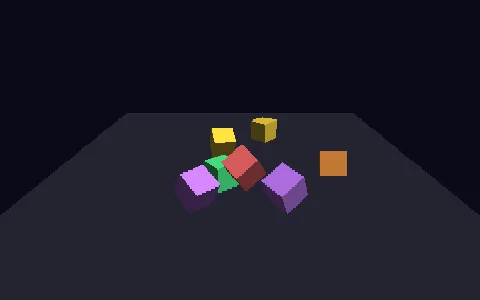 Falling cubesThe intro to 3D physics with the opt-in nacatamalon/physics3d adapter (Box3D in WASM). Click to kick the cubes.
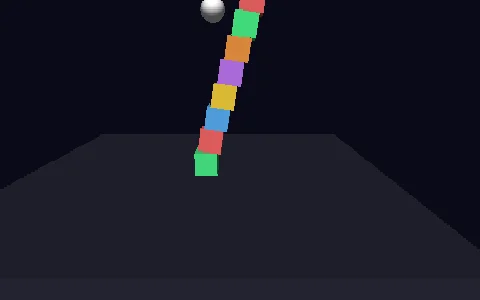 Tower from a documentThe same physics written as data: a scene document handed to sceneFromDoc. The tower falls because the document says so.
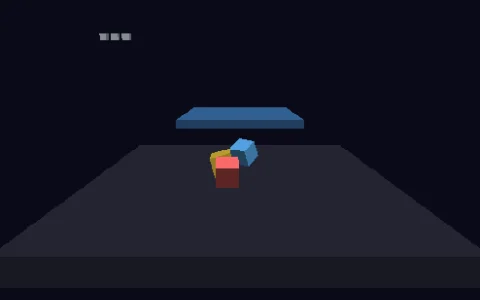 Sensor gateA sensor is saved with the scene; hearing it is the adapter’s job. The gate marks each crate that falls through it, stopping none.
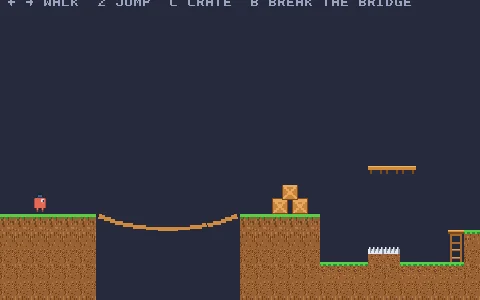 Platformer in the 2D worldThe same character inside the 2D physics world: the map is its walls, a bridge of planks on hinges sags under it, and it pushes crates.
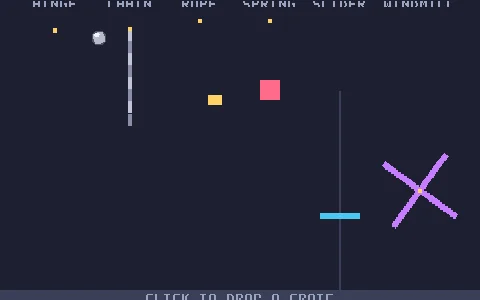 2D jointsThe joints of the 2D world: a pendulum and a chain on hinges, a lamp on a rope, a weight on a spring, a lift on a slider and a windmill welded and turned by a motor.
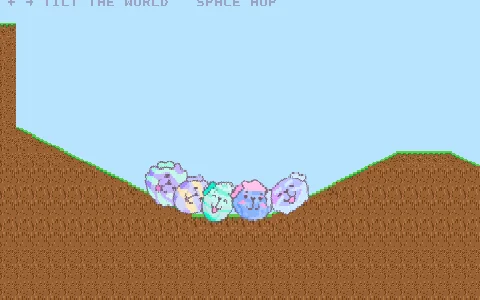 Rolling piggiesMinipiggies that roll like jelly, made of nothing but springs. You never move them: tilt the world and they roll downhill.
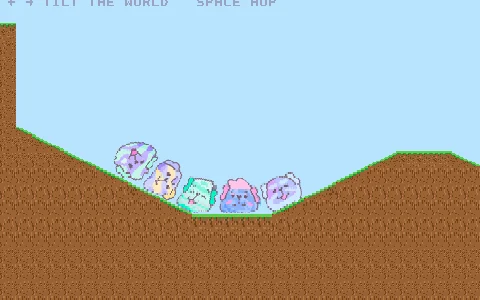 Jelly piggiesMinipiggies as soft bodies: rings of springs that squash when they land and bulge as they roll, each face stretched over its own corners. Tilt the world and they roll downhill.
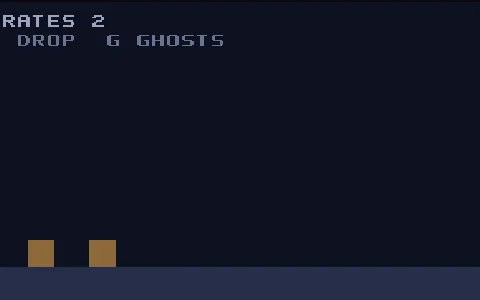 Collisions with physicsCrates that are physics bodies say what they land on with the same line a hitbox uses, and physics layers with names: a crate turned ghost falls through the floor.
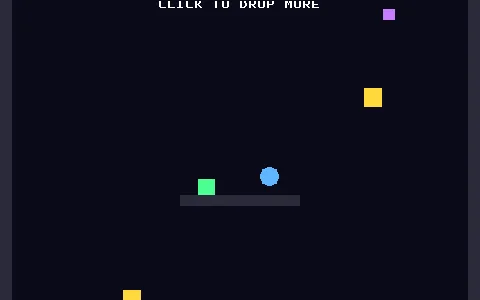 Falling crates, retroBoxes that never turn and balls that stay round, piled pixel on pixel with nothing to load: useRetroWorld2d and useRetroBody2d.
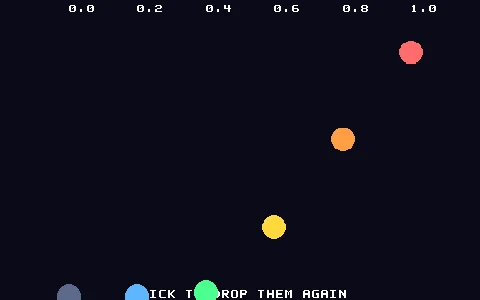 Bounce ladderSix balls from bounce 0 to 1 on a floor that asks for nothing: a retro body's bounce is its own, never averaged with what it hits.
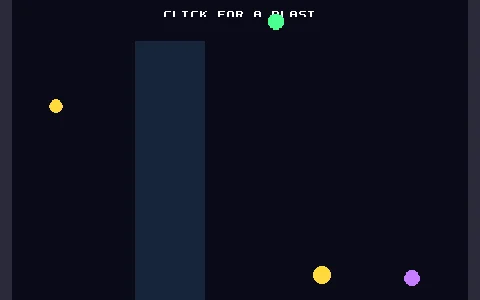 Forces and impulsesA fan with applyForce every frame, a jump pad and a click blast with applyImpulse, on balls of different mass.
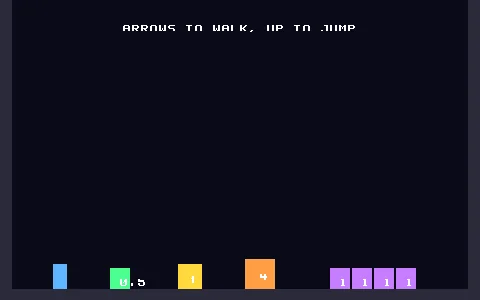 Pushing cratesCrates of different mass pushed by a hero: the push is shared by mass, a row moves as one, and blocked says when the wall wins.
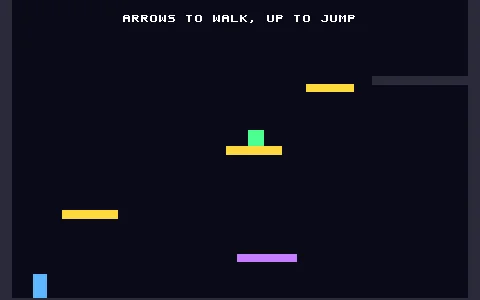 Lifts and platformsKinematic lifts and platforms carry what stands on them, and a static one moved by hand does the same.
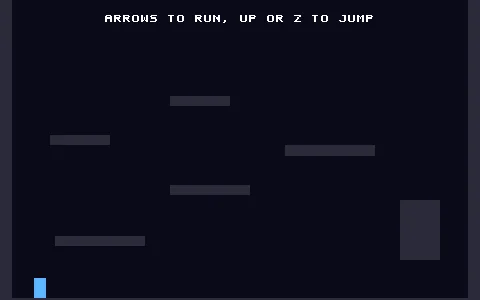 Platformer feelRun, slide and jump from acceleration, drag, maxSpeed and blocked: a platformer's feel with no movement code of its own.
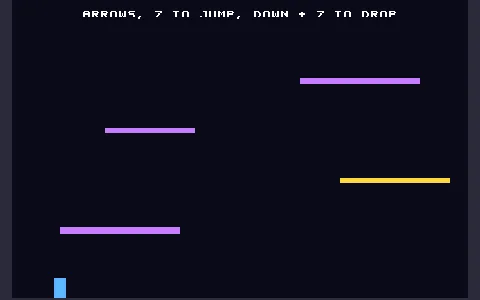 Jump-through platformsOne-way platforms from bodies with solidSides, dropping through with collidesIf, landing with touching and wasTouching, and impact speed from onEnter.
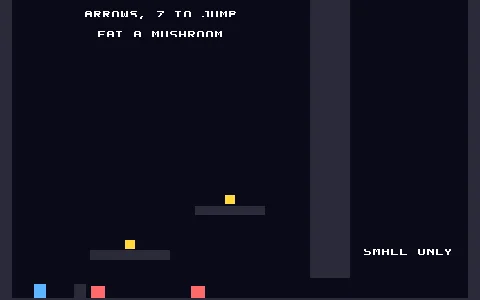 Grow and shrinkA hero that a mushroom makes big and a hit makes small: its collider changes with its picture, its feet stay on the floor, and it grows only where it fits.
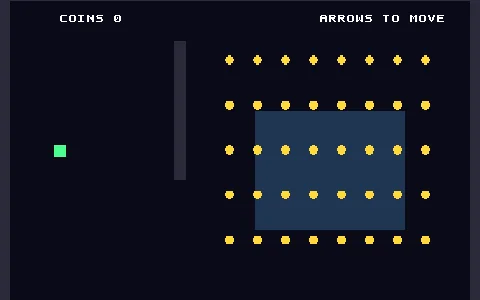 Coins and poolsSensor coins collected by tag with useCollisionWith, and a pool that slows the hero by changing its record from onEnter and onExit.
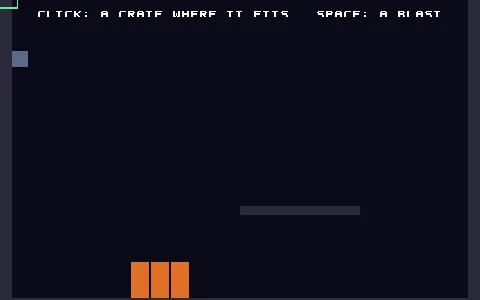 Asking the worldisRetroAreaFree2d to place crates where they fit, findRetroBodies2d for a blast, castRetroRay2d for a laser.
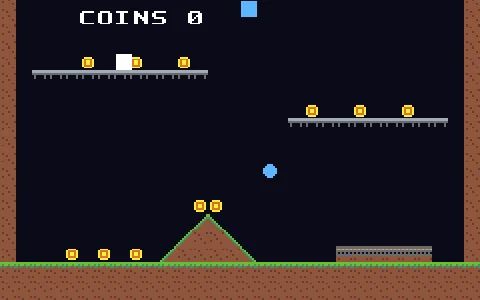 Bodies on a mapRetro bodies on a tilemap: walls, ledges, slopes a ball rolls down and a crate stands on, a belt, and coin tiles taken with onTileEnter.
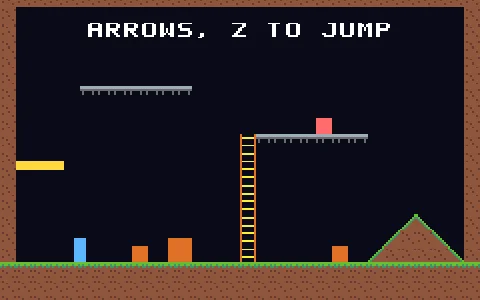 Character in a retro worldThe platformer character in a retro world: ladders and ledges, crates it pushes, a lift it rides, and an enemy that looks ahead with castRetroRay2d.
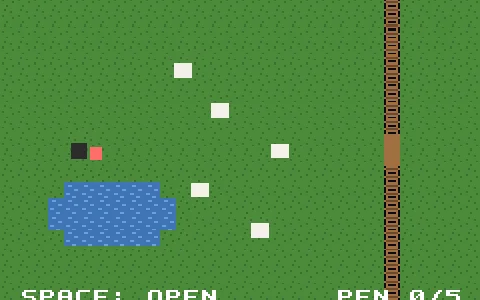 SheepdogA field from above: moveTowards for the dog, accelerateTowards for the sheep, bounds stop, onTileExit for the pond, a gate switched off with enabled.
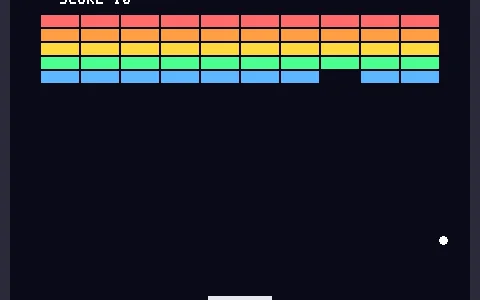 Breakout, retroA breakout with no collision code: a kinematic paddle, a ball with bounce 1 and gravityScale 0, bricks broken from onEnter.
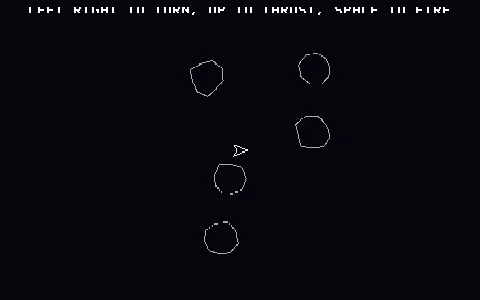 Space rocksWrapping at the edges, one top speed whichever way, a picture that turns over a square collider, and shots fired by angle.
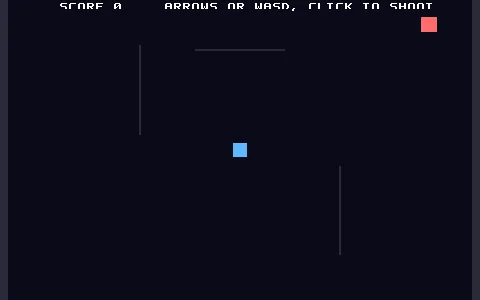 Top-down shooterA top-down shooter: no gravity, fast shots against thin walls, named layers, and setLayers to ghost the ship after a hit.
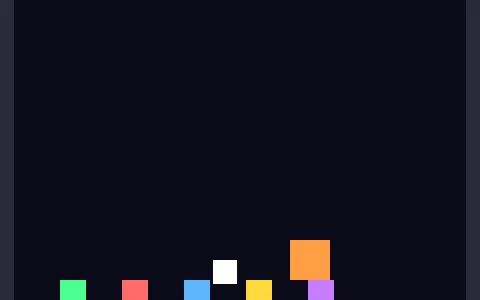 Retro physics from a documentA scene document with retro-world-2d and retro-body-2d components, built with sceneFromDoc; a scaled body and fields left to their defaults.
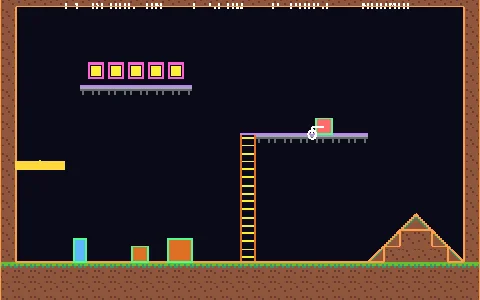 Debug modeThe engine's debug mode over a retro level: colliders, hitboxes, tiles and rays; and the retro world's timeScale for slow motion and pause.
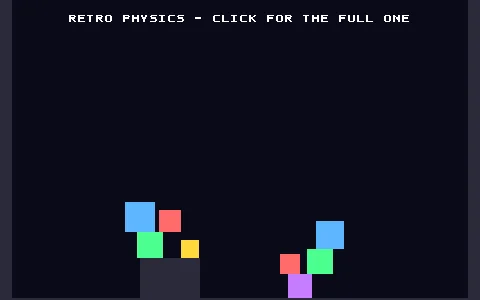 Retro and full physicsThe same pile in a retro scene and a full one, both installed in one game: square stacking against tumbling, click to switch.
Shaders
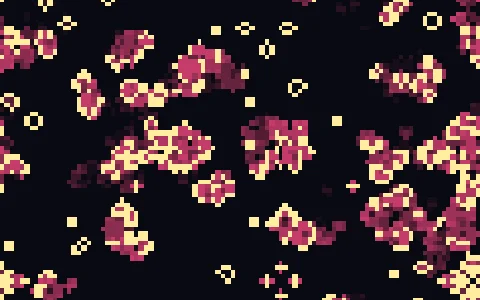 Game of Life on the GPUAn advanced pass computes Game of Life: compute on WebGPU and fragment shaders on WebGL2. R resets both halves; drag to paint cells.
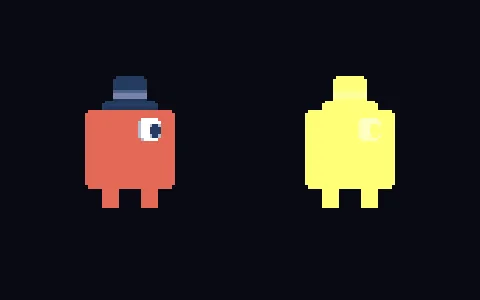 Energy chargeA uniform driven by the game: the object you hand to createMaterial is the one the renderer reads, so writing a number into it reaches the next frame.
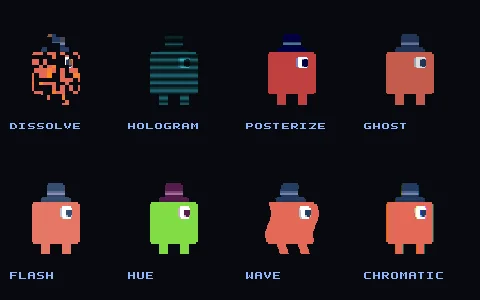 Shader effectsA gallery of materials: dissolve, hologram, posterize, ghost, flash, hue, wave and chromatic aberration, each a single function.
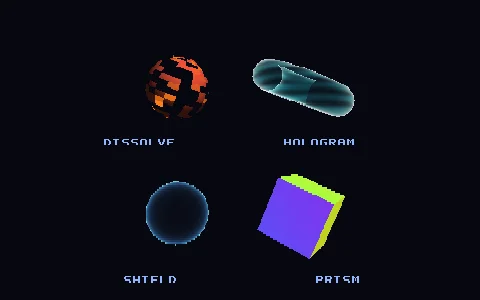 3D effectsSurface shaders on meshes: dissolve, fresnel hologram, force field and angle-based iridescence.
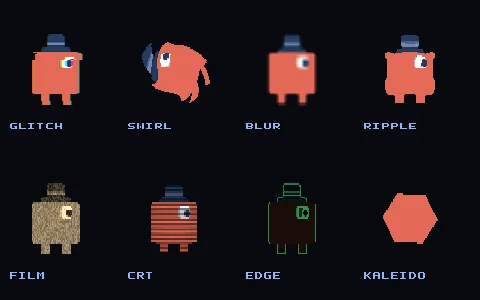 Shader effects IIA second batch on sampleTexture(uv): glitch, swirl, blur, ripples, CRT warp, edges, old film and kaleidoscope.
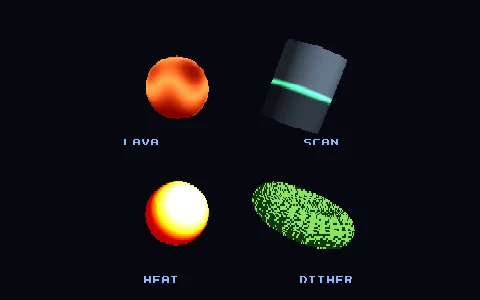 3D effects IIAnother surface batch: procedural lava, a scan band, a thermal palette and a 1-bit Bayer dither.
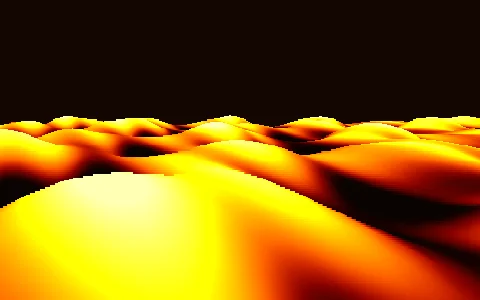 Lava seaA Wave Race style rolling ocean, made of lava: one material using both mesh hooks, vertex and effect.
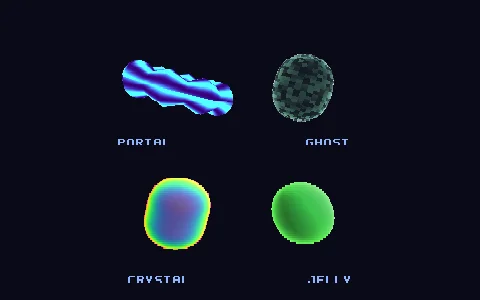 Combined FXFour materials using both hooks at once: a portal, a ghost, a crystal and a jelly.
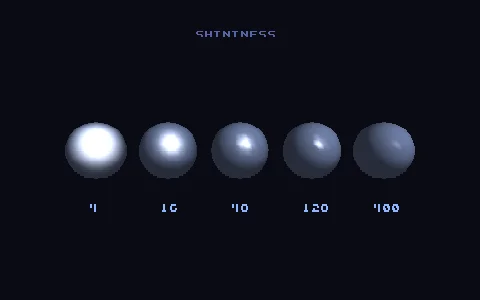 SpecularThe Blinn-Phong highlight in the lighting model: a row of spheres from matte to glossy, changing only shininess.
 Shader graphA shader written as typed values instead of WGSL: compileShader writes the fn effect createMaterial takes, in both languages.
 Shader graph 3DOne graph driving both stages of a model's material: colour and position.
 Portable by constructionThe same cel and rim look composed as a graph, with no WGSL or GLSL, drawn by both renderers at once.
 Portable shadersWebGL2 cannot compile WGSL and the engine will not pretend to translate it: a material may carry a second half in GLSL.
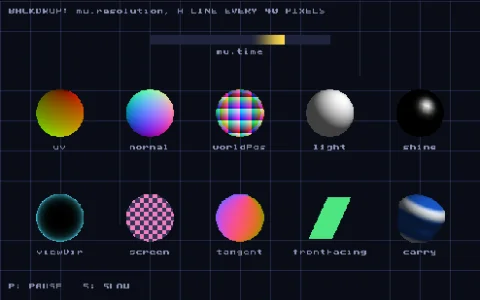 Shader inputsEverything the engine hands a shader, each input doing something you can see: a grid from mu.resolution, a stripe run by mu.time, and ten models each drawing one field of FragContext.
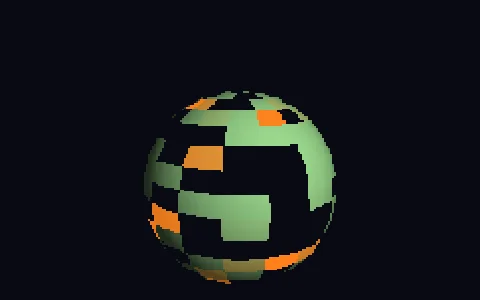 When a shader is WebGPU onlyThe degradation, shown on purpose: with only its WGSL half, on WebGL2 the object draws through the built-in shader with a warning in the console.
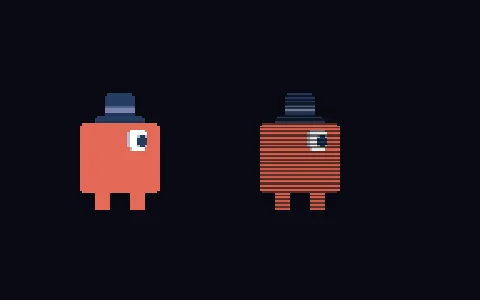 ScanlinesThe first custom-shader material: createMaterial takes one function, and the engine hands it the picture already read and tinted.
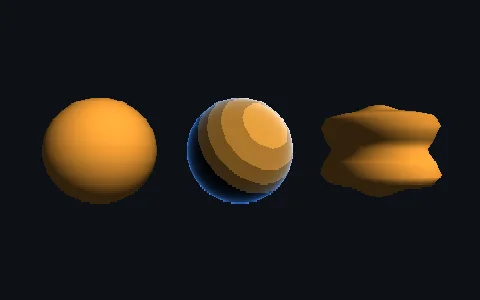 Toon shadingA model's material has two hooks: a colour one that cuts the light into bands and a vertex one that ripples the surface.
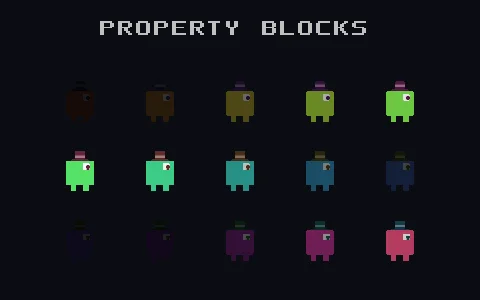 Per-sprite uniformsOne material shared by fifteen sprites: the shader compiles once and each sprite sets its own uniforms.
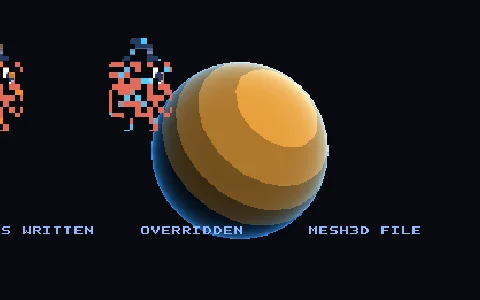 Shader fileAn effect in its own file: the scene keeps the key and never the source, so it can be shared between scenes.
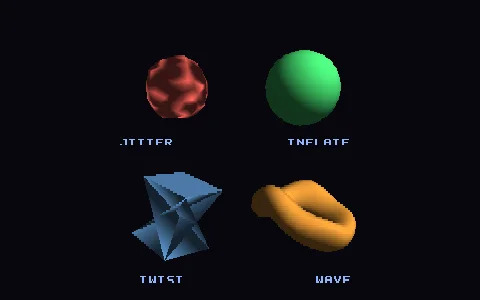 Vertex effectsThe vertex half of a mesh material: PS1-style jitter, inflate, twist and wave, with lighting untouched.
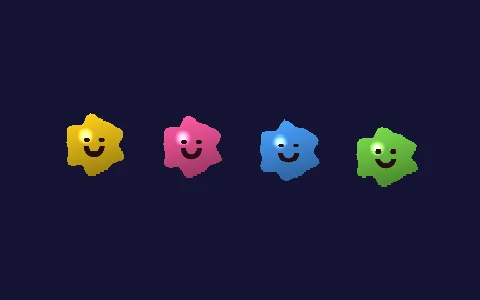 2D jellyLocoRoco style blobs: the vertex hook wobbles the rim and the fragment paints colour, gloss and a face.
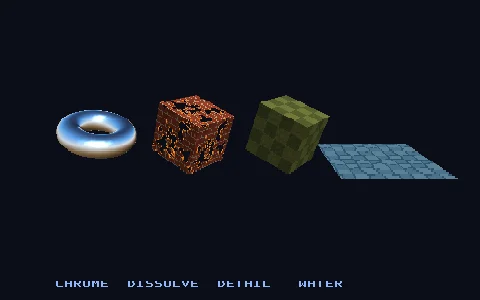 Material mapsUp to four extra pictures on a model material, read by its shader by name: chrome, a dissolve that keeps its colour, a detail map and water.
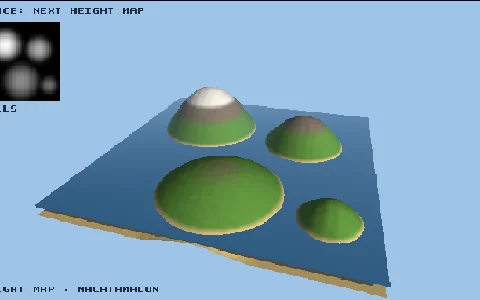 Height mapA land raised from a picture: a flat plane whose material reads a height map in its vertex hook.
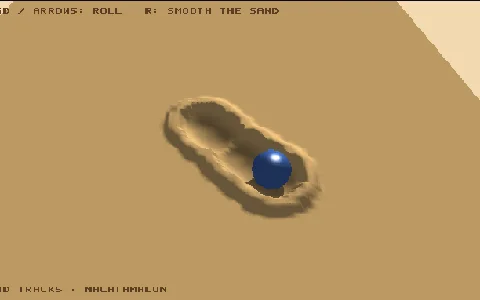 Sand tracksA ball presses a track into sand painted in a picture, which the sand's vertex hook reads to move the plane.
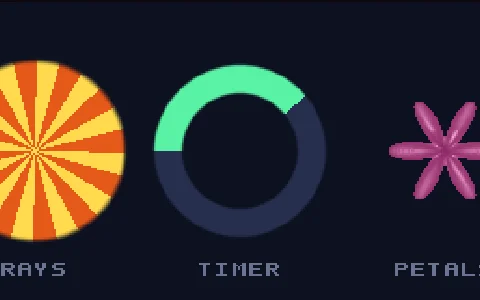 Angles in the composercomposerAtan2 turns a place into how far round a centre it is: rays that turn, a ring that fills like a timer, and a sphere pushed into petals.
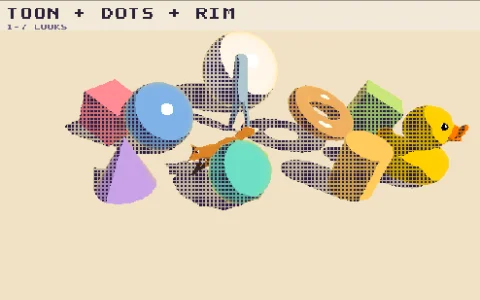 Material lookscreateMaterial({ lighting, steps }): toonLighting(), unlitLighting(), mangaDots() and rim(), with no shader written.
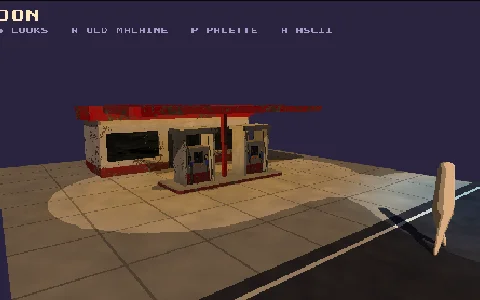 Gas station looksMaterial looks on a model made in a modelling tool: a gas station at dusk, ground painted in code and the nightcrawler walking it.
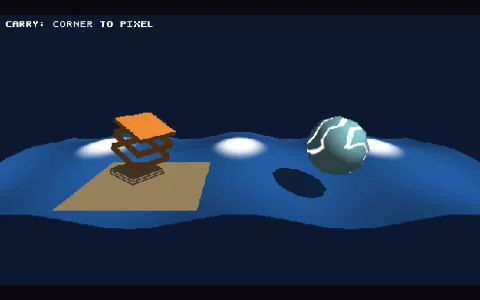 CarryA vertex hook hands four numbers to its colour hook with carry: a sea foamed by how high its waves lifted each corner, a block banded in its own space, and a crystal that glints corner by corner.
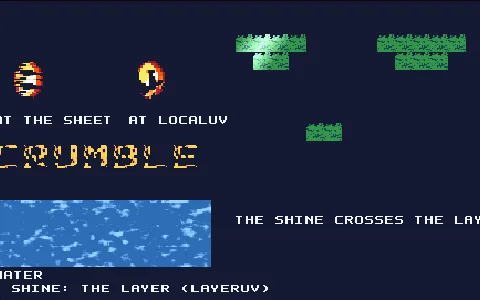 Sprite mapsExtra pictures on a sprite's material, read at localUv(): a coin that crumbles in its own shape while it spins, a text letter by letter, water through noise.
Post-processing
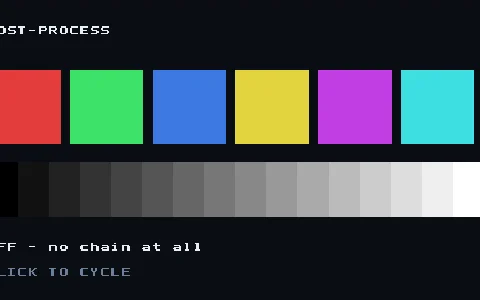 Post-processingA shader over the whole frame: scanlines and colour quantisation, switched on and off live.
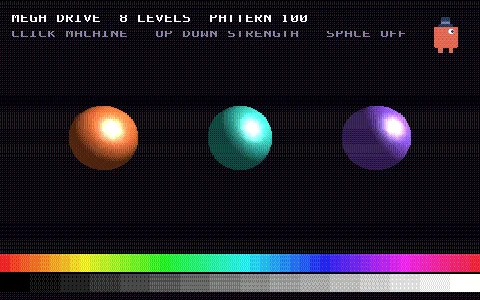 Ditherdither() cuts each channel to a few steps and hides the bands with an ordered pattern, the way consoles of the era did.
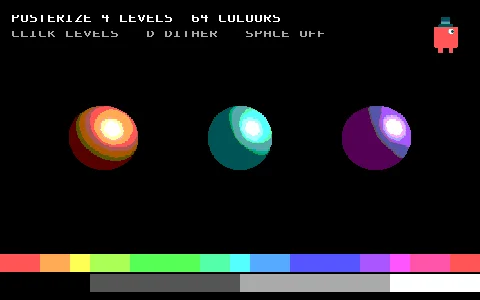 Posterizeposterize() moves every colour to the nearest of a few steps: a gradient turns into flat bands.
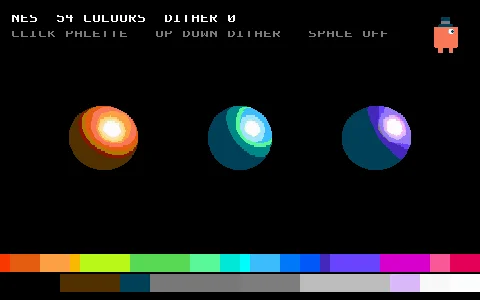 A console palettepaletteMatch() swaps every colour for the nearest in a palette: a NES with 54 colours or a Game Boy with four greens.
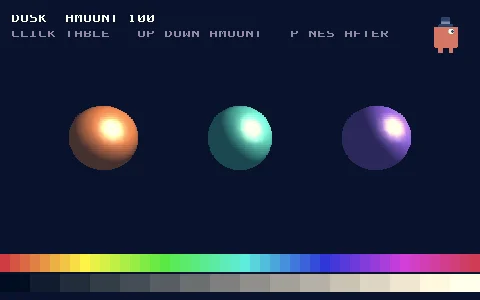 LUT gradinglutGrade() looks every colour up in a grading table: dusk, night or sepia, and how much to apply.
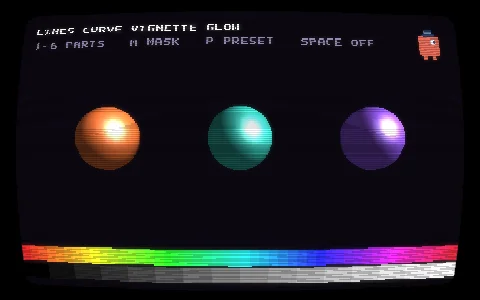 CRT screencrt() puts the frame on a tube television: scanlines, phosphor mask, the bulge and glow of the glass, and four ready-made tubes.
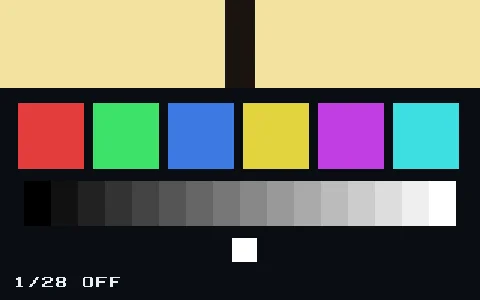 Screen effectsMosaic, waves, shockwaves, bloom, light shafts, glitch, film, a composite cable and a handheld screen, each one call.
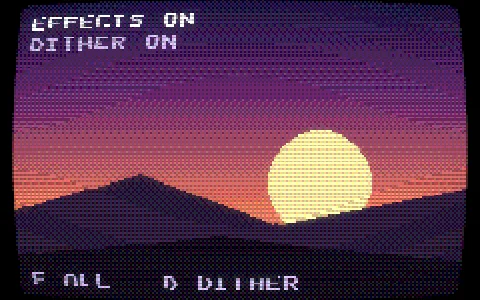 Effects switchThe "CRT filter: on / off" of a game's options: F turns every screen effect off at once with useGame().setPostProcessEnabled; D, only the dither.
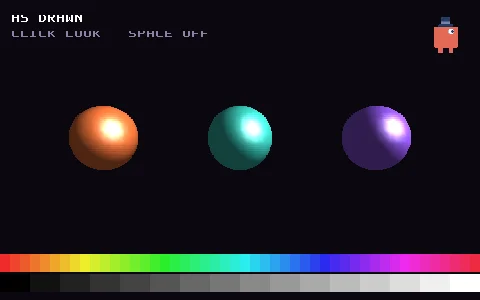 Colour adjustcolorAdjust() is brightness, contrast, saturation, gamma, hue and tint in one effect, each starting where it changes nothing.
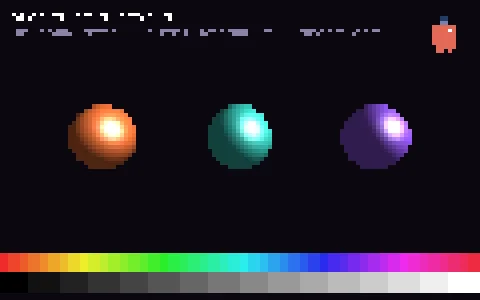 Mosaicmosaic() turns the frame into big square blocks, the hardware effect games used to dissolve between rooms.
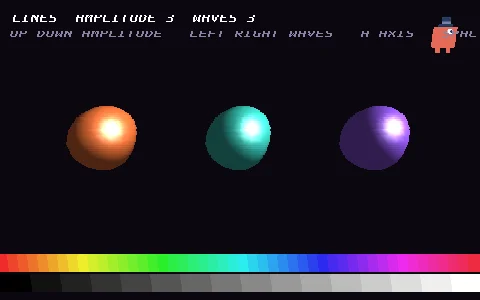 Wavewave() slides each line of the frame sideways by a moving wave, the way the hardware drew heat and water.
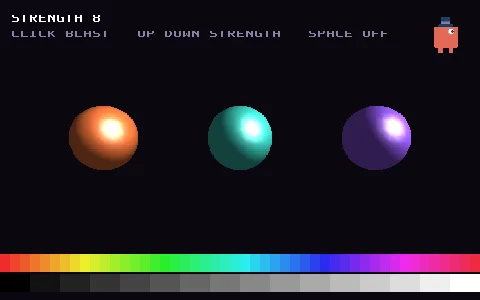 Shockwaveshockwave() is a ring that pushes the frame outwards as the game moves it: an explosion, a landing, a spell.
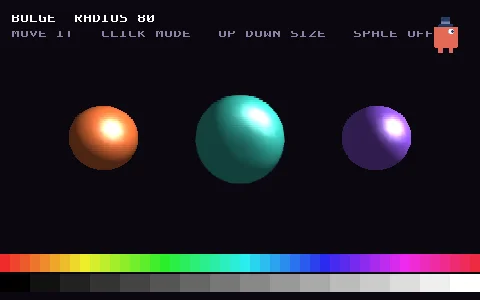 Distortdistort() bulges, pinches or twists a round patch of the frame: a lens, a black hole, a whirlpool.
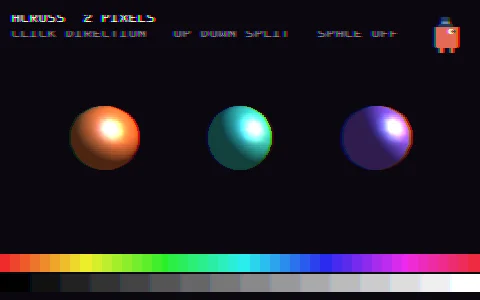 RGB splitrgbSplit() reads red, green and blue from three slightly different places: a cheap lens, or a hit.
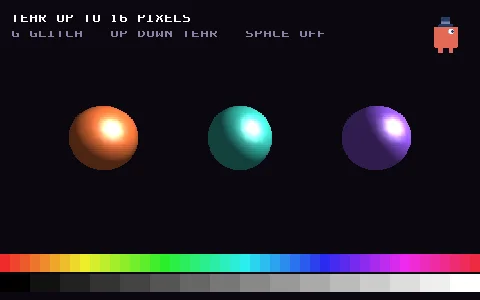 Glitchglitch() tears the frame into bands thrown sideways with the colours coming apart: a signal failing.
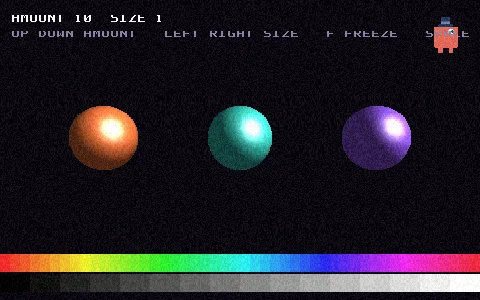 Graingrain() sprinkles the frame with moving grain, as chunky as the game's own pixels.
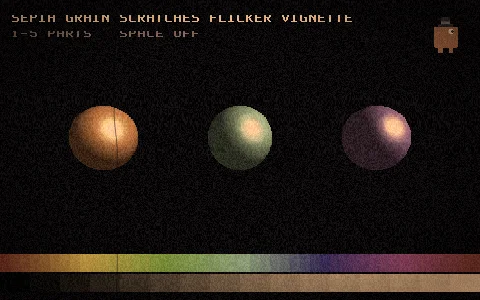 Old filmoldFilm() is an old reel: sepia, grain, scratches, flicker and dark edges, at twenty-four frames a second.
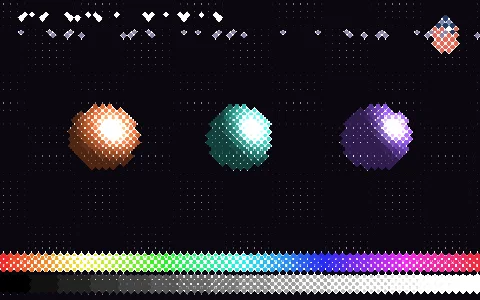 Halftonehalftone() prints the frame as a comic or a newspaper did: dots that grow in the dark, or crossed lines.
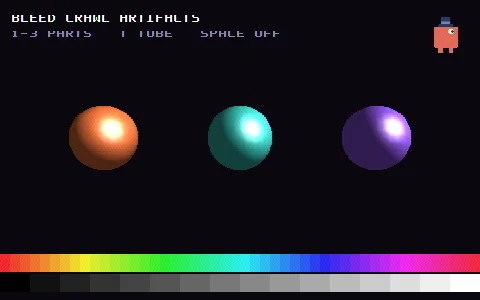 Composite cablentsc() is the frame as it came down a composite cable: colour smeared sideways, crawling dots and rainbows.
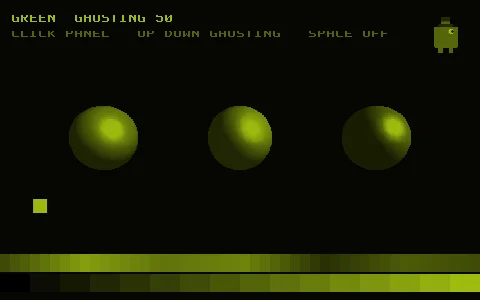 Handheld LCDlcd() is the screen of a handheld: a grid between the pixels, a tinted panel, and ghosts behind anything that moves.
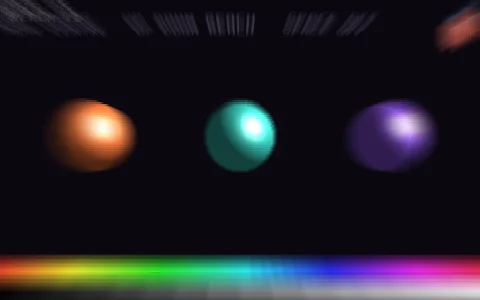 Zoom blurzoomBlur() smears the frame towards a point, as if the camera rushed at it.
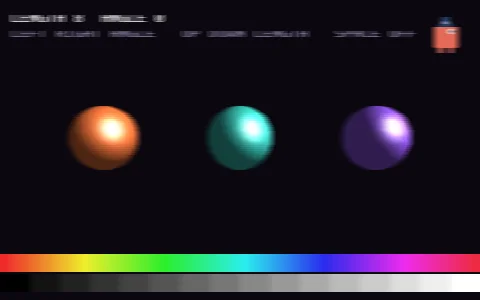 Motion blurmotionBlur() smears the whole frame along one direction, as if it moved during the exposure.
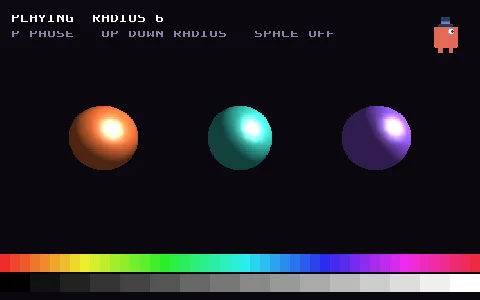 Blurblur() blurs the whole frame, worked out at half size so a wide blur stays cheap: a pause menu, being out of focus.
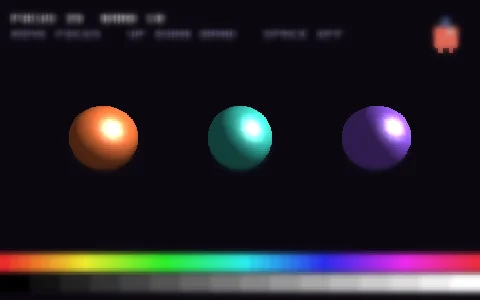 Tilt shifttiltShift() keeps one band sharp and blurs above and below it: the whole scene as a model on a table.
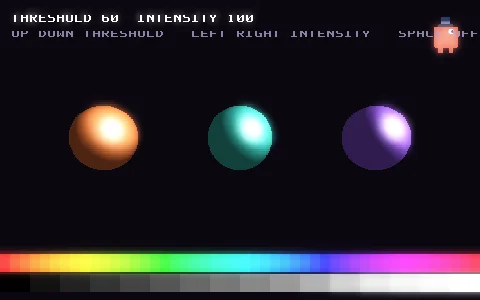 Bloombloom() makes bright parts glow into what is around them, worked out at a quarter size so a wide glow stays cheap.
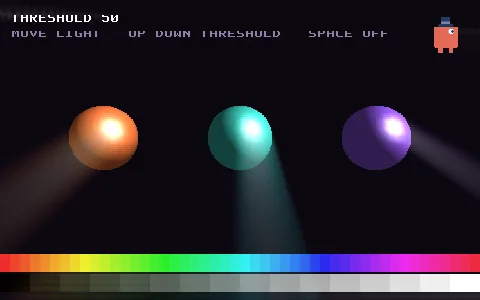 Light shaftsgodrays() streams shafts of light from a point past whatever stands in front of it: sun through trees, a window in a dark hall.
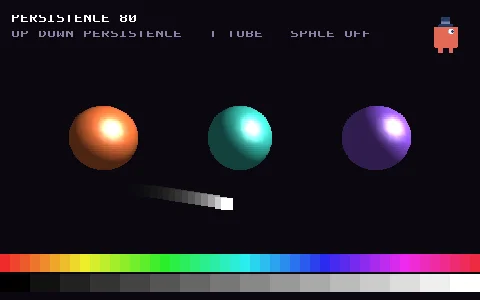 Phosphor trailphosphor() keeps a tube glowing a moment after the beam has gone: bright things moving fast leave a short trail.
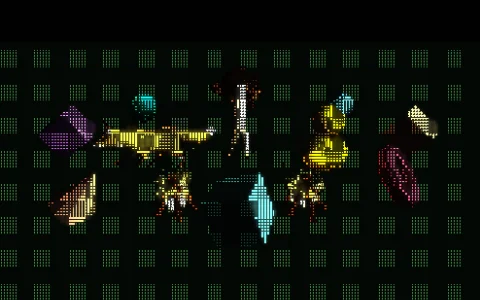 ASCIIascii() draws the finished frame in letters, as dense as the picture is bright there.
 Console coloursconsoleColor puts a colour on a console's steps where it is chosen, so dither leaves it flat and still patterns a gradient.
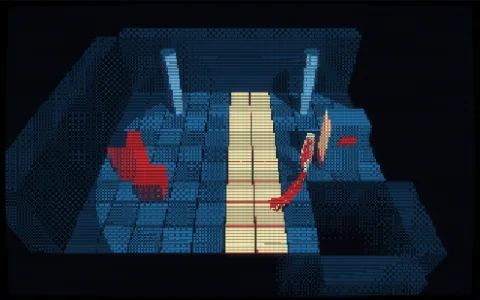 Old machineA 3D room drawn the way an old machine did: small and unsmoothed, toon light, a few colours with a dither, glow and a tube.
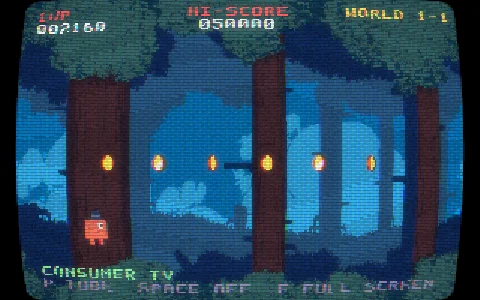 CRT showcaseA 16-bit game seen through a television: one line of crt() on top of an ordinary scene.
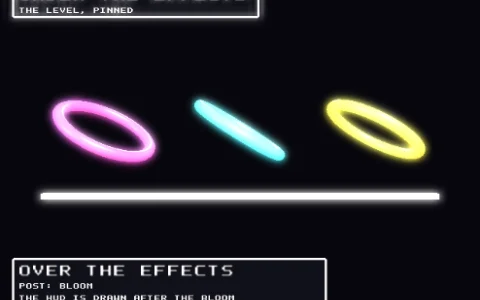 A HUD over the effectsuseOverlay() draws a HUD after the CGI style's bloom, so it does not glow, and { overlay: true } in the chain puts it under a CRT that comes after.
Audio
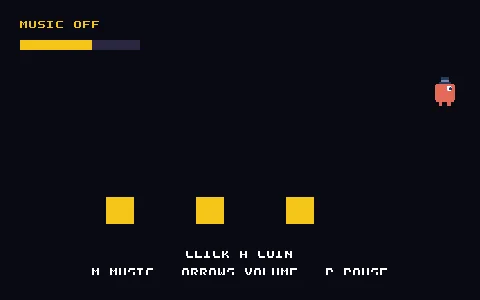 Sound and spatial audiouseLoadAudio loads a clip like a texture and useSound plays it: overlapping effects, music on its own channel and a sound crossing the screen with the bird.
- Spatial audio 3DThe ears are in the perspective camera and face where it looks: a sound moving round it is heard all the way round.
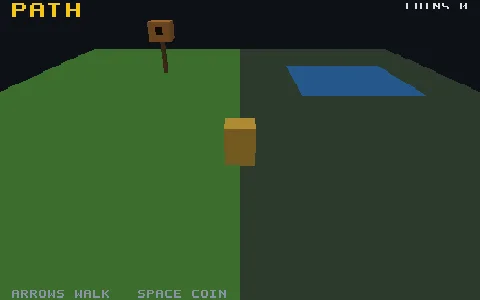 Sound stageA level in four layers of sound: two-layer music, a zone ambience, a birdhouse with a cone and a coin. The ears are on the player.
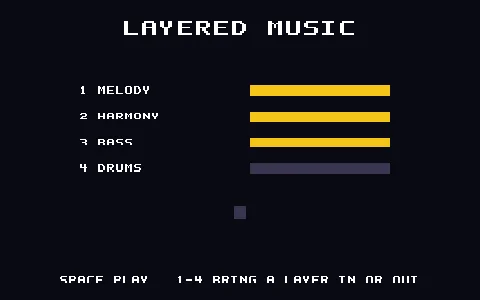 Layered musicOne minuet recorded in four files, melody, harmony, bass and drums, played together and in time. Bring a layer in or out and it comes in on the beat, without the music starting over.
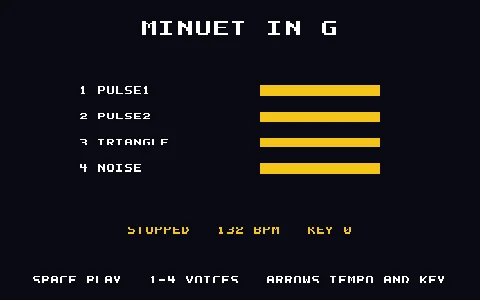 Chiptune songA minuet written as notes and played by the four voices of an 8-bit console. Drop a voice, change the tempo or the key without losing the beat.
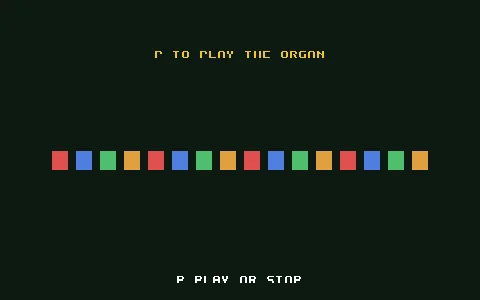 On the beatA stadium organ with an intro that plays once before the loop, and a crowd that jumps on every beat with onBeat.
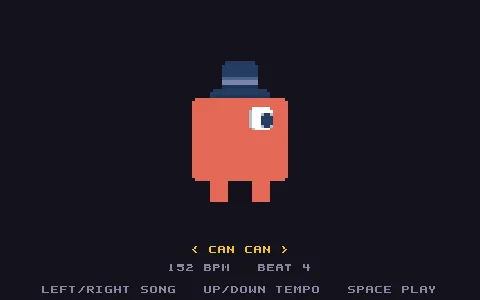 Gammix DanceGammix bobs to the music, three frames chosen by where the song is in its beat with song.beat, and turns round every four bars with onBeat.
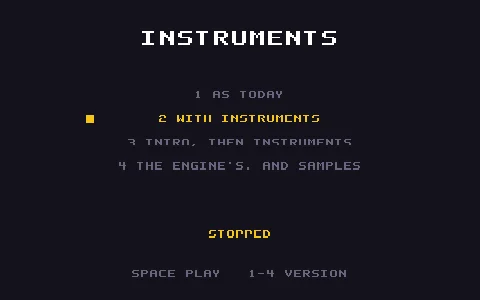 Song instrumentsThe same four bars as plain tones and with instruments: volume, duty, arpeggio and pitch a frame at a time, vibrato and slide.
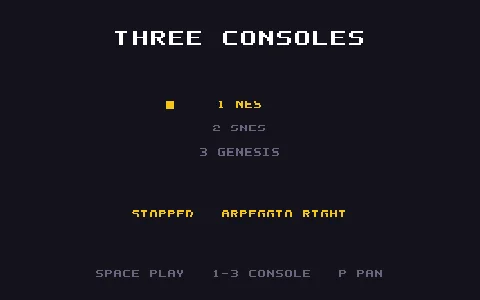 Three consolesThe same four bars on the NES, the SNES and the Genesis, played with the engine's instruments.
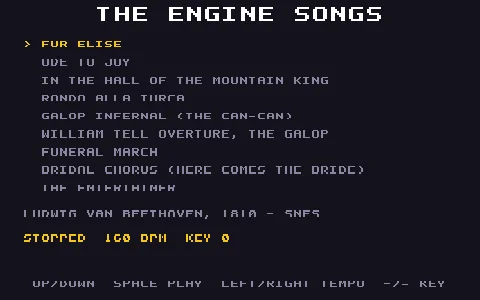 The engine songsThe thirty-nine public domain songs the engine has, asked for by key, with their tempo and key changed while they play.
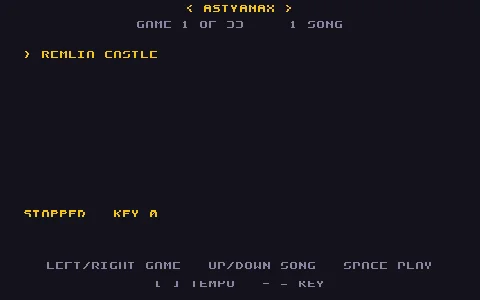 FamiTracker songsSongs made in FamiTracker, by game, each made once into a .song and played on the engine's NES.
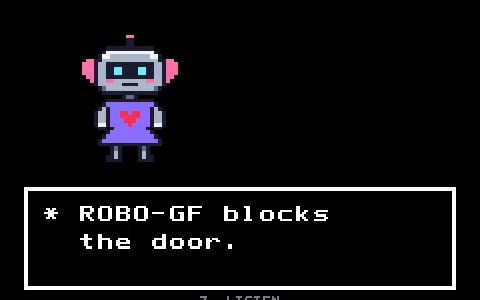 Robot SerenadeA robot sings so that you do not go and slay the dragon: three scenes, three songs in English, sung by voices made sample by sample.
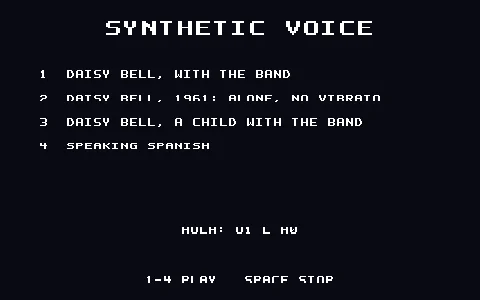 Synthetic VoiceA voice made sample by sample, the way the machines of the eighties talked: it sings Daisy Bell, the first song a computer sang, and speaks Spanish read by rules.
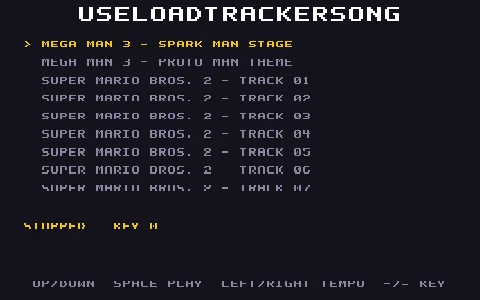 Tracker loaderFamiTracker songs loaded straight from their text export with useLoadTrackerSong, no .song made first, and played on the engine's NES.
 DuckingA home run whose roar takes the music down while it sounds and lets it back up on its own, without touching the options volume.
- Sound made in codeA sound the game works out itself, sample by sample, with no file and no preset: the idle of a two-stroke engine that revs.
Scenes
 First sceneA scene with a sprite and a useUpdate, spread across files: the anatomy of every scene.
 Spawn and destroyObjects that come and go while the game runs: a tank fires bullets with useSpawn and each bullet ends its own life with destroy.
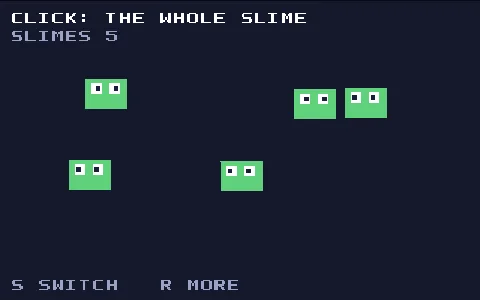 Owner ofFrom the sprite under the pointer to the piece it belongs to: ownerOf(target) leads a click on a slime's eye to the whole slime, and destroy takes it all.
 Multiple scenesThree scenes registered when the game is created: only the first starts, and you change between them by name.
 A scene inside a sceneA scene is an object: the one the scene system runs is the one drawn, and with useSpawn it is one more part of another.
 Using a packA pack loaded like any asset (useLoadPack) and placed twice (createPack), each copy with its own place and settings.
 Pack: a UI kitA pack offering several pieces (a panel, a button, a badge): three copies of one button, each with its own label, reporting to the game.
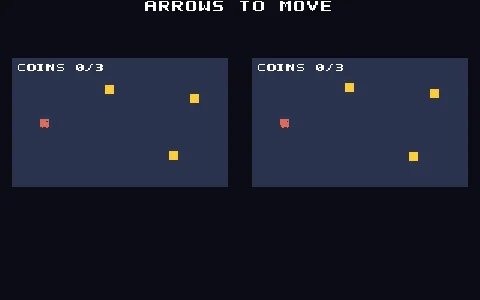 Pack: logic and scenesA pack offering a scene with its logic: a room to walk and pick up coins, placed twice inside another scene.
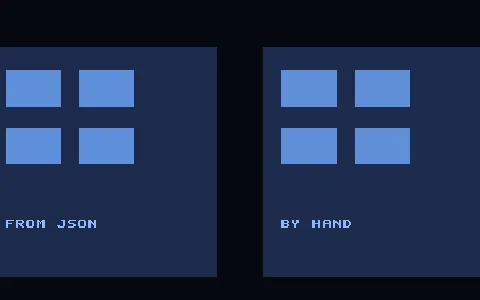 Scene from a documentThe same room from JSON and by hand, side by side: sceneFromDoc gives back an ordinary scene function.
 Scene transitionsfade, wipe, iris and pixelate on scene.change: the shader is the easy half, the lifecycle is the rest.
 Pause menuLaunch a menu and pause the world: a paused scene keeps drawing, which is what makes this possible. Plus slow motion.
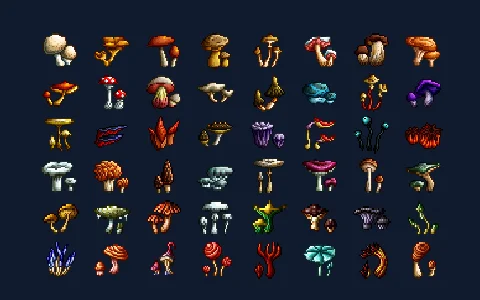 Preload barA loading scene asks for 78 images and tracks them with useLoadProgress, then hands off to a level that uses a few by key.
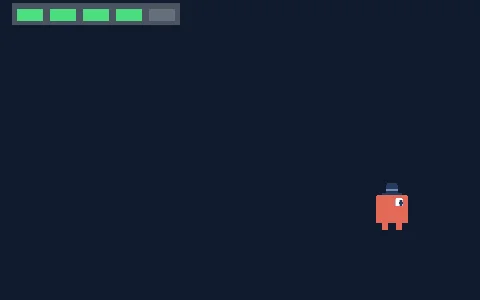 HUD with launchuseScene().launch runs a HUD scene alongside the gameplay one, in parallel, instead of replacing it.
 Scene changeuseScene().change replaces the current scene with another: title and play swap on a timer.
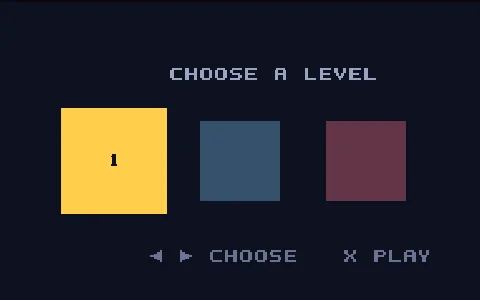 Scenes with propsA menu that opens the level it has chosen, and a level that goes back saying which one to have chosen: a scene takes props like a component, and TypeScript checks them when it is given by its function.
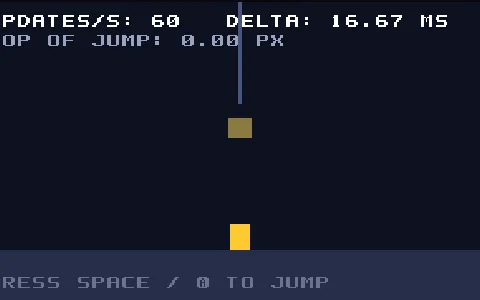 Fixed stepThe game moves in steps of exactly 1/60 of a second whatever the screen, the way the consoles did: a 144 Hz monitor and a 60 Hz one play the very same game.
 Copies of a boxuseSpawn(boxFromDoc): a reusable box, as the editor saves one, made again and again while the game runs.
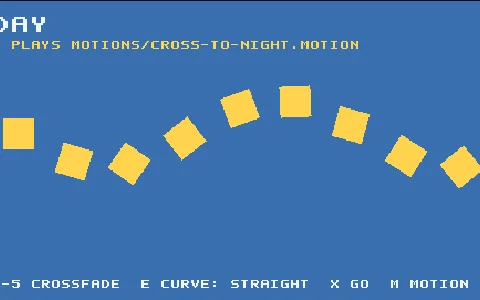 Crossing scenesTransitions with both scenes on screen at once: crossfade, push, and a wipe, an iris and a clock mask with the new scene behind them.
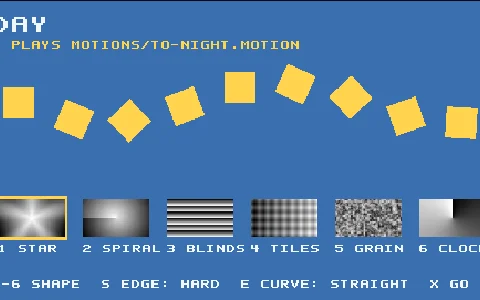 Transition masksdissolve covers in the order a picture's greys say, darkest first: a star, a spiral, blinds, tiles and grain painted in code, and a clock from a file.
 Game systemsCode for the whole game with registerGameSystem: a clock of the time played, achievements that listen to a store and a reset key, running through every change of level and whatever level the game starts on.
State and scripts
 Save the roomSave and restore a scene with its objects and scripts. The HUD shows the controls and document state.
 A store from a documentLoad a pet whose state and actions are defined in a document. Change its values and see the scene react.
 Attach a scriptA behaviour with a name, written once and attached to three objects with different settings.
 Scripts that composeThree behaviours on one object, in three files, with no imports between them: spin publishes how to stop it and toggle reaches it by name.
 Data and watchuseData is state a piece of the scene owns, read as lives.value; useWatch runs when it changes and once on the first frame.
 Shared dataOne useData handed to three parts of the scene: a HUD, a bar and the generator that changes it. Each watches it on its own.
 Watch a loaduseWatch over an asset: the texture announces itself when it lands, so the placeholder is swapped by a callback that runs twice.
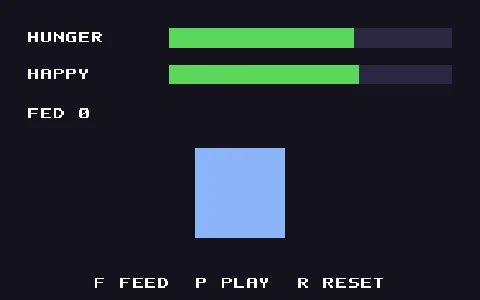 Store and persistencecreateGameStore split across files (state and actions), saved to localStorage so the pet survives a reload.
 SignalsA named event channel: a button emits with createGameSignal and a far-apart screen reacts with useSignal, with no reference between them.
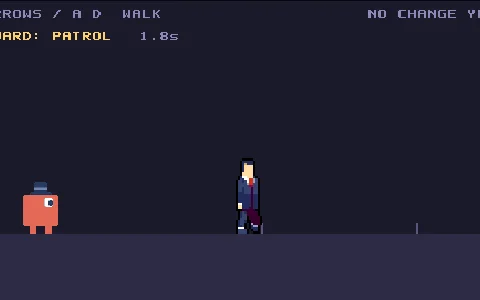 State machineA guard made with useStateMachine: it patrols, chases, attacks, searches and goes back to its post.
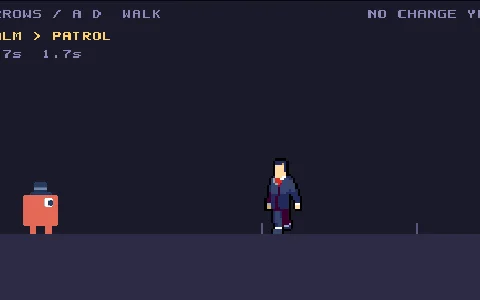 States inside statesThe guard of State machine, now calm or in combat, each with states of its own made with useStateMachine({ parent, state }).
Text and UI
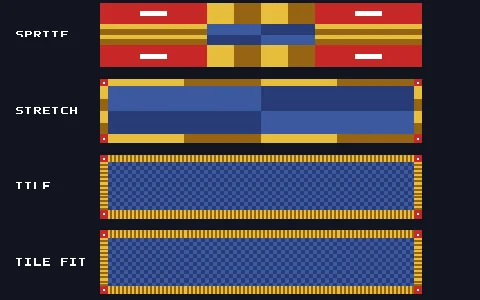 Nine-sliceOne frame picture at any size without deforming its corners: a stretched sprite beside createNineSlice stretching, tiling and fitting.
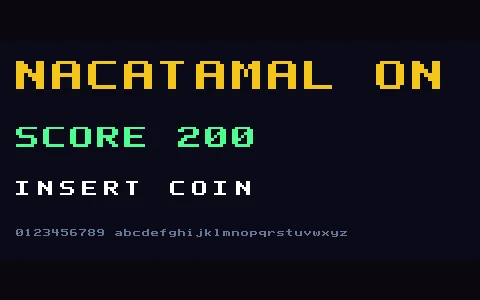 Bitmap textuseLoadBitmapFont loads a bitmap font and createText writes with it, live score counter included.
 Font galleryTwo free bitmap fonts at different sizes and tints, and a scrolling ticker.
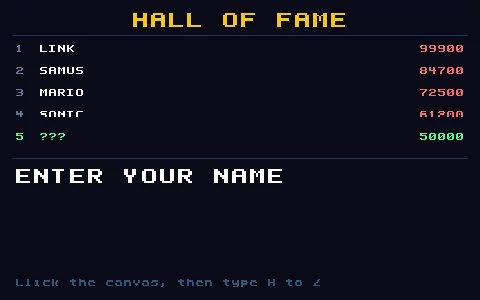 Arcade high scoresThe classic high-score table, with name entry from the keyboard.
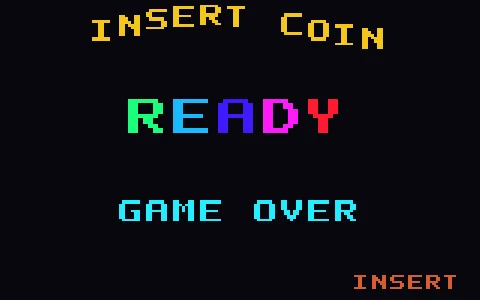 Dancing fontsA per-letter wave, a rainbow cascade, a CRT glitch and a scrolling ticker: every character animated on its own.
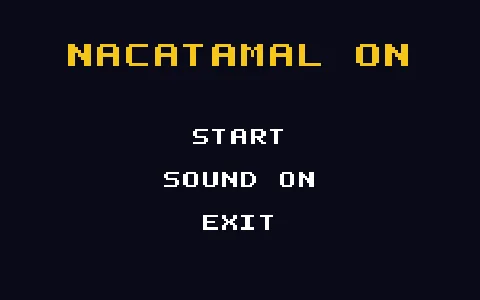 Text menuTexts take the same pointer events as sprites: a menu that lights up on hover and changes scene.
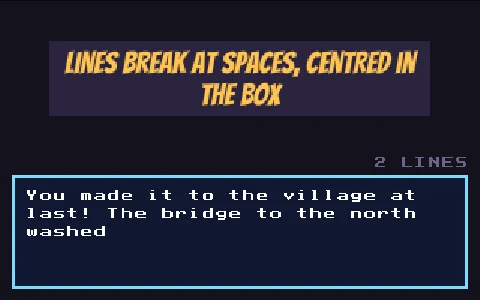 Text wrapstyle.maxWidth breaks a text's lines by itself, and measureText says how it is set: a sign that fits its words, and a dialogue written letter by letter.
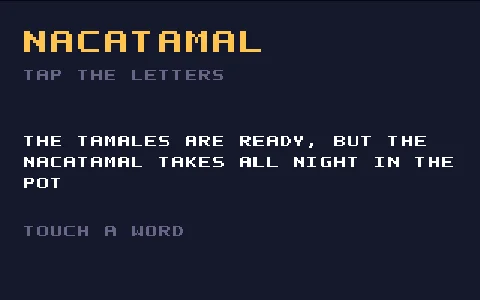 Letter atletterAt(text, info) says which letter of a text is under the pointer: to spell a word, or to pick a word of dialogue.
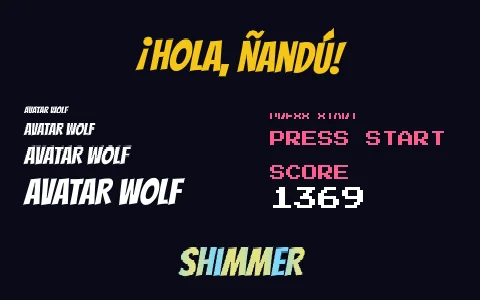 Vector fontsuseLoadFont reads a .ttf or .woff, and the text stays sharp at any size, scale, turn or camera zoom.
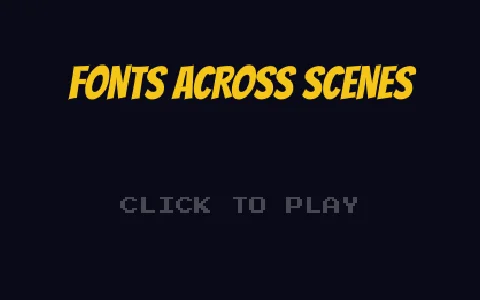 Fonts across scenesOne scene loads every font under a key; the rest of the game names them with font: 'title'.
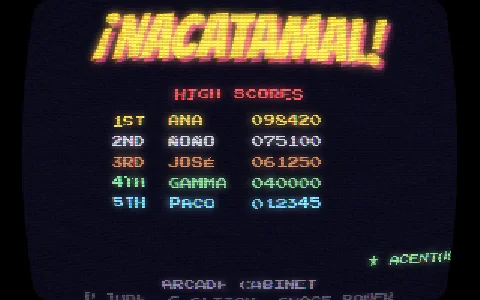 Arcade attract screenTwo .ttf fonts under bloom, an NTSC cable, a CRT tube and a glitch on demand.
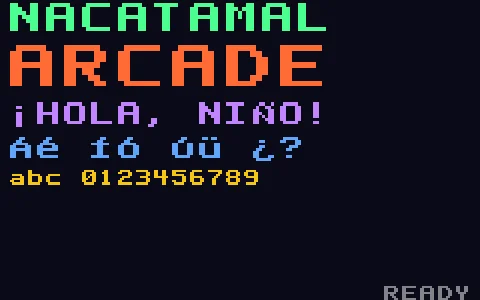
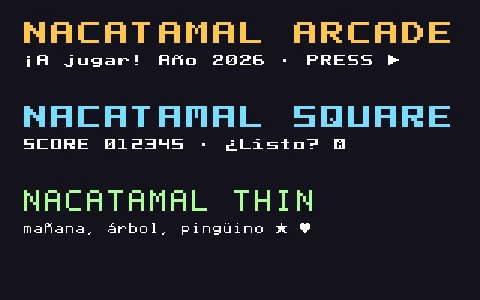 Built-in fontsThree fonts every game has, named by key: Nacatamal Arcade, Square and Thin, with accents, ñ and icons.
Frameworks
 React HUD
Experiments
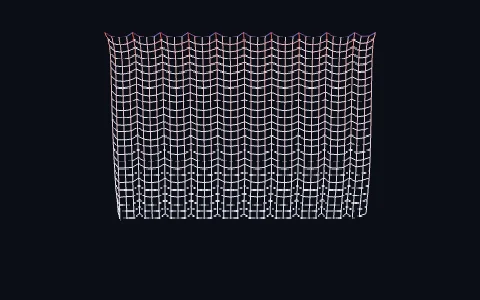 ClothThe classic cloth: 1,040 points joined by springs. The mouse pokes it, dragging grabs and tears it, and shift cuts it.
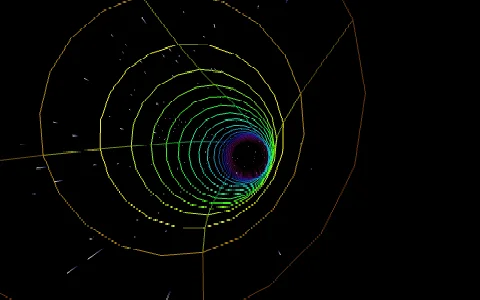 Warp tunnelThe demoscene classic: a wireframe tube that bends and cycles through the rainbow, and 700 stars that stretch into streaks at warp speed.
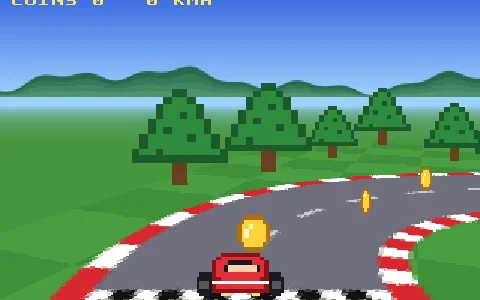 Mode 7The floor of a 16-bit kart racer at the SNES's own 320×224: one flat track picture, turned and stretched per pixel by createMode7.
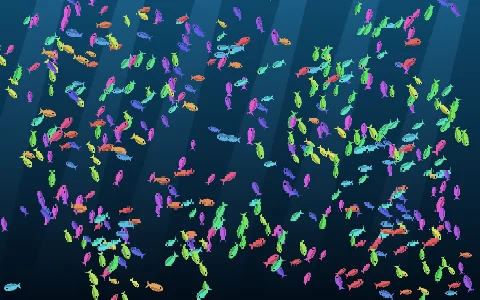 BoidsA shoal of 450 fish with no leader, following three rules. The mouse is a predator and a click drops food.
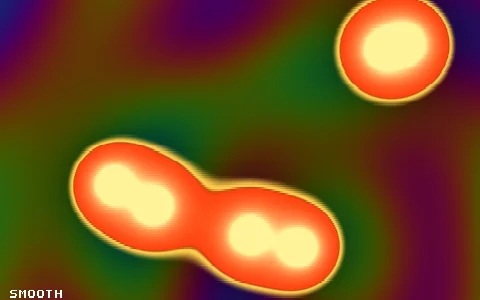 Plasma and metaballsTwo demoscene classics on one material: a palette-cycling plasma and six blobs of lava that melt together, one of them following the mouse.
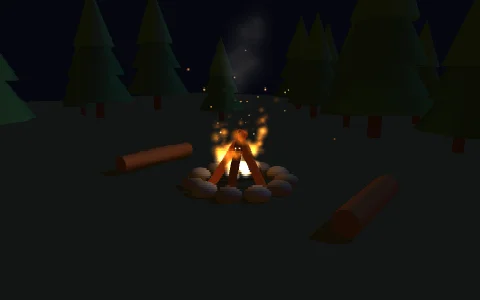 CampfireA fire in a clearing at night: flames, sparks that bounce off the ground and smoke, a flickering light, and the moon throwing shadows.
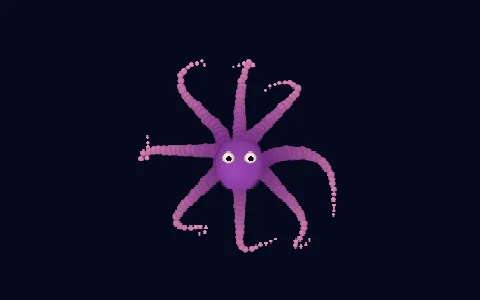 TentaclesA creature with eight arms of 24 joints, solved by inverse kinematics: they reach for the mouse, and a click sends it swimming.
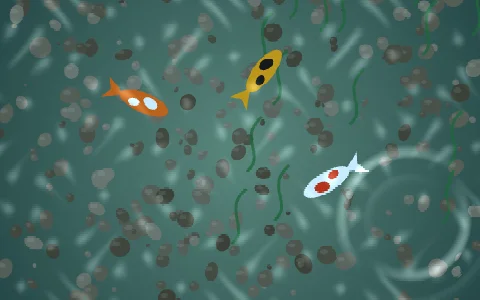 RipplesA pond seen from above: every drop sends out a ring that refracts the bottom and catches the light.
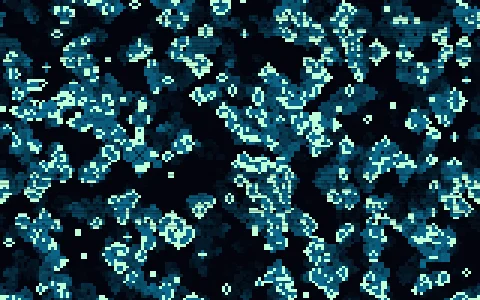 Game of LifeConway's Game of Life on 17,000 cells, run entirely on the graphics card by two textures taking turns.
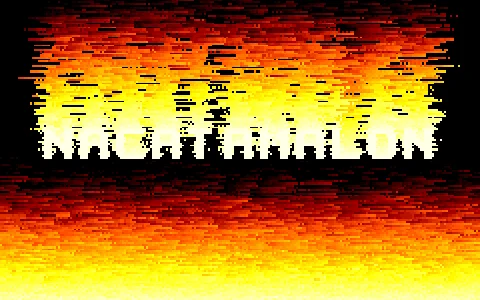 Doom fireThe fire of Doom on the PlayStation and the Nintendo 64, with a word burning in it, computed on the graphics card.
 FireworksRockets that burst into palms of sparks that crackle as they die: three .particles files setting each other off.
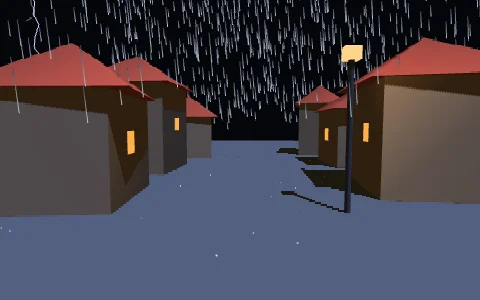 StormA village in the rain: a click on the ground calls down a bolt that lights everything, and the thunder arrives later the further away it struck.
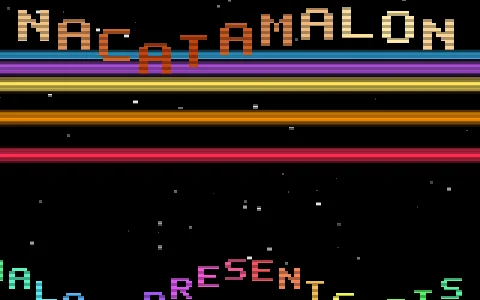 CracktroAn Amiga cracktro at 320×256: copper bars, a logo that bounces letter by letter, three layers of stars, a sine scroller and a chiptune.
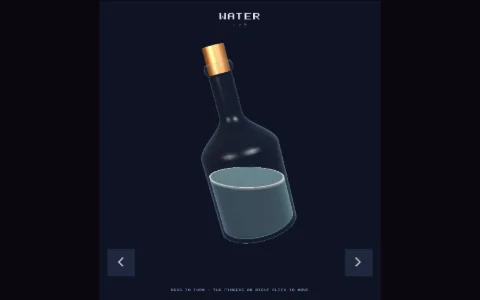 BottlesBottles of water and soda whose liquid sloshes, keeps its volume, ripples, foams at the glass and fizzes, turned from one profile and shaded with the shader composer.
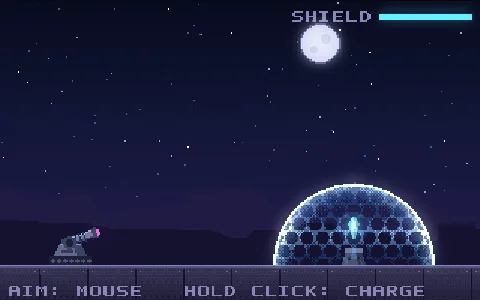 Energy shieldA plasma cannon against an energy shield: one sprite material with its honeycomb and its cracks as maps painted in code.
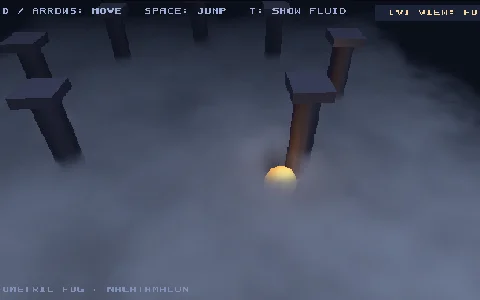 Volumetric fogGround fog that behaves like a fluid: 48 see-through sheets share one 3D material that reads a fluid simulated on the CPU.
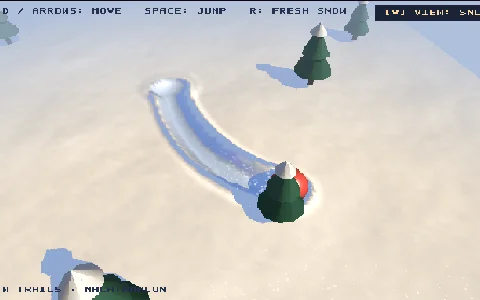 Snow trailsA ball ploughing deep snow: a height field in 64 chunks, and only those it touched are rebuilt each frame.
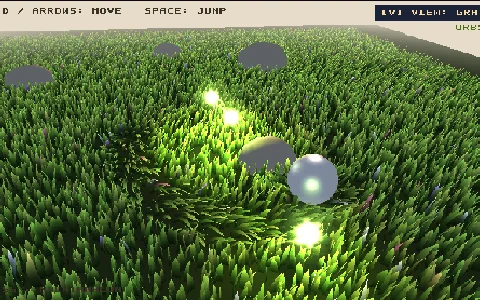 GrassA meadow of about 37,000 blades, each an instance of one shape, bent in the vertex hook of one 3D material, with the ball's trail painted into a picture of the meadow.
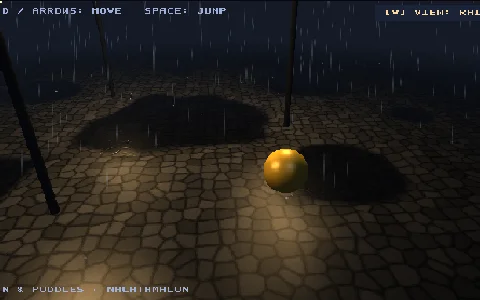 Rain & puddlesA rainy night on wet cobbles: puddles shaped by the ground, with raindrop rings and lamp glints drawn in one 3D material.
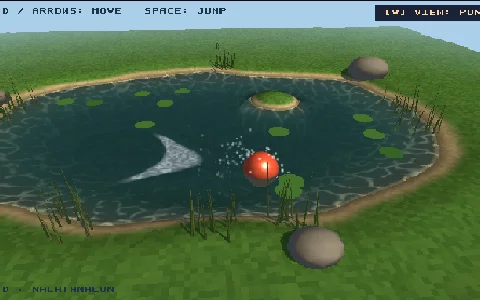 PondA sunny pond with simulated waves: a floating ball with a V-shaped wake, rings that bounce off the shore, lily pads that ride the waves, and caustics on the bottom.
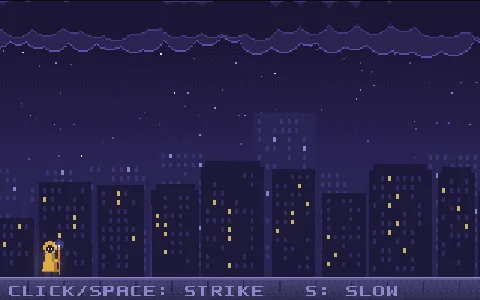 LightningA lightning strike over a city at night, painted in code: a bolt with branches, a glow in dithered bands, sparks, bloom and synthesized thunder.
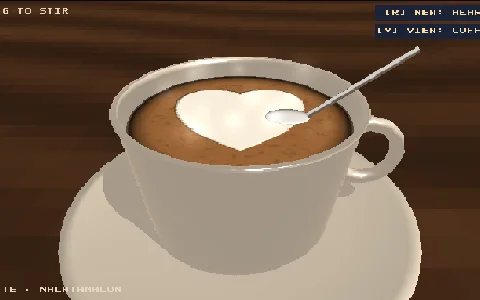 LatteA cup of coffee with latte art and a spoon that stirs it: the foam stretches into spirals, keeps swirling after the spoon stops and slowly mixes into the coffee.
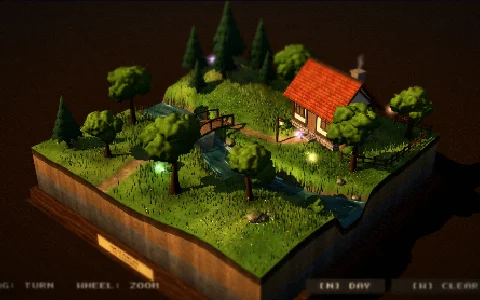 3D dioramaA small world on a walnut stand, made only in code: a river with a bridge, a cottage with smoke, trees and grass in the wind, fairy lights, day and night, and weather.
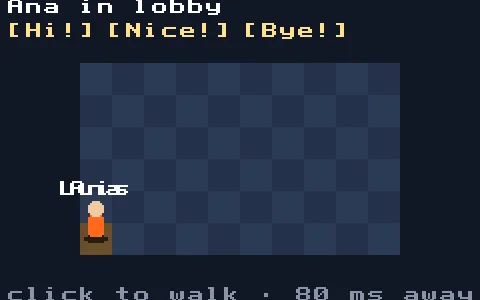 Online lobbynacatamalon/net: a room on a server and two players, all in this page. The same scene runs in the server's room, which decides, and in each player's game, which asks: click a tile to walk, a word to speak.
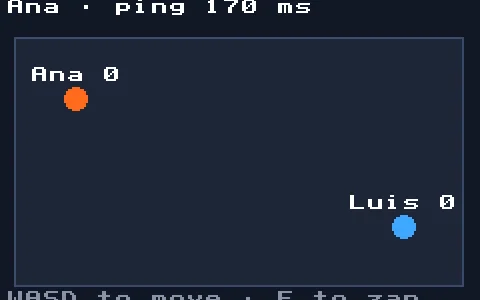 Online arenanacatamalon/net in real time: two players move with their keys and zap each other. Each page moves its own fighter at once and takes the server's word when it comes; the server decides each zap where the zapper saw the other.